7.5 Quick language selection

Quick language selection via the remote control

When no OSD menu is visible on the screen, press the Info button (1) on the remote control.
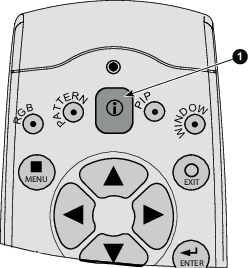
Image 7–8 Info button

The language selection menu is displayed on the screen.

Select the desired language with the ▲ ▼ key and press ENTER to activate. The current active language is indicated with a selected radio button
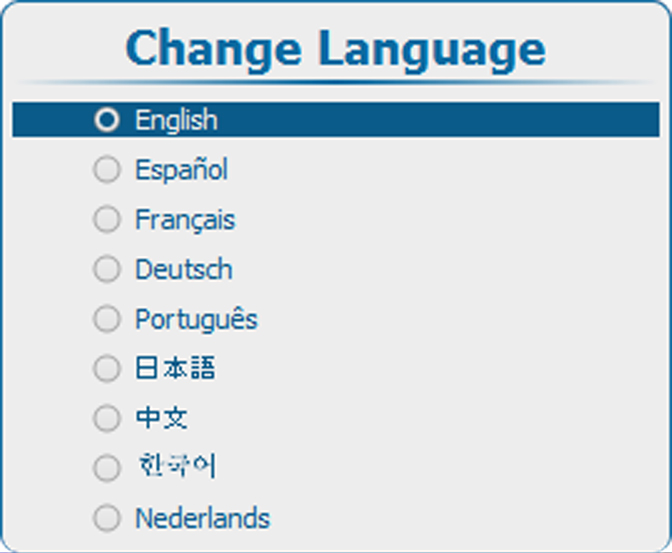

Image 7–9 Language selection
Language selection via OSD
  1. Press Menu to activate the menus and select Projector ControlChange Language.
  2. Press ENTER to open the language selection menu.
  3. Select the desired language with the ▲ ▼ key and press ENTER to activate.

    The current active language is indicated with a selected radio button
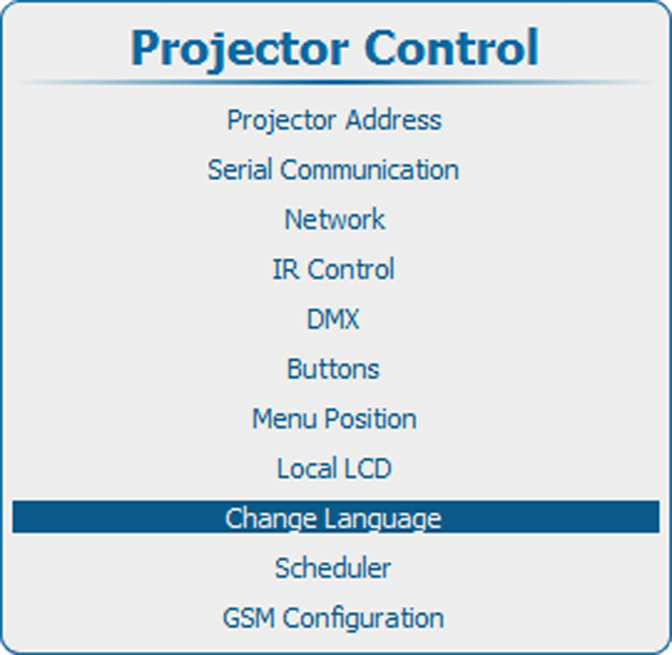
    Image 7–10 Main menu, projector control
    Image 7–11 Projector control, change language
    Image 7–12 Language selection