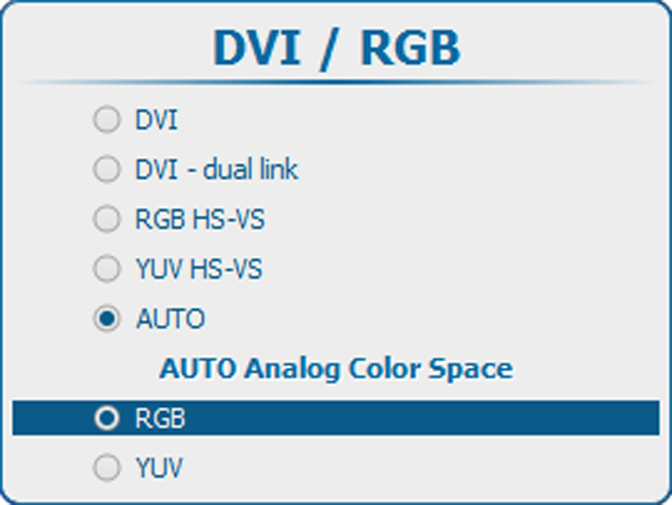
How to select
Select DVI / RGB and press ENTER to open the selections
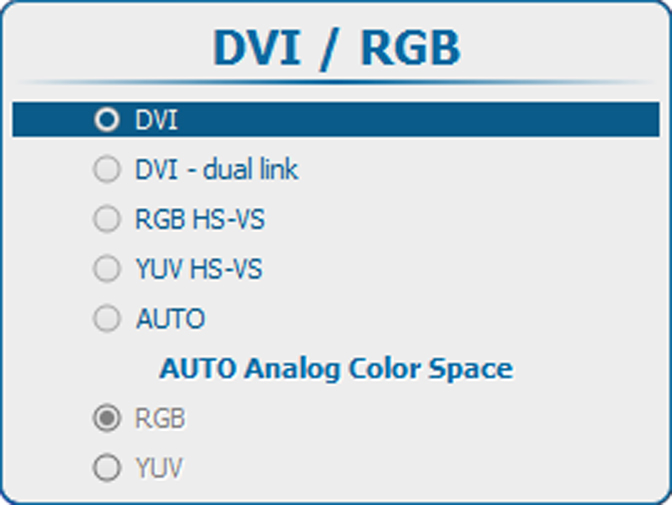
The following selections are possible:
- DVI
- DVI - dual link
- RGB HS-VS/CS
- YUV HS-VS/CS
- AUTO

Select DVI / RGB and press ENTER to open the selections
The following selections are possible:

When AUTO is selected, the input source is automatically detected (only for DVI, RGB or YUV). When an analog source is detected in AUTO mode, then the Color Space must be selected as no automatic detection is possible.
Use the ▲ or ▼ key to select the correct color space and press ENTER to select.