What must be done?
The light output target can be set. This value will force the projector to produce the target lumens when the CLO mode is set to

The light output target can be set. This value will force the projector to produce the target lumens when the CLO mode is set to
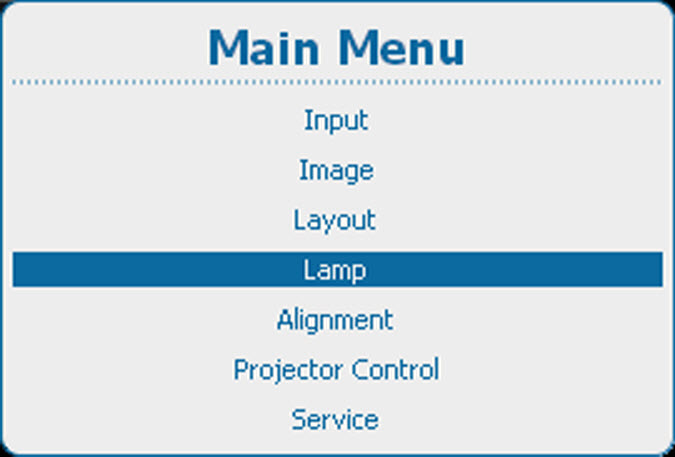
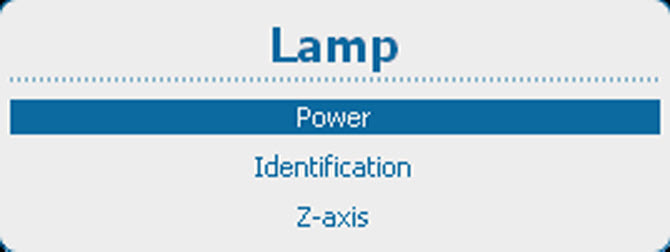
Press Menu to activate the menus and select → → .
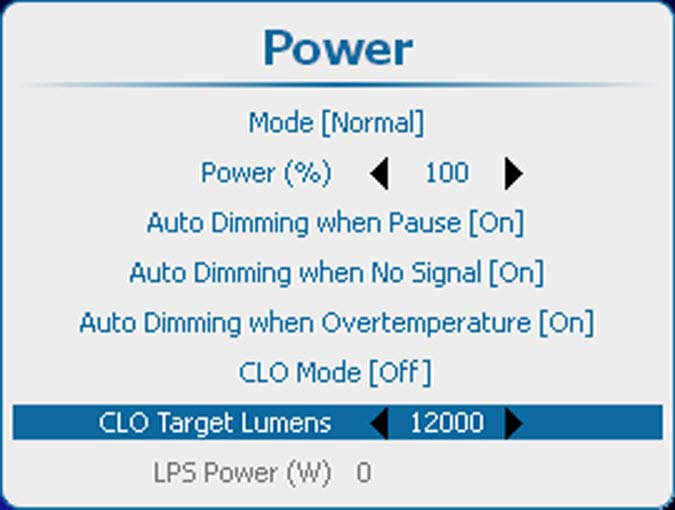
Use the ◄ or ► key to change the CLO target lumens.
Depending on the projector model, the value range can be different. The screenshot is only given as information. For the exact values, see the specifications of the specific projector.