What can be done?
All settings of the projector will be set to the original factory settings. All user settings are erased with this operation.

All settings of the projector will be set to the original factory settings. All user settings are erased with this operation.
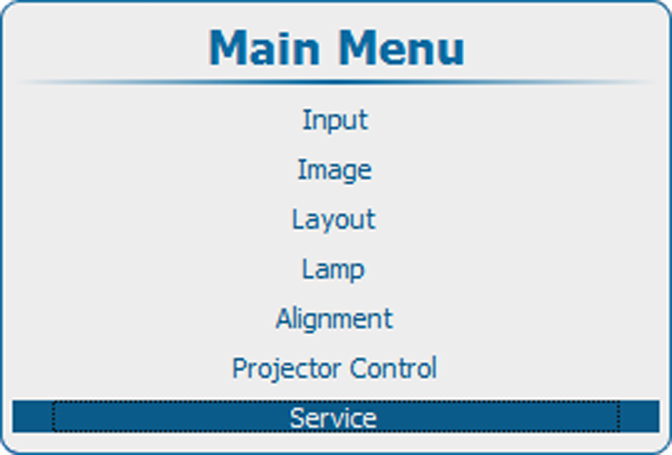
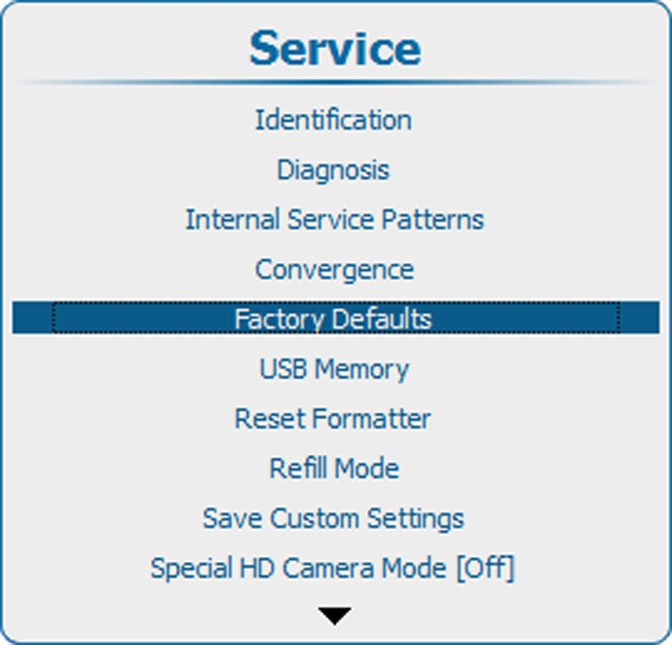
Press Menu to activate the menus and select → .
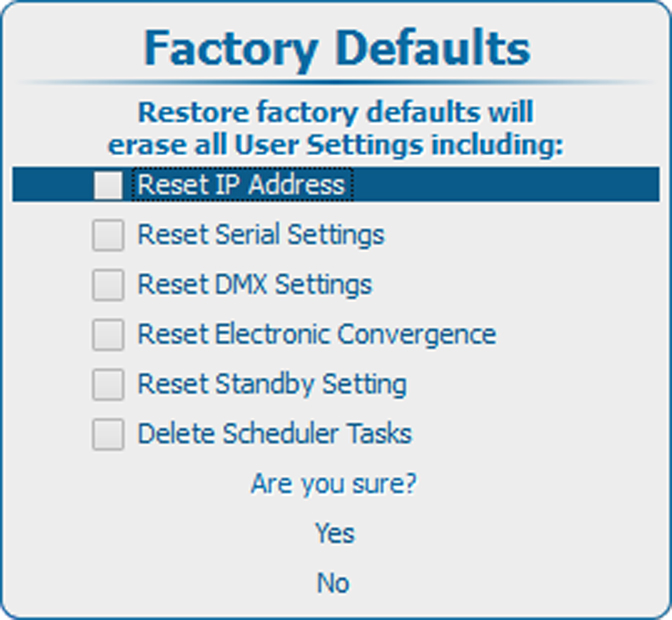
By default the following settings are excluded
If you want to restore also one of the items in the list, check the check box in front of that item.
Select to restore the factory settings.
Select to stop the restore process.