15.4 Internal Service Patterns
How to select
Press Menu to activate the menus and select → .
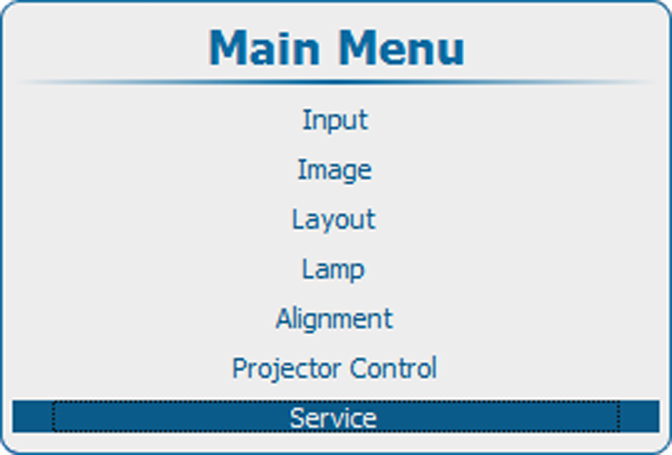 Image 15–34 Main menu, service
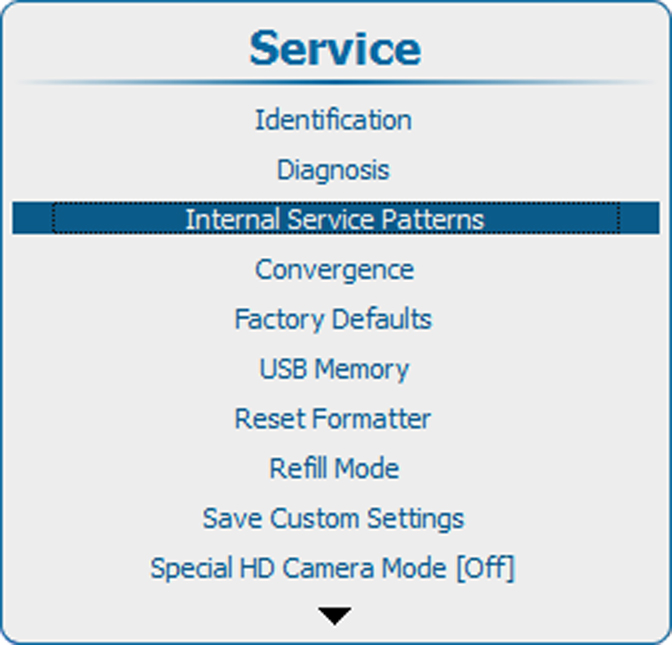 Image 15–35 Service, Internal service patterns
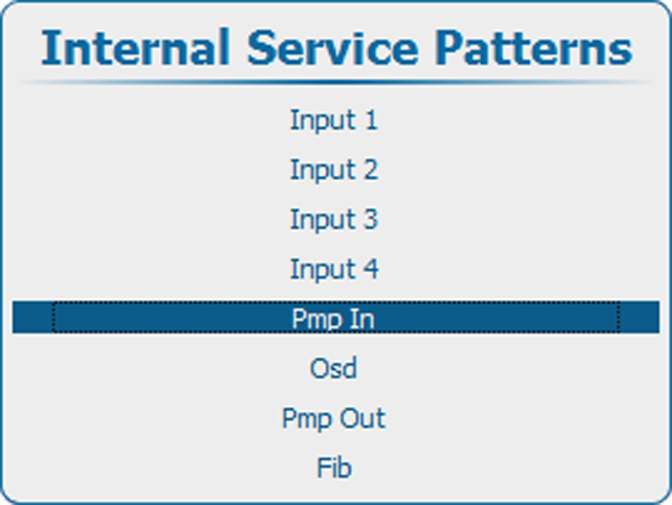 Image 15–36 Internal service patterns, Pmp In
- Use the ▲ or ▼ key to select the desired internal service pattern and press ENTER to open a selection menu.
Input patterns
Input items in the Internal Service Patterns menu are only shown when the corresponding slot contains an input board.
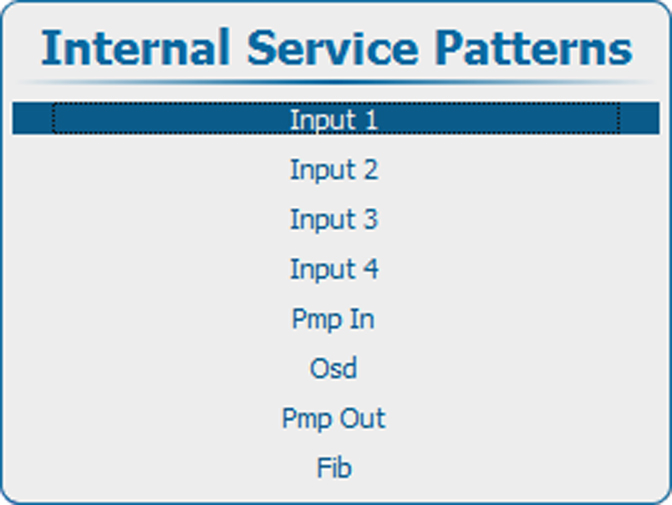 Image 15–37 Internal service patterns, input
Press ENTER to display the list of possible patterns.
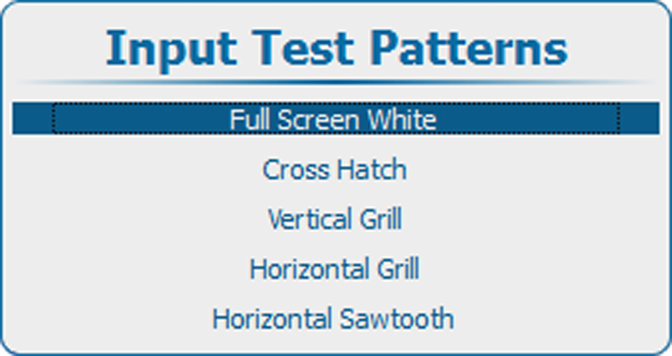 Image 15–38 Input test patterns
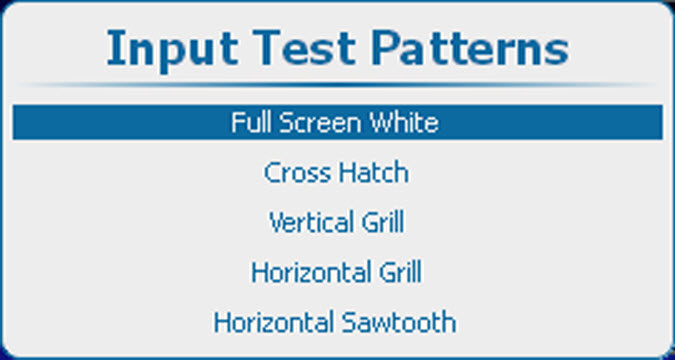 Image 15–39 Input test patterns
Pmp In patterns
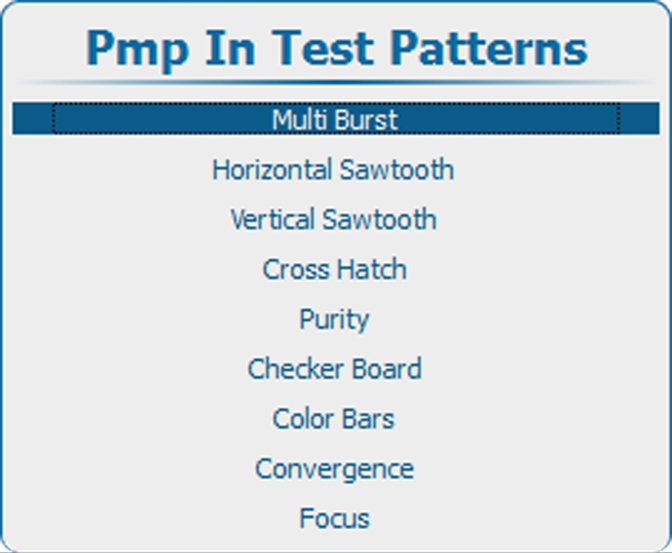 Image 15–40 Pmp In test patterns
To change the options for the selected pattern, use he ► key to open these options. The number of options can change for the different patterns.
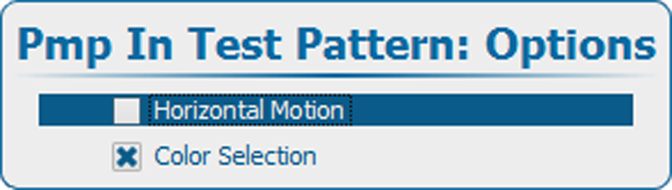 Image 15–41 Pmp In test pattern options
Use the ▲ or ▼ key to select an option and press ENTER to select. The checkbox in front of that item will be checked.
Osd patterns
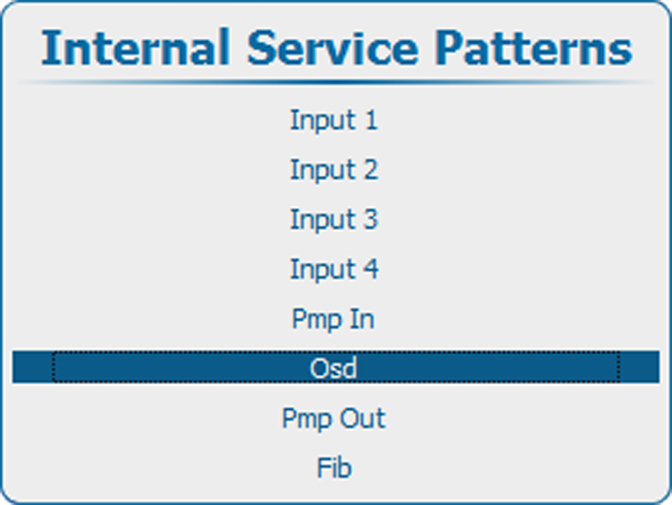 Image 15–42 Internal service patterns, OSD
Press ENTER to display the list of possible patterns.
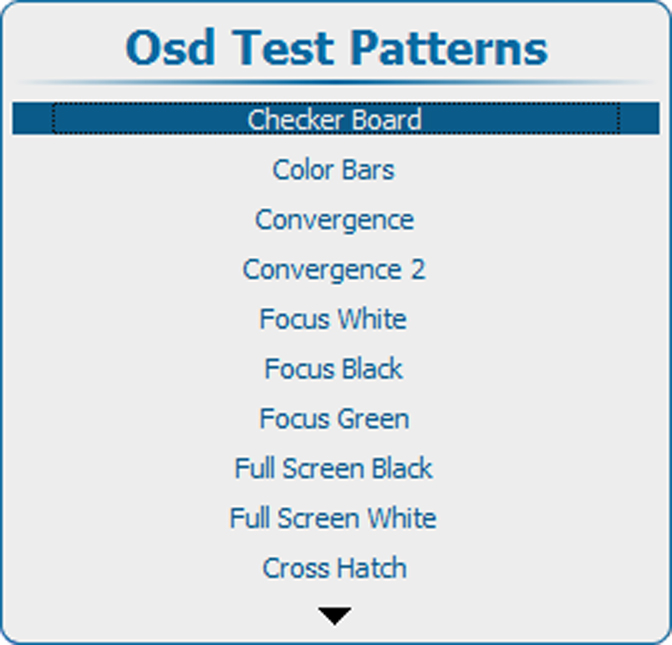 Image 15–43 OSD Test patterns
Pmp out patterns
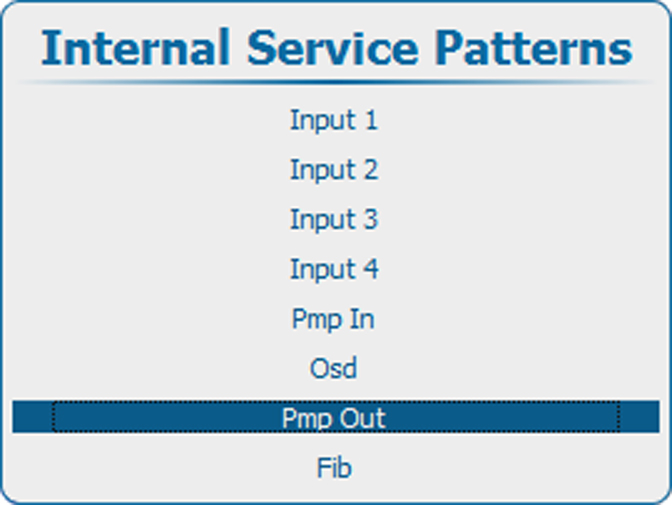 Image 15–44 Internal service patterns, Pmp Out
Press ENTER to display the list of possible patterns.
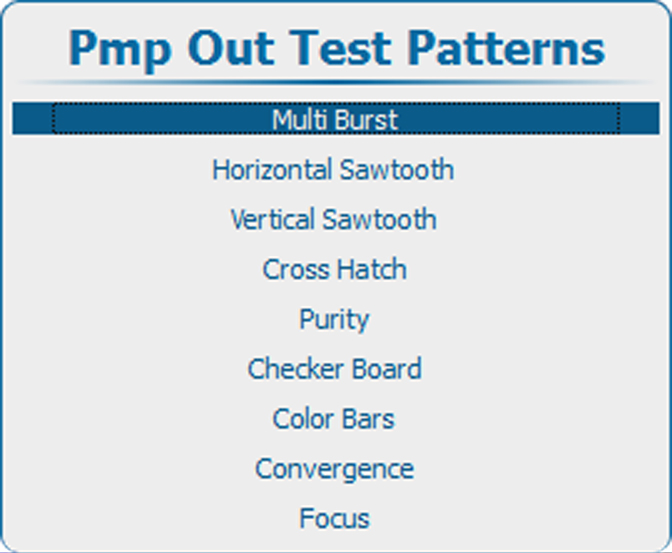 Image 15–45 Pmp out test patterns
To change the options for the selected pattern, use he ► key to open these options. The number of options can change for the different patterns.
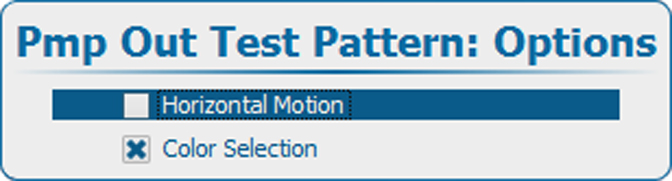 Image 15–46 Pmp out internal service test patterns options
Fib patterns
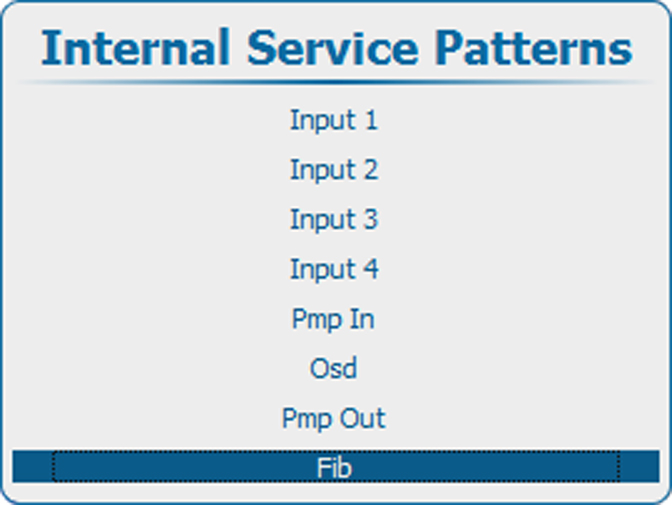 Image 15–47 Internal service patterns, Fib
Press ENTER to display the list of possible patterns.
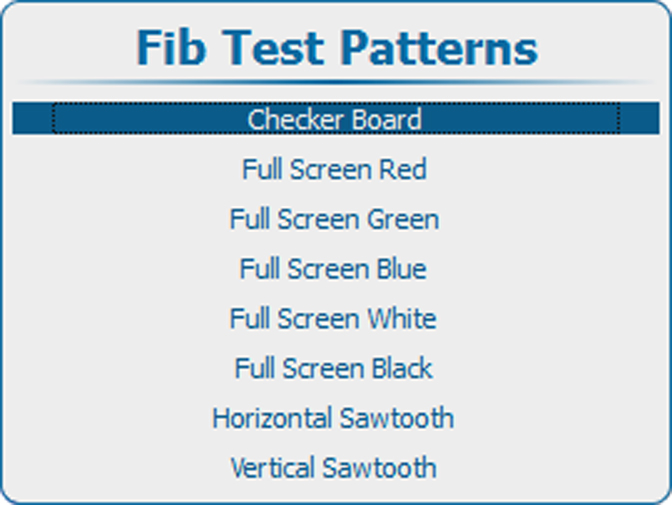 Image 15–48 Fib test patterns
