
How to shift lens
Press Menu to activate the menus and select → .

Image 13–8 Main menu, alignment 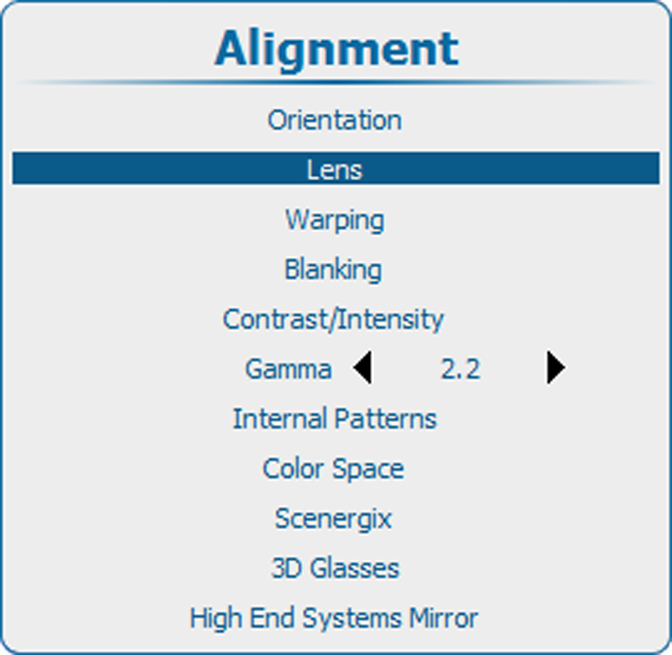
Image 13–9 Alignment, lens Use the ▲ or ▼ key to select and press ENTER to activate.
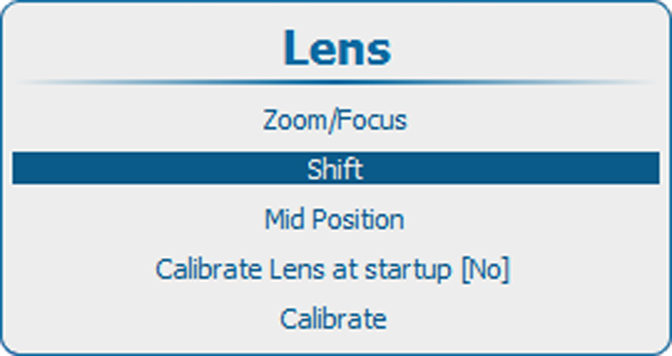
Image 13–10 Lens, shift Use the ▲ or ▼ key to shift the lens in vertical direction.
Use the ◄ or ► key to shift the lens in horizontal direction.
Press ENTER to switch to Zoom/Focus adjustment.

Image 13–11 Shift adjustment