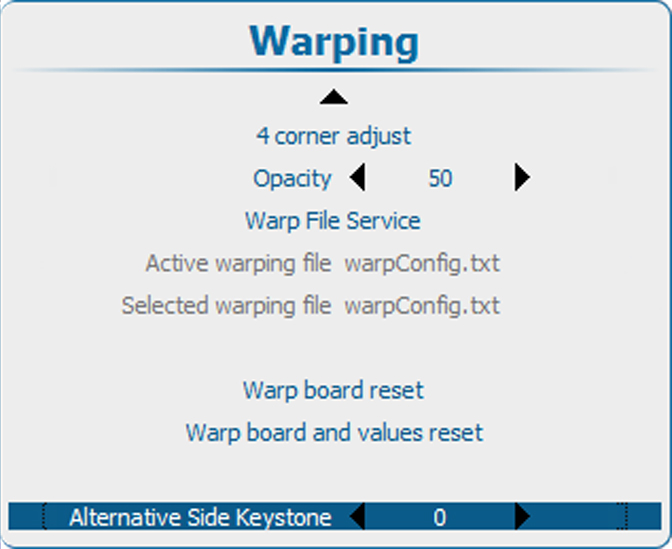
About the alternative side keystone
For 3D sources with a frequency higher than 30 Hz/eye, the warp unit cannot be used anymore. Therefor, for these source the alternative side keystone can be used.

For 3D sources with a frequency higher than 30 Hz/eye, the warp unit cannot be used anymore. Therefor, for these source the alternative side keystone can be used.
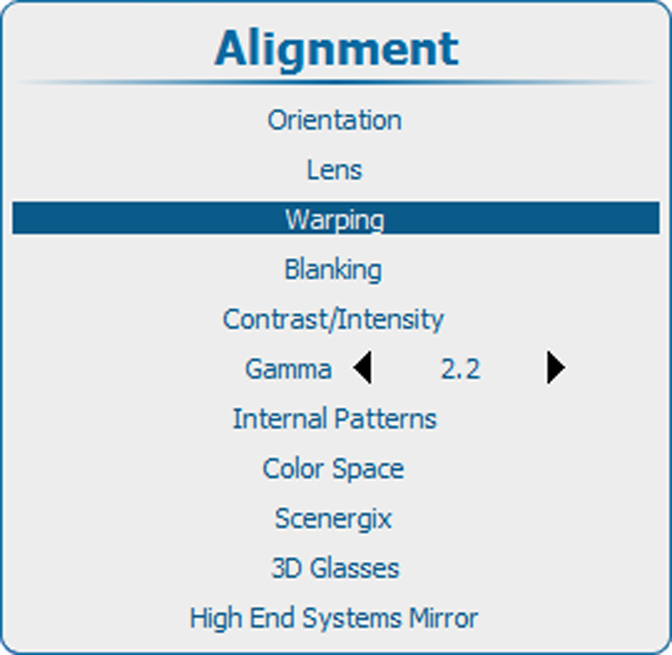
Press Menu to activate the menus and select → ing → ..