What can be done?
The principle of a pair of Stereo Glasses is :
- When the left image is projected, the left shutter is open, allowing the left eye to see the left image. The shutter for the right eye is closed.
- During the blanking period, before projecting the right image, the left shutter is closed and the right shutter will open.
- The right image is projected, the right shutter is open, allowing the right eye to see the right image.
The ideal situation is when the opening/closing times of these shutters are in sync with the blanking time of DLP mirrors.
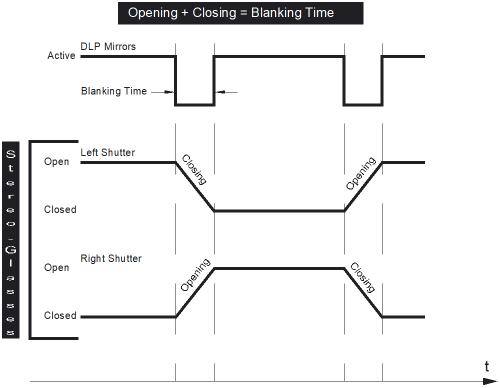
Closing these shutters too late and/or opening too early will cause Cross-Talk.
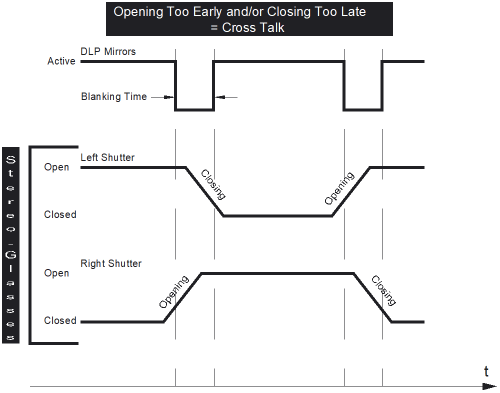
Closing these shutters too quickly and/or opening too slowly will cause Color Artifacts.
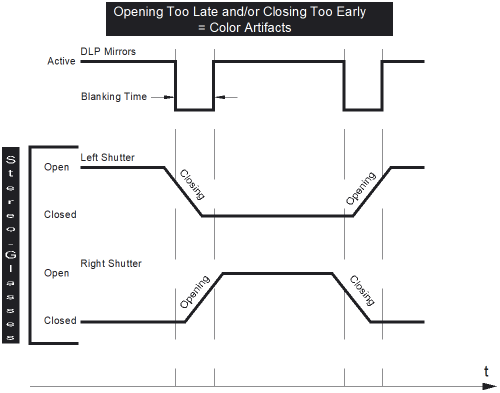
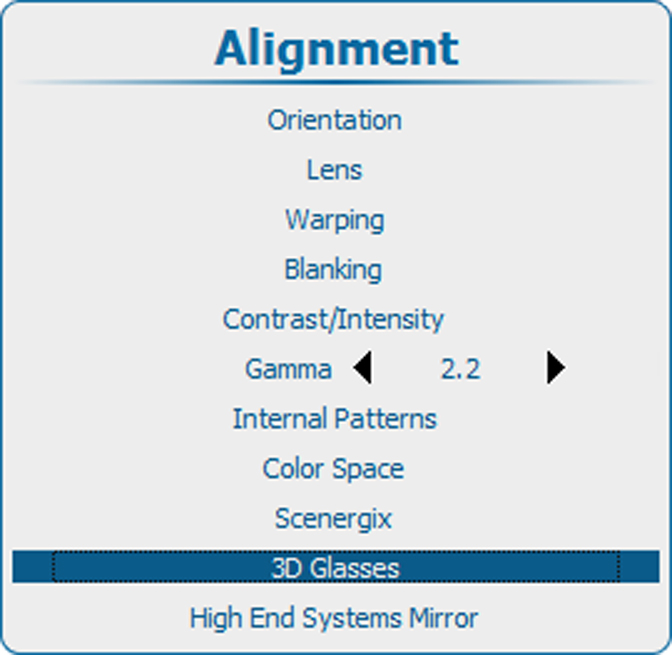
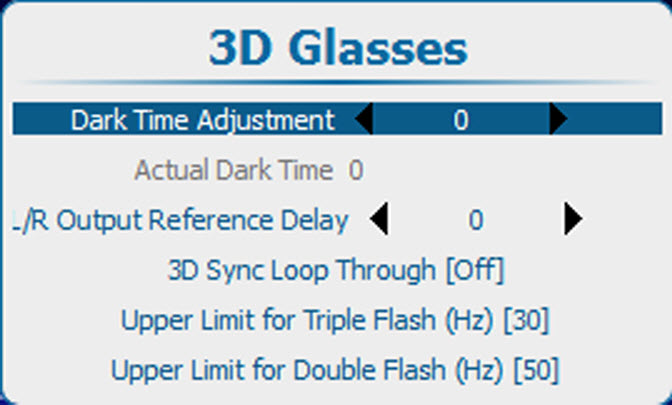
Adjusting the Dark Time will allow an easy synchronization of the Blanking Period of the DLP mirrors with the opening/closing time of the shutters in the Stereo Glasses.