What can be done?
The scheduler can be switched on or off.
When switched on, the tasks in the list will be executed on the given time.

The scheduler can be switched on or off.
When switched on, the tasks in the list will be executed on the given time.
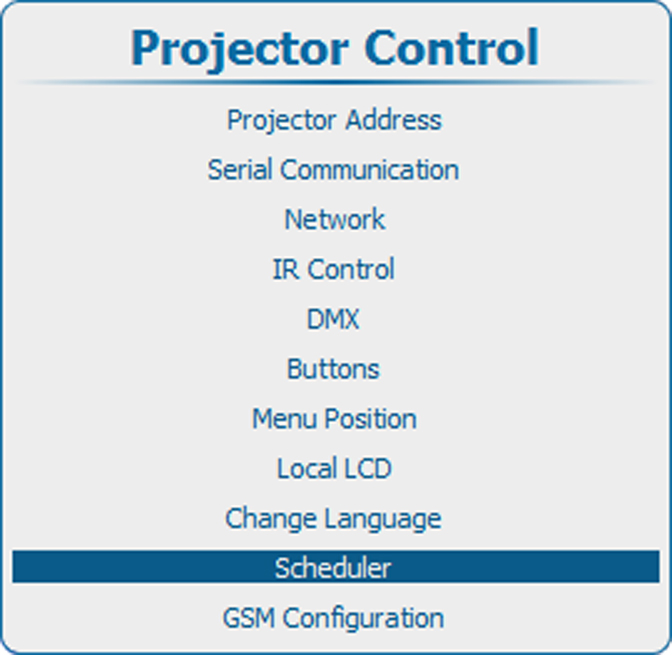
Press Menu to activate the menus and select → → .

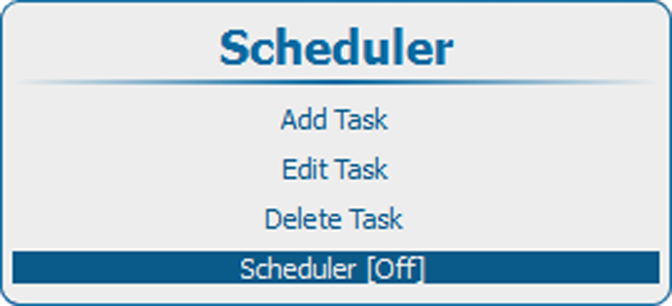
Press ENTER to toggle between and
| On | Scheduler will execute the tasks in the list. A schedule symbol is added at the left bottom corner of the local LCD panel ( |
| Off | No tasks are executed |
 .)
.)