14.7.5 Front XLR output voltage control

What can be done ?

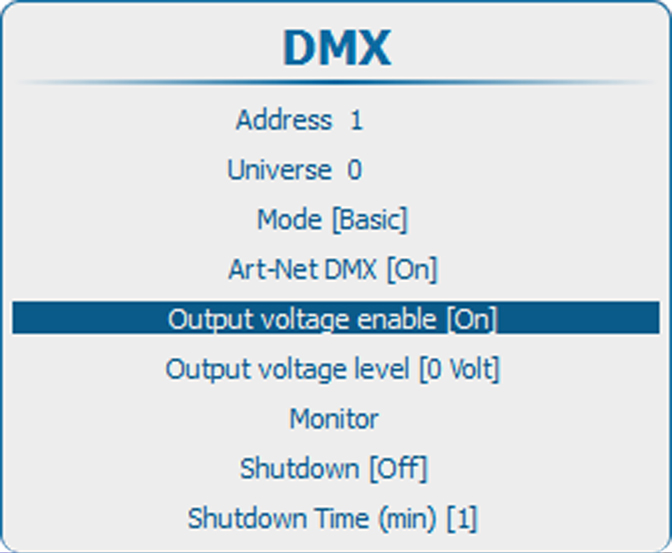
The output voltage on the front XLR connector can be enabled or disabled.

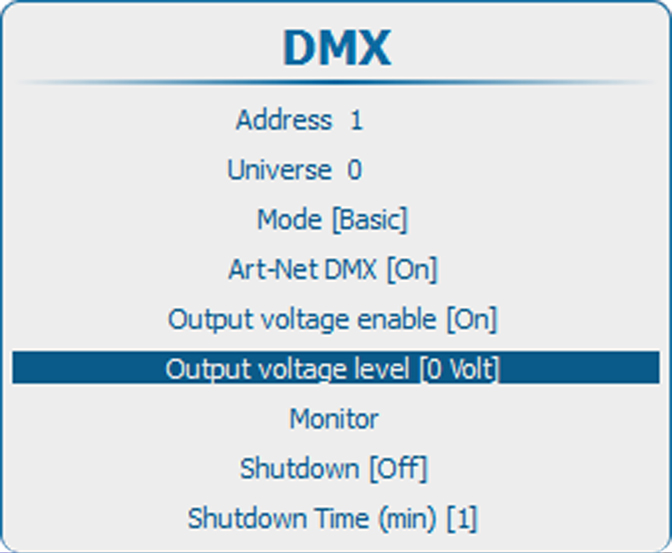
The output voltage level can be set to 0V, 9V, 12V or 24V.

DMX Art-Net can also enable the output voltage on the front XLR connector. To avoid that per accident a voltage is activated via DMX Art-Net, set level to 0 V

How to enable or disable
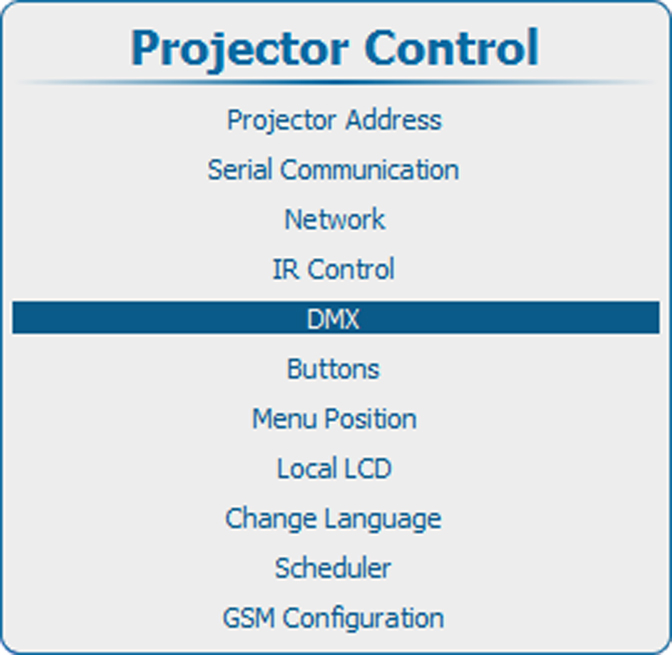
  1. Press Menu to activate the menus and select Projector ControlDMXOutput voltage enable.

    Image 14–77 Main menu, projector control
    Image 14–78 Projector control, DMX
    Image 14–79 Front XLR Output voltage enable
  2. Press ENTER to toggle between [On] and [Off].

    [On] : Front XLR Output voltage enabled.

    [Off] : Front XLR Output voltage disabled.

Output voltage level setup
  1. Press Menu to activate the menus and select Projector ControlDMXOutput voltage level.

    Image 14–80 Main menu, projector control
    Image 14–81 Projector control, DMX
    Image 14–82 Front XLR output voltage level
  2. Press ENTER to toggle between [0 Volt], [9 Volt], [12 Volt] and [24 Volt].