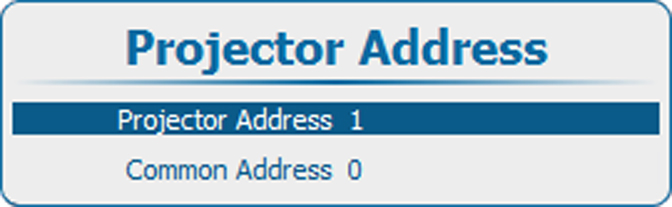
14.2 Individual Projector Address

About individual projector address

Before a projector, and only this projector, can be controlled via a remote control, an individual address must be entered in the projector.

This individual projector address can then be used to control the projector via remote control or via a serial connection.

Next to an individual projector address, each projector has also a common address for group control.

How to set the address
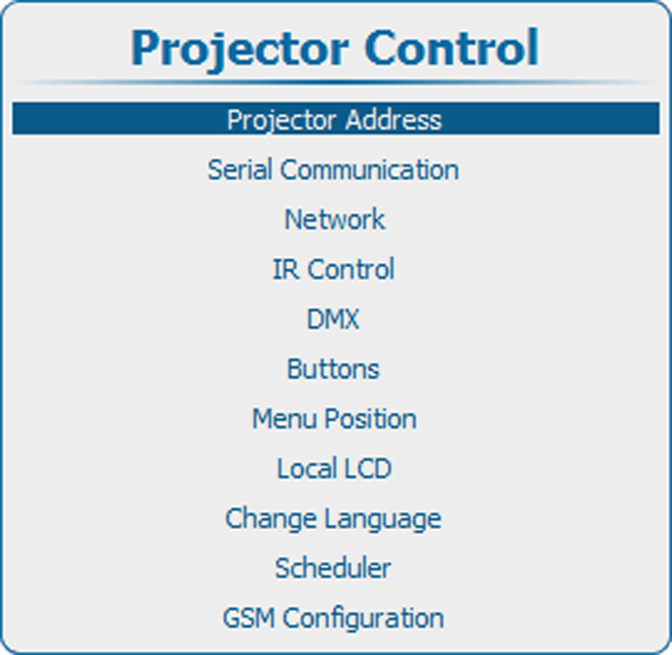
  1. Press Menu to activate the menus and select Projector ControlProjector AddressProjector Address.

    Image 14–1 Main menu, projector control
    Image 14–2 Projector control, projector address
    Image 14–3 Projector address
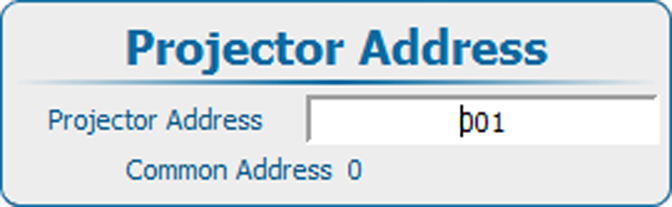
  2. Press ENTER to activate the address input.

    Image 14–4 Projector address, input
  3. Use the ▲ or ▼ key to change the selected character.

    Use the or key to select another character.

    Note: Digits can be entered with the digit keys on the remote control or the local keypad. When a digit is entered in that way, the next character will be selected automatically.