9.9.5 3D second input

What can be done?

3D content can be entered into the projector via a single channel (one input) or via 2 channels (2 inputs). When entering content via 2 channels, the second source must be indicated in the 3D menu.

This selection is only possible when a 2 channel 3D input is chosen.
How to make selection
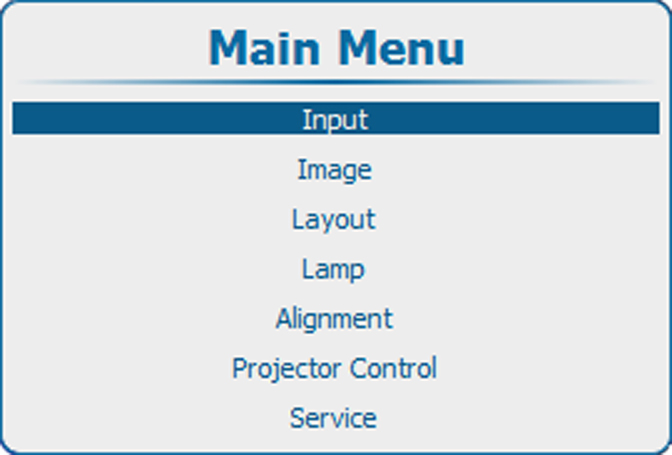
  1. Press Menu to activate the menus and select Input3DSecond input.

    Image 9–68 Main menu
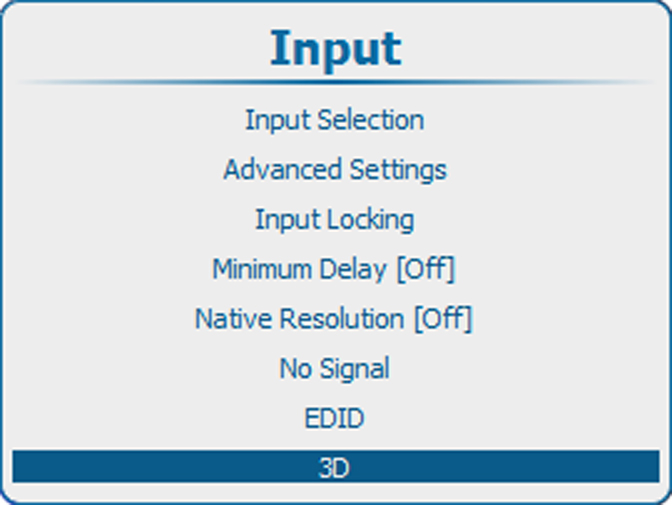
    Image 9–69 Input, 3D
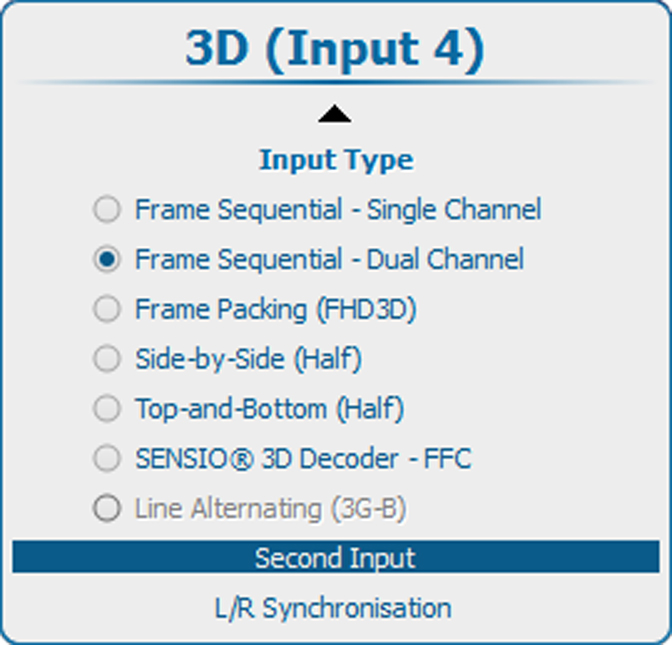
    Image 9–70 3D second source
  2. Press ENTER to select.

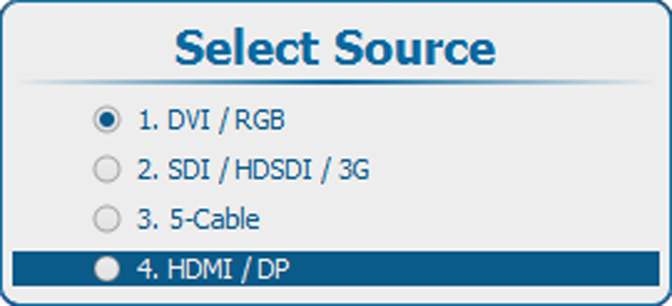
    The Source selection window opens.

  3. Use the ▲ or ▼ key to select the desired input and press ENTER..

    Image 9–71 Second source, select input