What can be done?
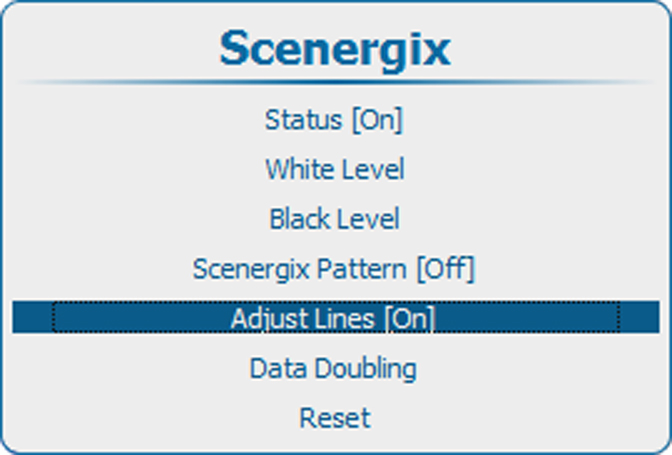
Border lines for the blending areas can be displayed while adjusting the white and black level.

Border lines for the blending areas can be displayed while adjusting the white and black level.

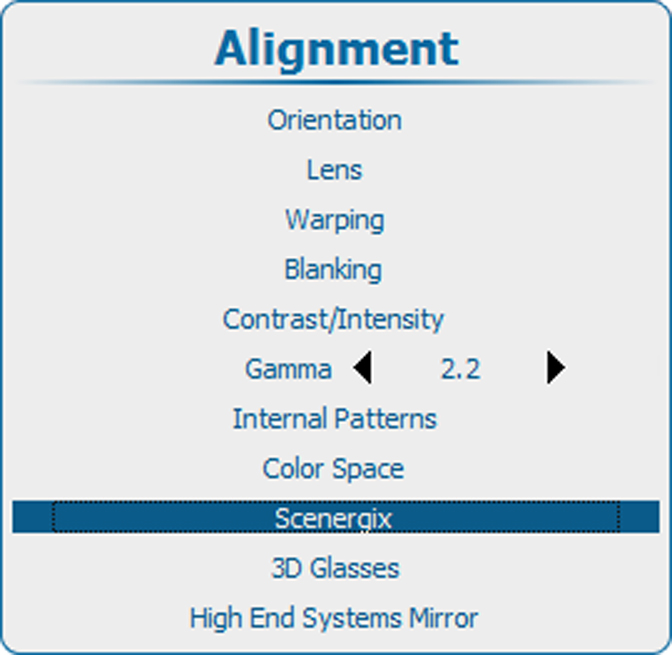
Press Menu to activate the menus and select → → .