Purpose
Contrast : change the contrast of the complete output signal (main and PiP window together) of the projected image.
Intensity : change the brightness of the complete output signal (main and PiP window together) of the projected image.

Contrast : change the contrast of the complete output signal (main and PiP window together) of the projected image.
Intensity : change the brightness of the complete output signal (main and PiP window together) of the projected image.
Press Menu to activate the menus and select → .

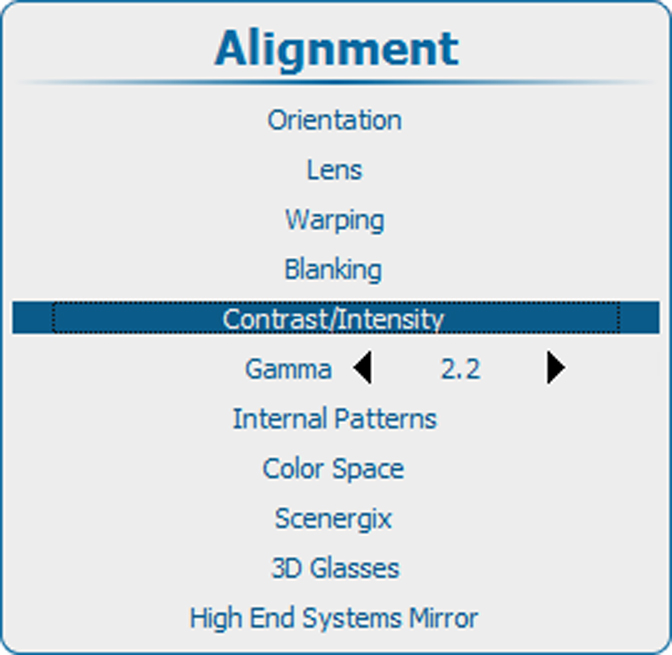
Press ENTER to select.
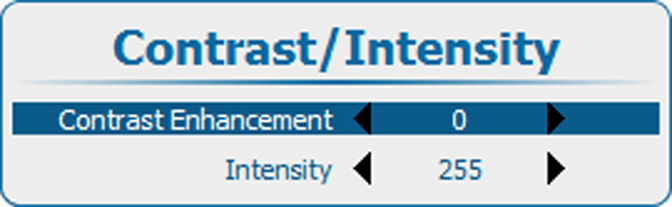
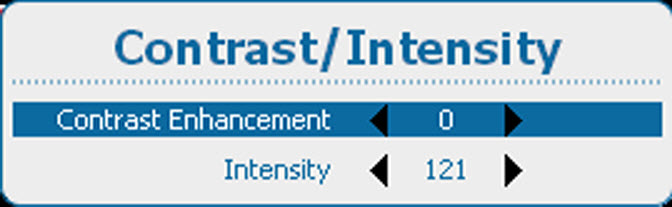
Use the ▲ or ▼ key to select .
Use the ◄ or ► key to change the contrast enhancement until the desired value is reached (adjustable between 0 and 5)
Use the ▲ or ▼ key to select .
Use the ◄ or ► key to change the intensity until the desired value is reached (adjustable between 0 and 255)