
How to select
Press Menu to activate the menus and select → → .
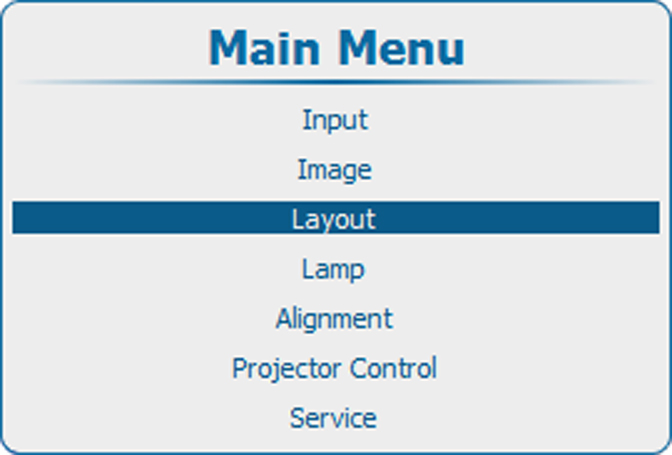
Image 11–22 Main menu, layout 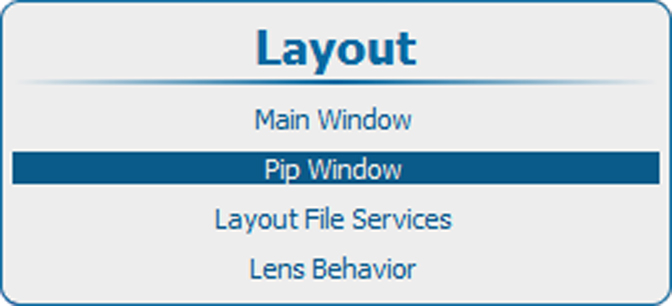
Image 11–23 Layout, PiP Window 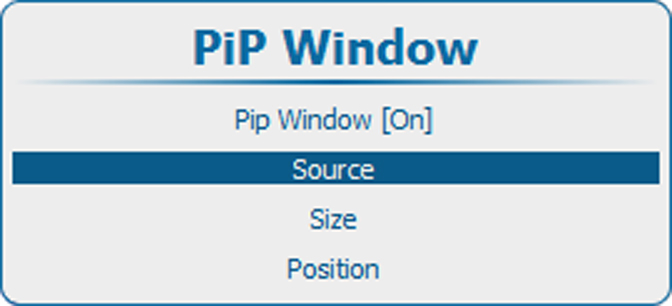
Image 11–24 PiP window, source selection Press ENTER to select.
The window opens.
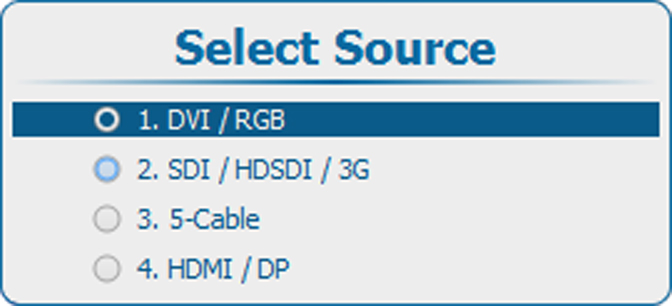
Image 11–25 Select source Use the ▲ or ▼ key to select the desired source and press ENTER.
The radio button of the selected source is checked and the source is linked with the PiP window.
