What can be done?
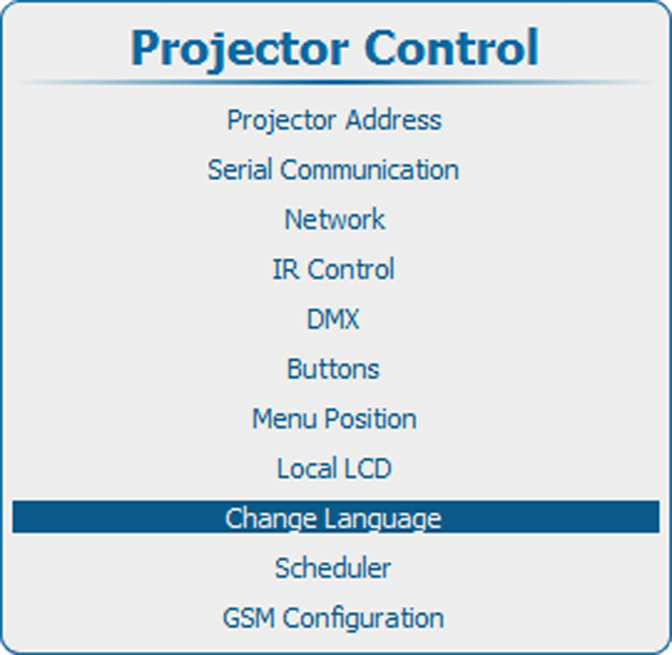
The user can change the language of the on screen menus and the local display menus to one of the available languages.
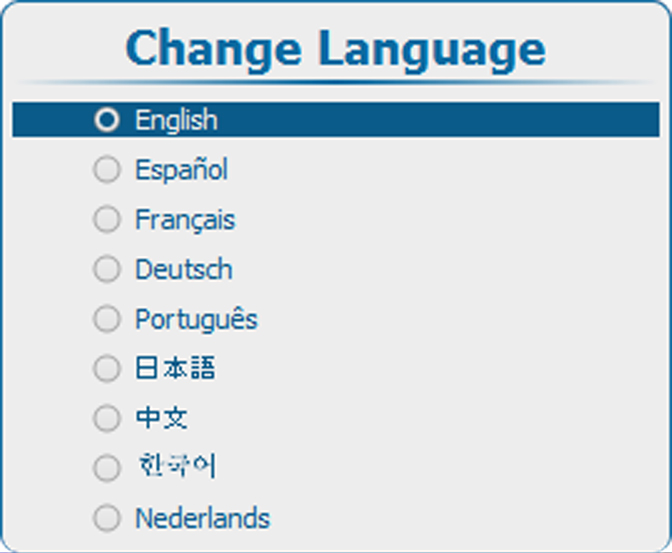
The following languages are available:
- English
- French
- German
- Spanish
- Portuguese
- Japanese
- Chinese
- Korean
- Dutch
All available languages are indicated in the language of the country. The current active language is indicated by checked radio button.