What can be done?
The incoming 3D sync signal can routed to the 3D sync output connector.

The incoming 3D sync signal can routed to the 3D sync output connector.
Press Menu to activate the menus and select → .

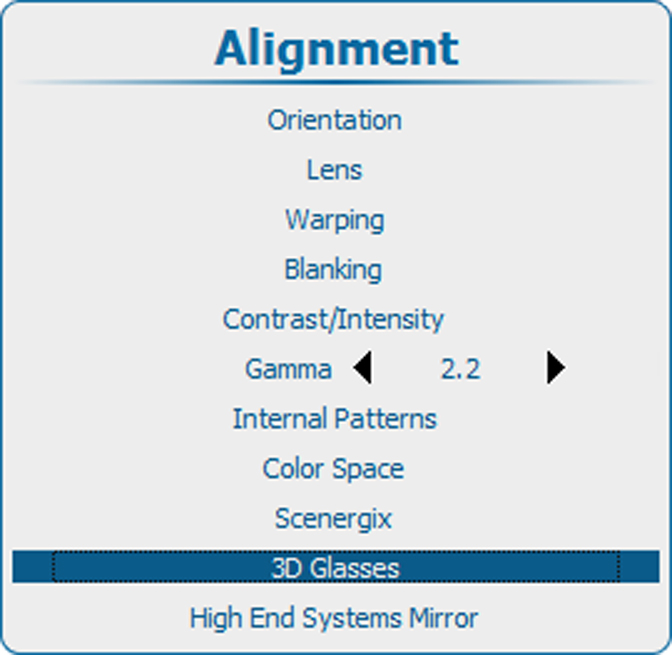
Use the ▲ or ▼ key to select .
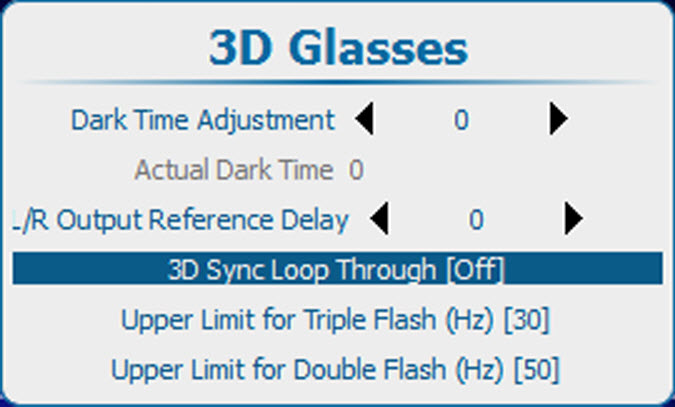
Press ENTER to toggle between and .
[On] : 3D SYNC OUT is directly routed from 3D SYNC IN
[Off] : the internal 3D sync signal is available on 3D SYNC OUT, native or inverted as indicated in the ‘Invert 3D Sync Out’ setting.