
How to select
Press Menu to activate the menus and select → → .
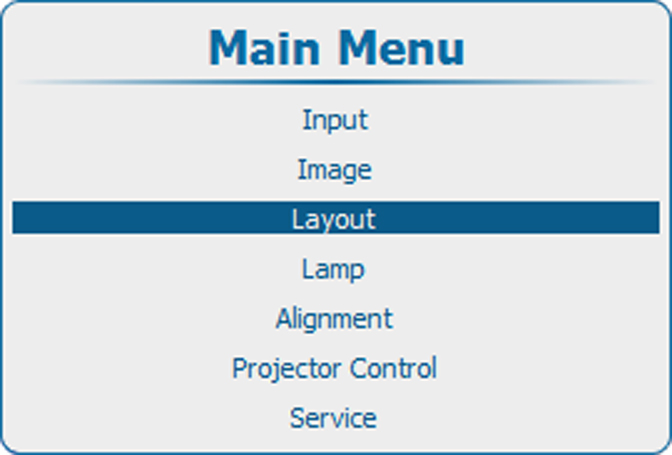
Image 11–1 Main menu, layout 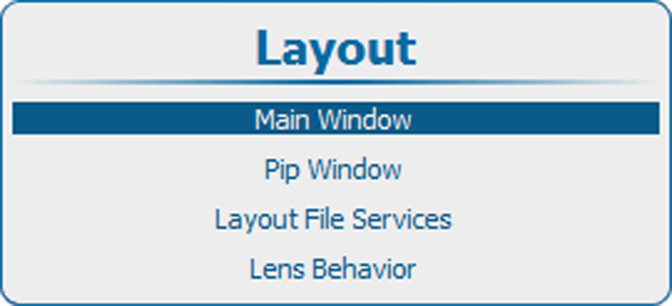
Image 11–2 Layout, main window 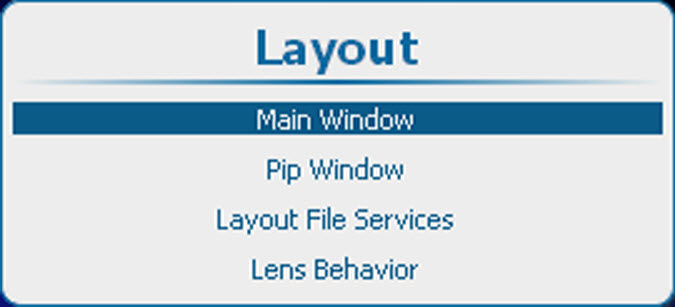
Image 11–3 Layout, main window 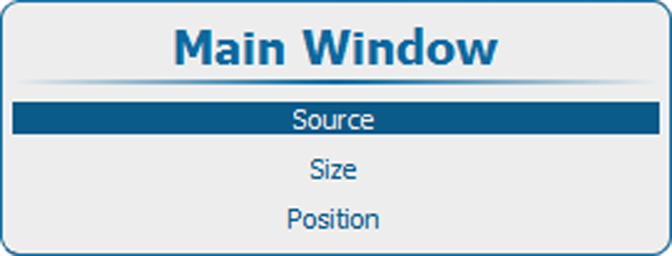
Image 11–4 Main window, source Press ENTER to select.
The window opens.
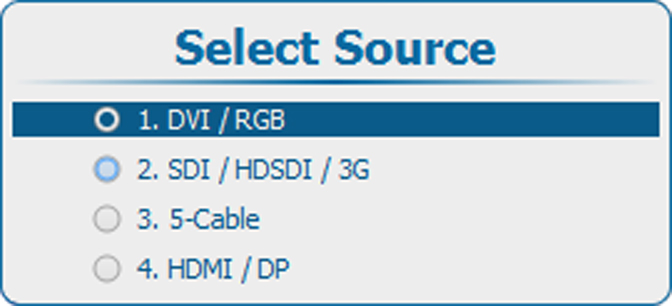
Image 11–5 Select source Use the ▲ or ▼ key to select the desired source and press ENTER.
The radio button of the selected source is checked and the source is linked with the main window.