What can be done ?
To configure the projector software with the installed SIM card, a correct PIN code (4digits) must be entered.


To configure the projector software with the installed SIM card, a correct PIN code (4digits) must be entered.

Press Menu to activate the menus and select → .

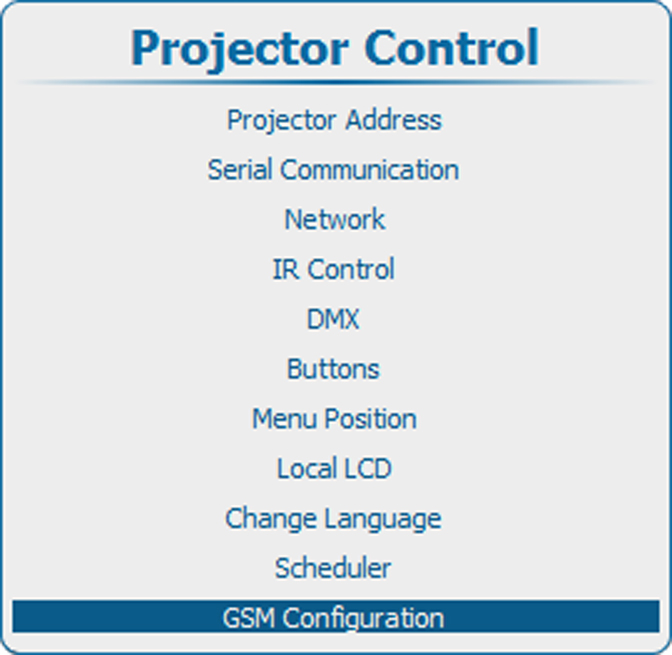


Select and press ENTER.
A PIN code input field appears.

Enter the 4 digit PIN code corresponding with the mounted SIM card. Use the digit keys on the remote control or the local keypad.
Each digit is replaced by an asterisks.
Press ENTER when the 4 digits are entered.

Before removing the current mounted SIM card, select → →
Select with the current filled out code and press ENTER to clear the current code.