
How to set
Press Menu to activate the menus and select → → → .
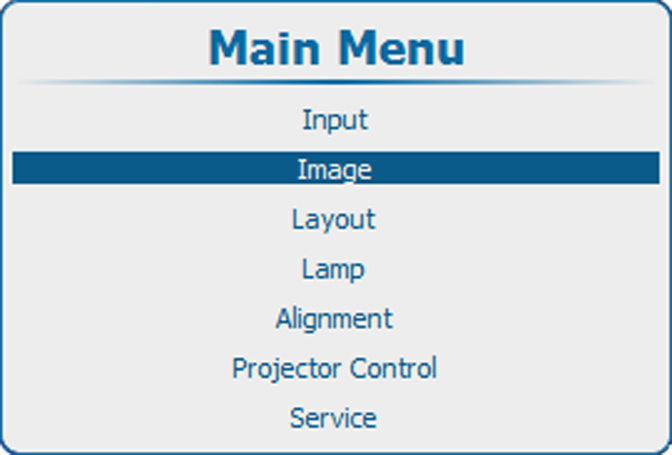
Image 10–91 Main menu, Image 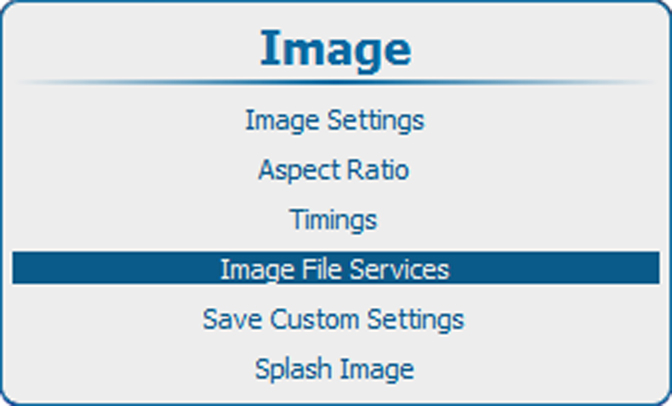
Image 10–92 Image, image file services 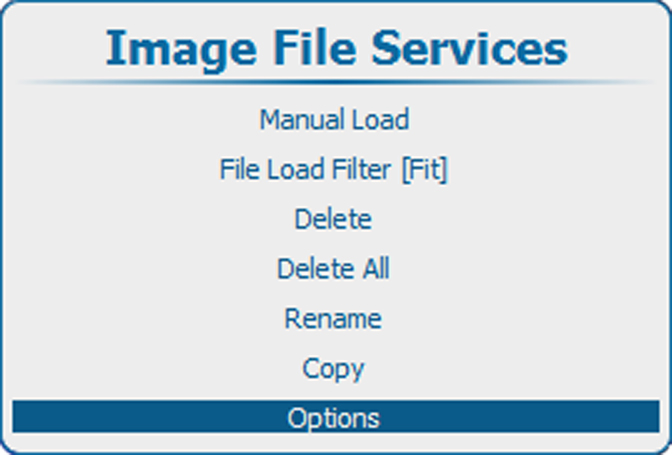
Image 10–93 Image file services, Options 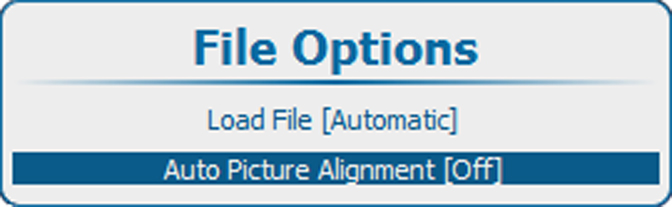
Image 10–94 File options, Auto Picture Alignment Press ENTER to toggle between , or .
- Off : auto picture alignment deactivated.
- Always : auto picture alignment is always activated.
- Load file: when new file is loaded for the selected source.