What can be done?
All custom created warp files can be deleted.

All custom created warp files can be deleted.
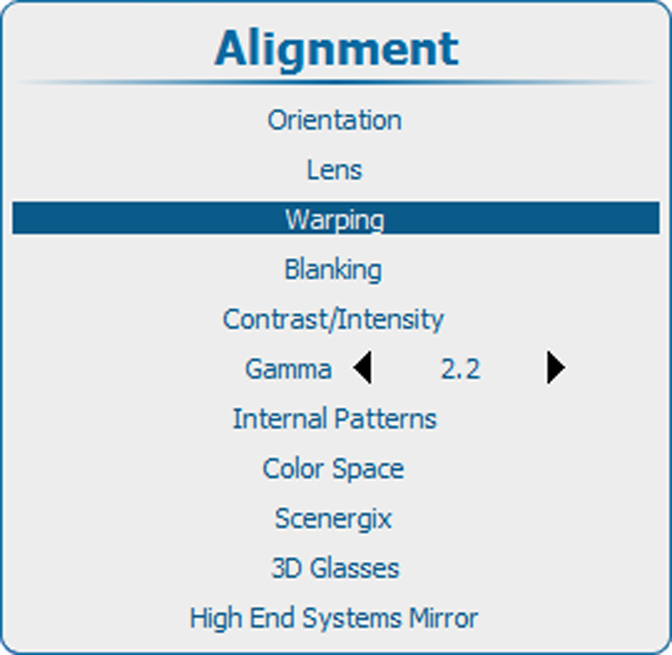
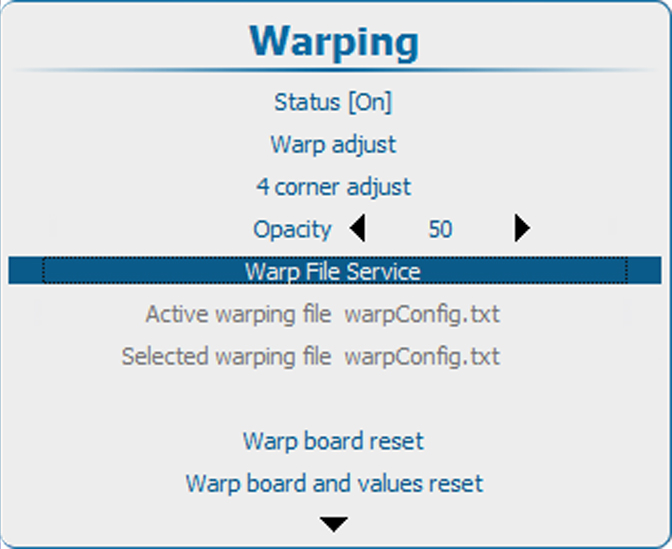
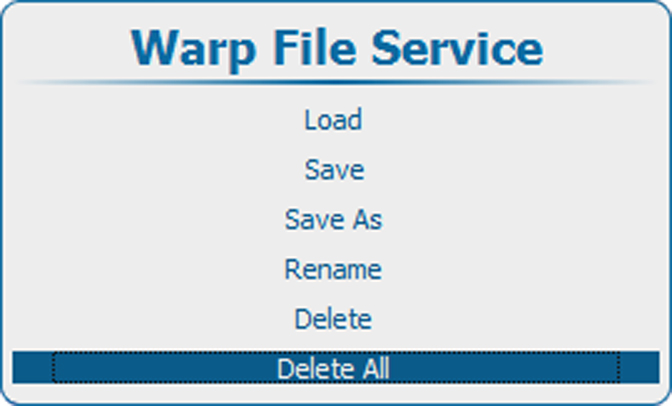
Press Menu to activate the menus and select → ing → . → ..

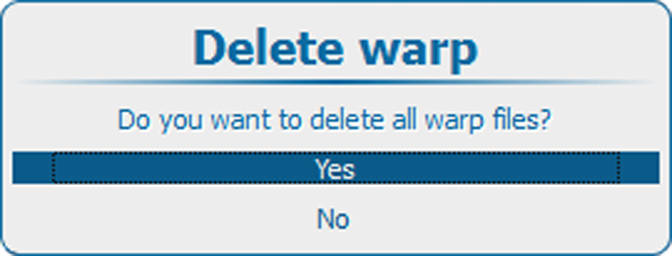
Use the ▲ or ▼ key to Yes or No and press ENTER.
Yes: files will be deleted.
No: no files deleted