15.3.2 Measurements

About measurements

Measurements contains the following parts:

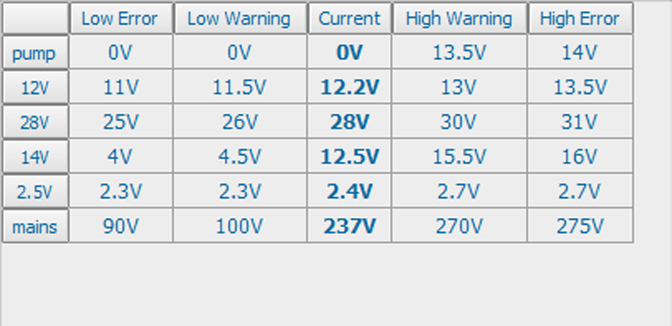
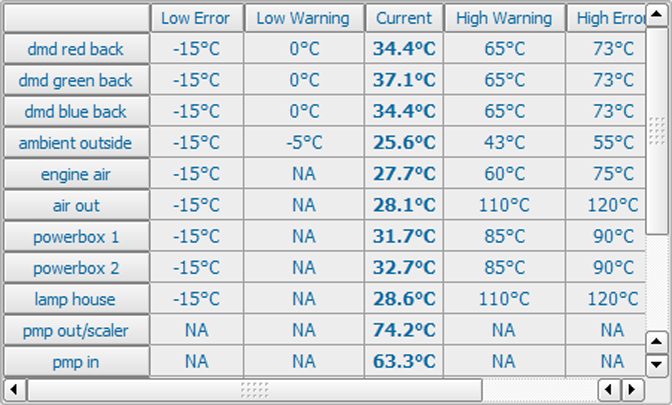
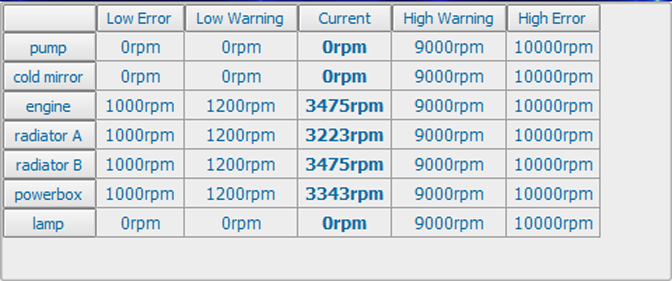
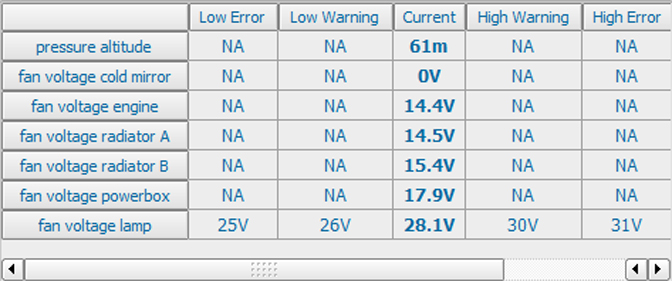
All tables are built up in an identical way. The current measured value is surrounded with the low and high error and warning limits. Once one of these values are crossed the threshold an error or warning message is logged or displayed on the local LCD screen.
How to display an overview
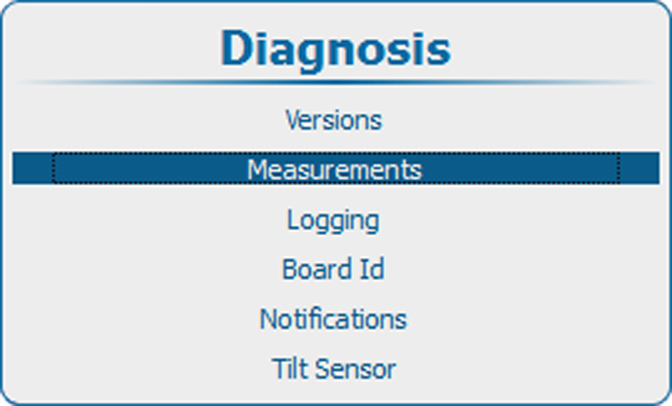
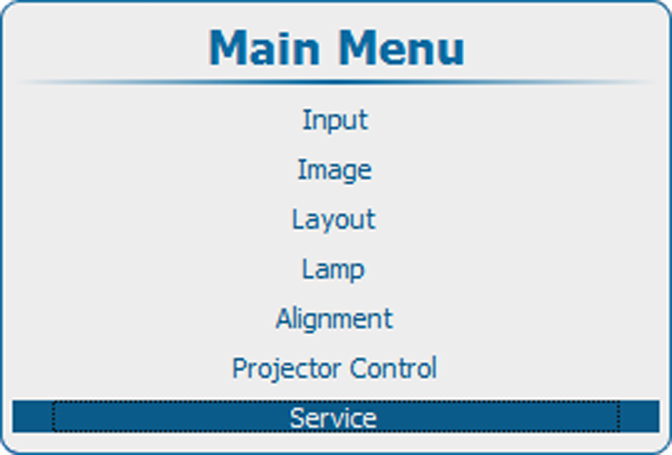
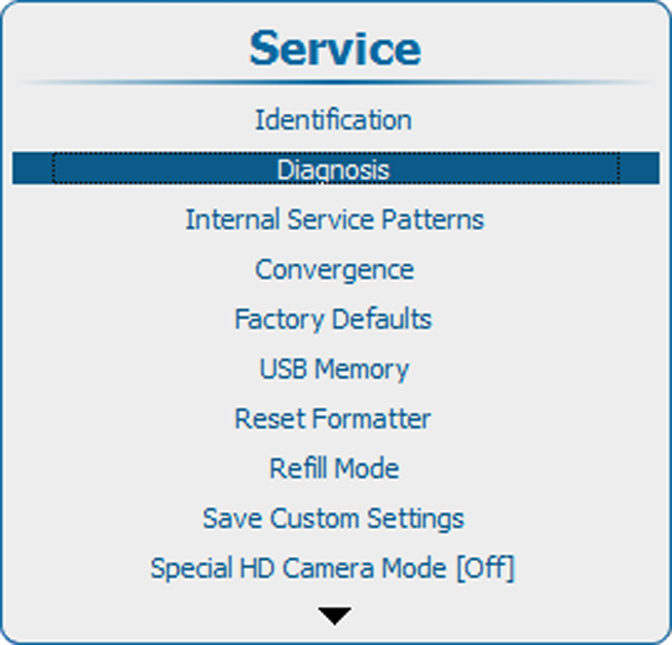
  1. Press Menu to activate the menus and select ServiceDiagnosisMeasurements.

    Image 15–8 Main menu, service
    Image 15–9 Service, diagnosis
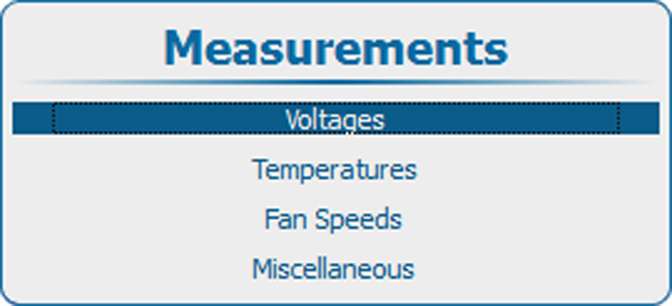
    Image 15–10 Diagnosis, measurements
    Image 15–11 Measurements, voltages
  2. Use the ▲ or ▼ key to select Voltages and get an overview of the voltages or to select Temperatures to get an overview of the internal temperatures or to select Fan Speeds to get an overview of current speeds of the different fans or to get an overview of miscellaneous items such as pressure altitude etc.

    Image 15–12 Overview voltages
    Image 15–13 Overview temperatures
    Image 15–14 Overview fan speeds
    Image 15–15 Overview miscellaneous items