


How to select
Press Menu to activate the menus and select → → .
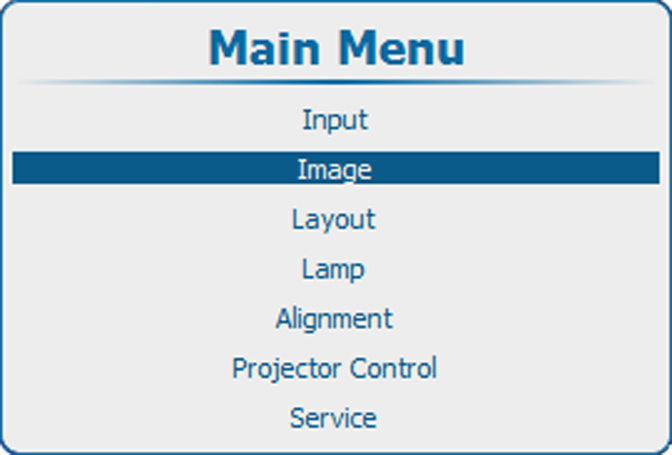
Image 10–20 Main menu, Image 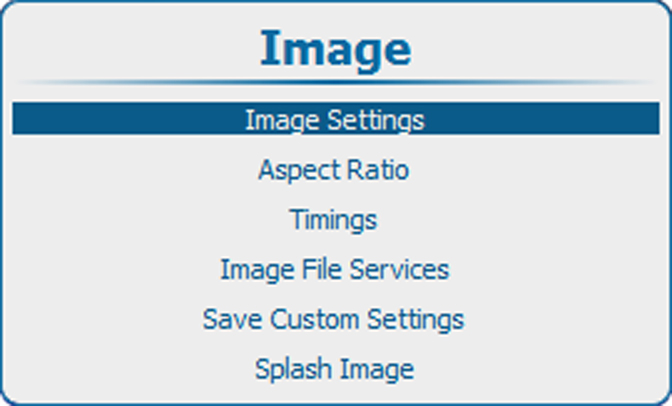
Image 10–21 Image adjustments 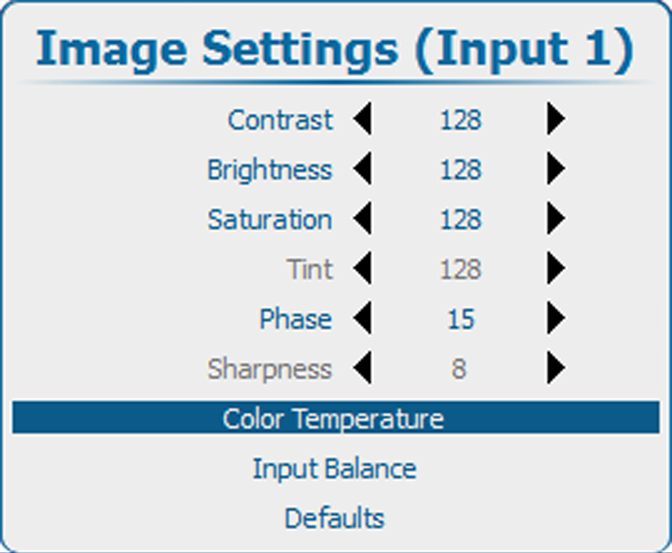
Image 10–22 Image settings, color temperature Press ENTER to select.
The color temperature selection menu is displayed.
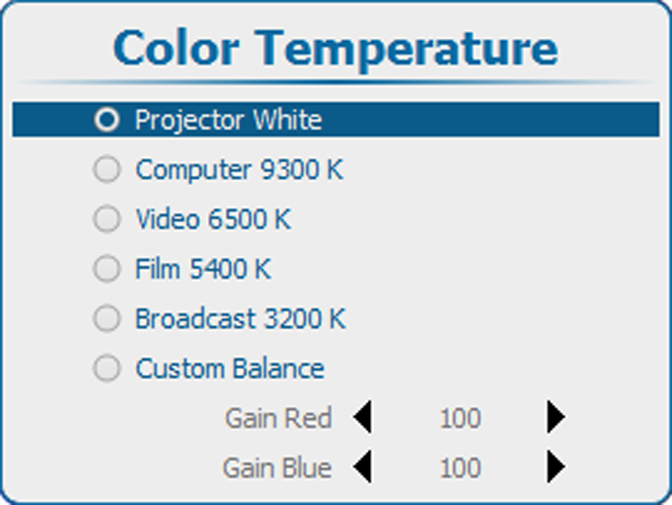
Image 10–23 Image settings, select color temperature Depending on the color space setting, a request window is displayed to ask if the color space setting should be switched to Off Color temperature selection can only be done when the color space settings is set on .
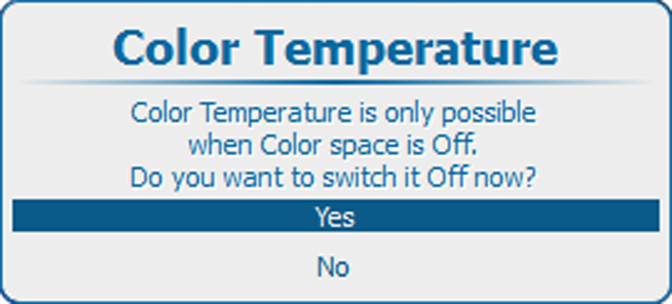
Image 10–24 Color temperature question Click Yes to continue.
Use the ◄ or ► key to select the desired value. Press ENTER to accept.
The following fixed choices are possible :
- Projector White
- Computer 9300
- Video 6500
- Film 5400
- Broadcast 3200
Next to these 5 fixed temperatures, a custom setup is also possible.