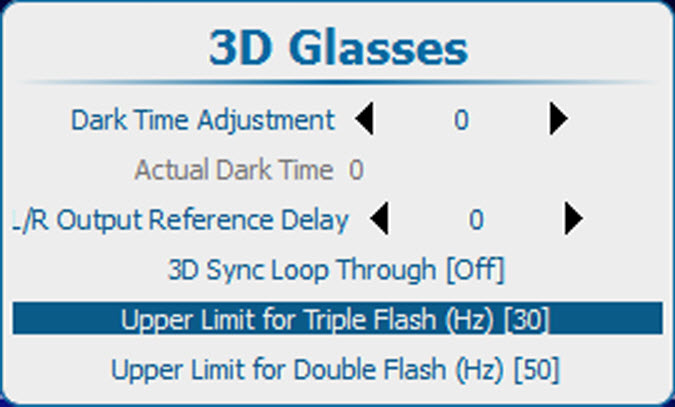
13.15.4 Upper limit for triple or double flash

What can be done?

The Upper limit for triple flash can be set. When the input frame rates are below this limit, the result will be displayed at triple frame rate.

The Upper limit for double flash can be set. When the input frame rates are below this limit, the result will be displayed at double frame rate.

How to set the limit
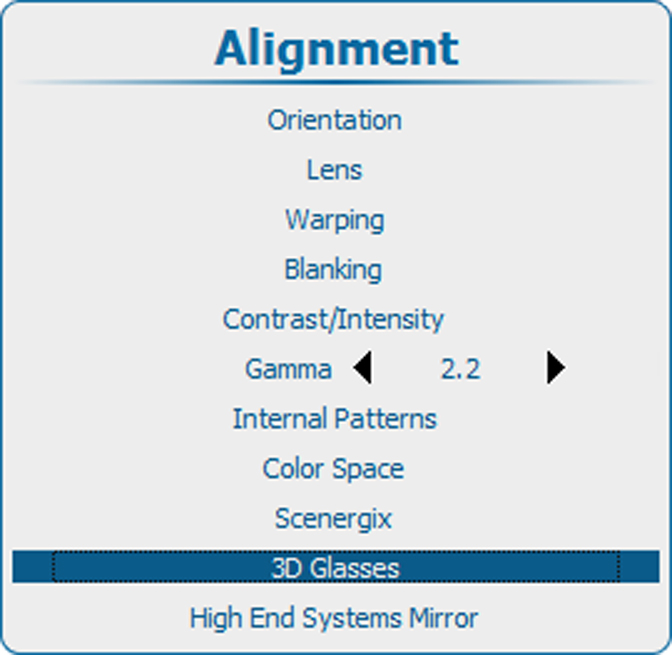
  1. Press Menu to activate the menus and select Alignment3D Glasses.

    Image 13–170 Main window
    Image 13–171 Alignment, 3D glasses
  2. Press ENTER.
  3. Use the ▲ or ▼ key to select Upper Limit for Triple Flash or Upper Limit for Double Flash.

    Image 13–172
  4. Press ENTER to toggle to another value.

    For Triple flash the limit can set to 24, 25 or 30.

    For Double flash the limit can set to 30, 48 or 50.