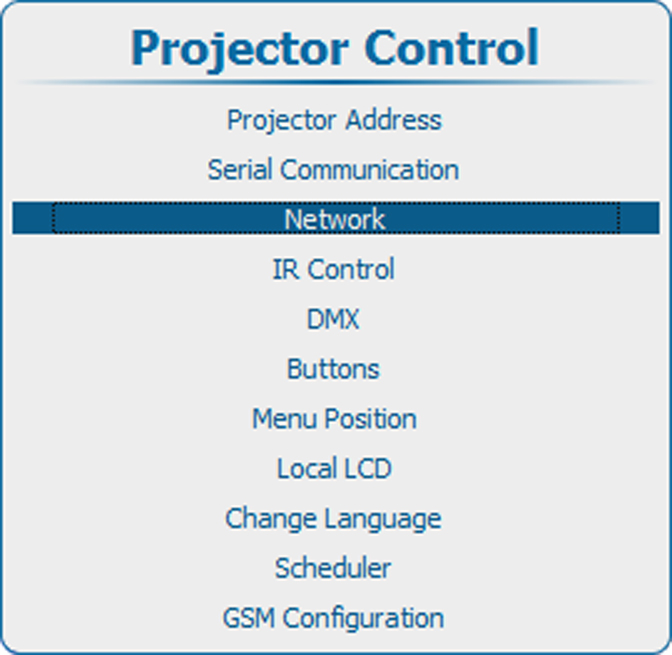
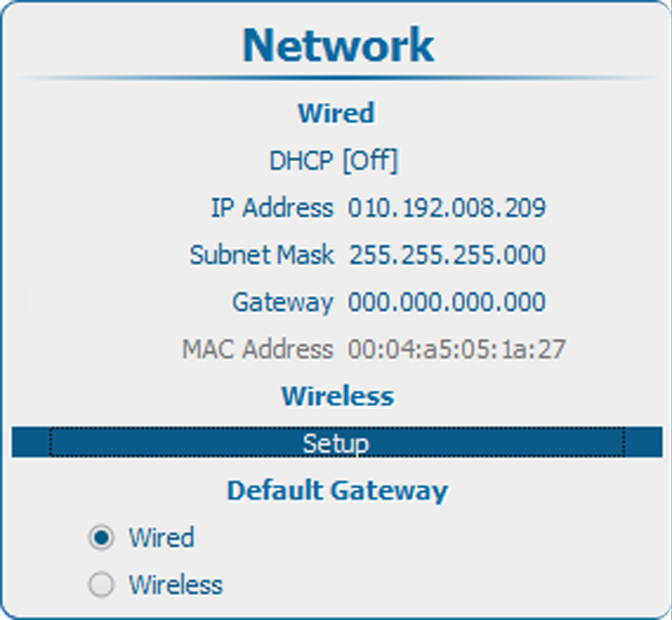
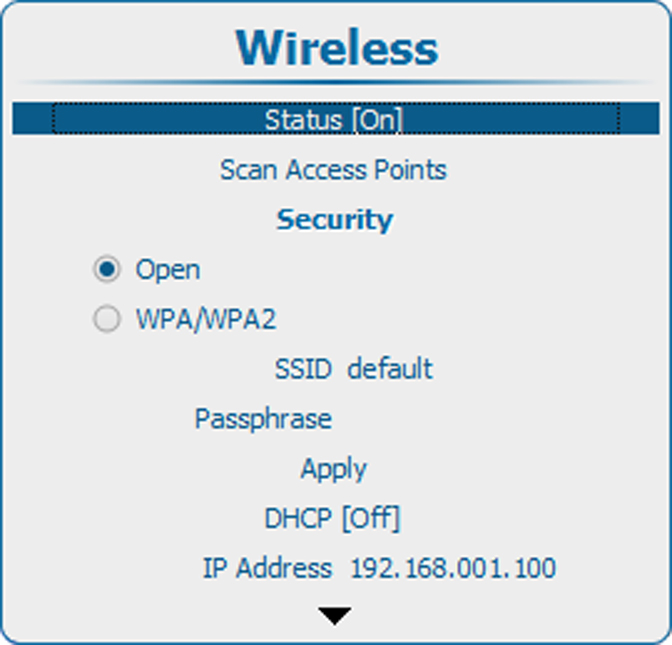
How to activatePress Menu to activate the menus and select Projector Control → Network → Wireless setup.Image 14–31 Main menu, projector controlImage 14–32 Projector control, networkImage 14–33 Network, wirelessPress ENTER to select.Image 14–34 Wireless, statusPress ENTER to toggle the status between [Off] and [On].