
How to set
Press Menu to activate the menus and select → .
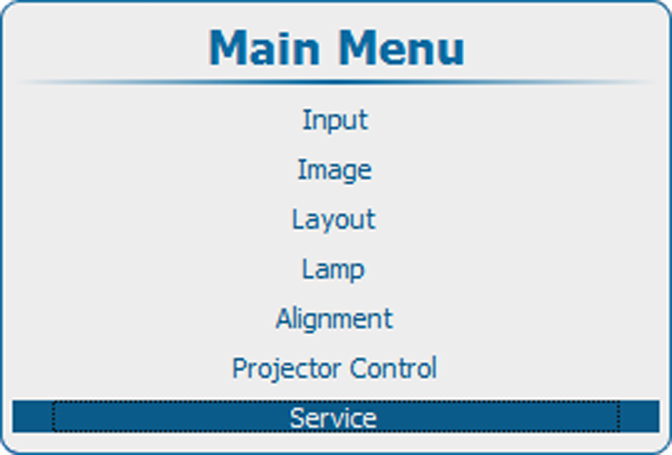
Image 15–77 Main menu, service 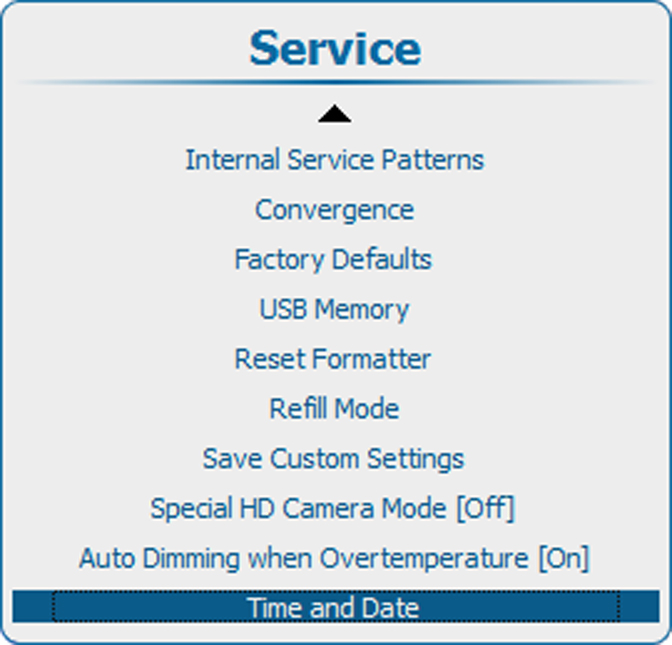
Image 15–78 Service, time and date 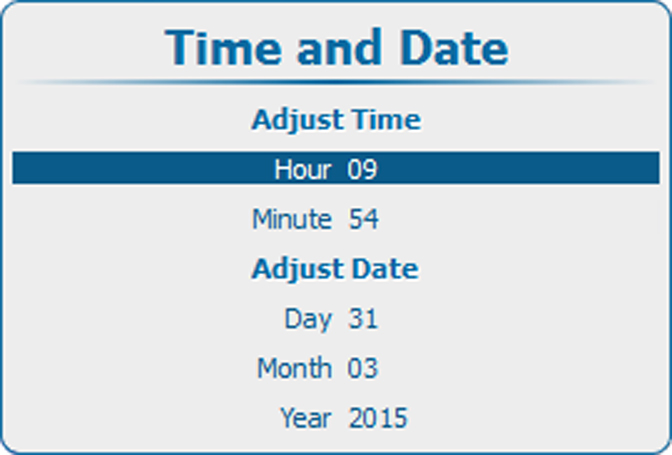
Image 15–79 Date and time set up 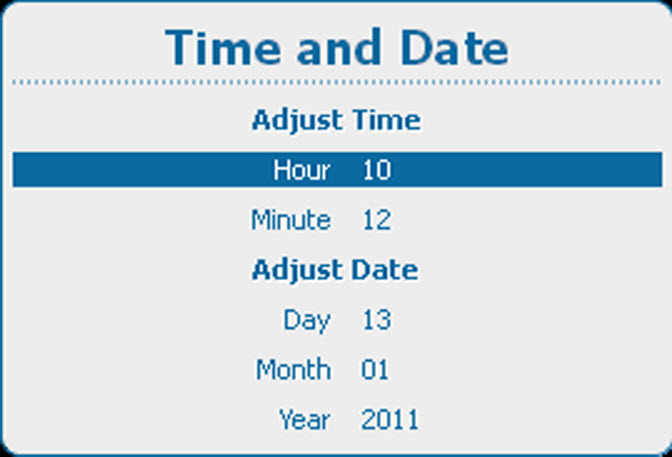
Image 15–80 Date and time set up - Use the ▲ or ▼ key to select , , , or and press ENTER to select.
Use the ▲ or ▼ key to change the selected character.
Use the ◄ or ► key to select another character.

Press ENTER to accept the changes.
Repeat for other values in the same way.