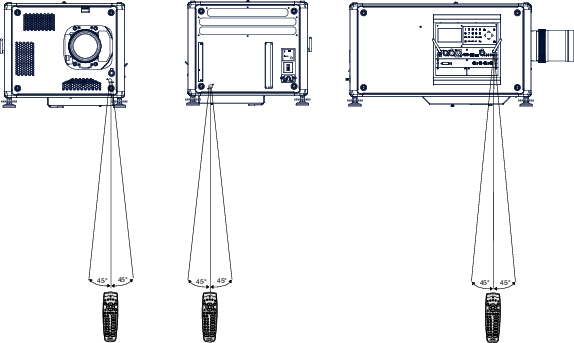
Pointing to the reflective screen
Point the front of the RCU to the reflective screen surface.
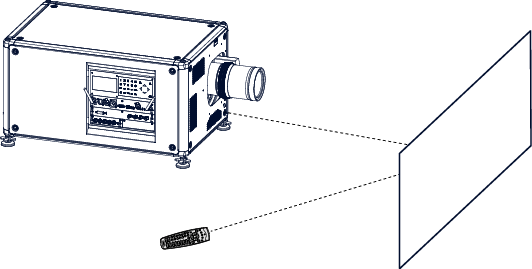
Image 6–7 IR control via reflective screen

Point the front of the RCU to the reflective screen surface.
Plug the other end in the big connector on the communication interface of the projector, labelled ‘Remote CTRL’.

When using the wireless remote control, make sure you are within the effective operating distance (30 m, 100 ft in a straight line). The remote control unit will not function properly if strong light strikes the sensor window or if there are obstacles between the remote control unit and the projector IR sensor.