

How to change?
- Press Menu to activate the menus and select → .
Press ENTER.
The Advanced Settings window is displayed with the actual situation filled out.
Use the ▲ or ▼ key to select an input
Press ENTER to open the selection menu which will be different from input type to input type.
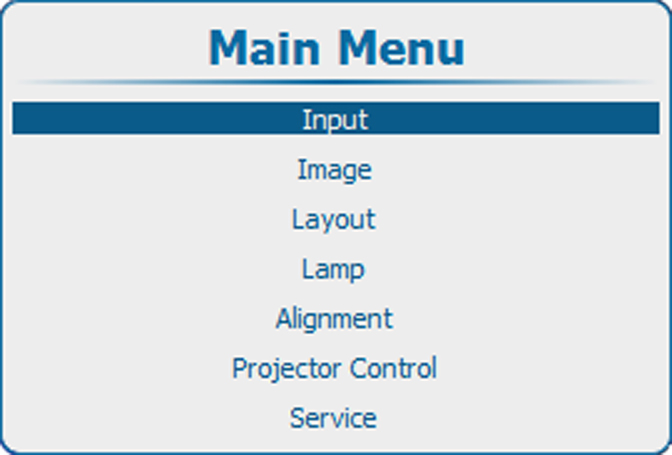
Image 9–4 Main window 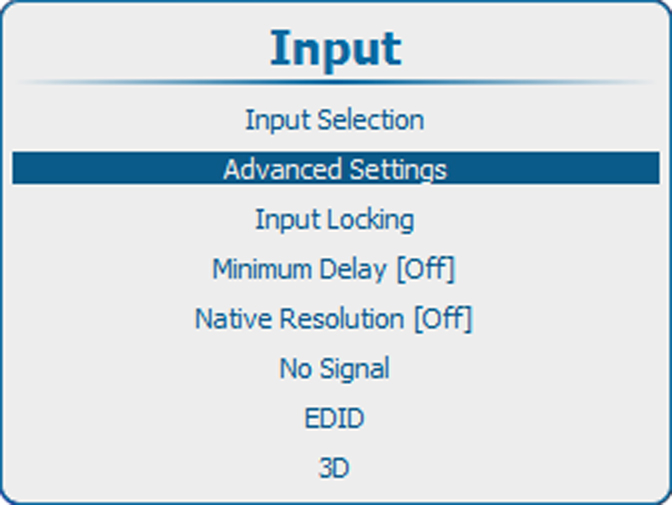
Image 9–5 Advanced input settings 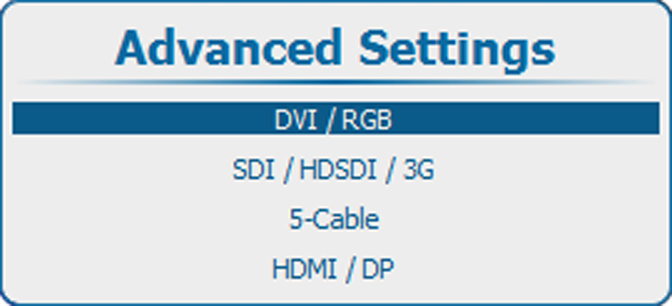
Image 9–6 Advanced settings, input selection