About a Selection of a function
The current selection is indicated in yellow.
The current position of the cursor is indicated in blue.
The arrow keys are use to move the cursor to a new selection.

The current selection is indicated in yellow.
The current position of the cursor is indicated in blue.
The arrow keys are use to move the cursor to a new selection.
Use the ▲ or ▼ key to select a pane .
The following panes are available:
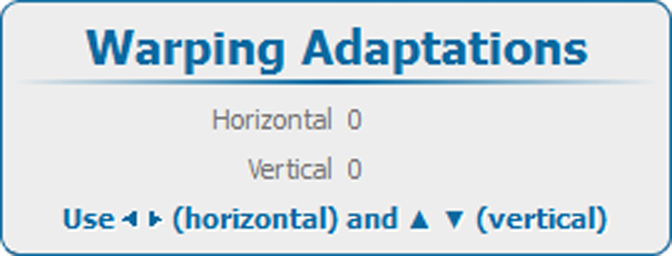
To adjust a value once selected, use the ◄ or ► key to change
press ENTER to open a separate adjustment window.
Use the arrow keys to make the adjustment.
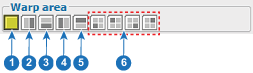
| 1 | Full screen |
| 2 | Right side |
| 3 | Bottom side |
| 4 | Left side |
| 5 | Top side |
| 6 | 4 quadrants |
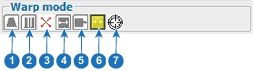
| 1 | Keystone |
| 2 | Linearity |
| 3 | Points |
| 4 | Scale |
| 5 | Shift |
| 6 | Rotate |
| 7 | Rotation point |