What is possible ?
The back light of the local LCD can be adapted to the needs of the environment.
A time out for the local LCD can be set. If there is nothing done on the local LCD, it can go out after a time out.

The back light of the local LCD can be adapted to the needs of the environment.
A time out for the local LCD can be set. If there is nothing done on the local LCD, it can go out after a time out.
Press Menu to activate the menus and select → .

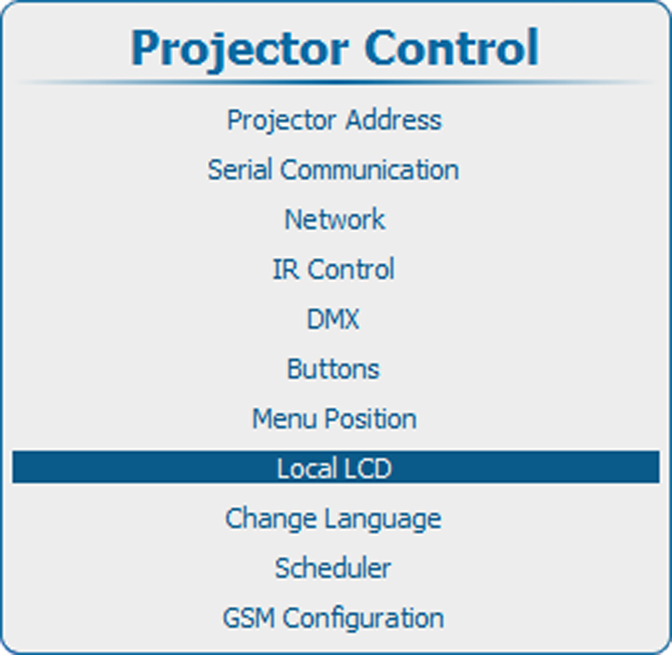
Use the ▲ or ▼ key to select .
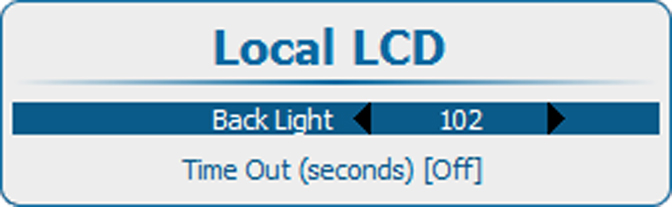
Use the ▲ or ▼ key to select .
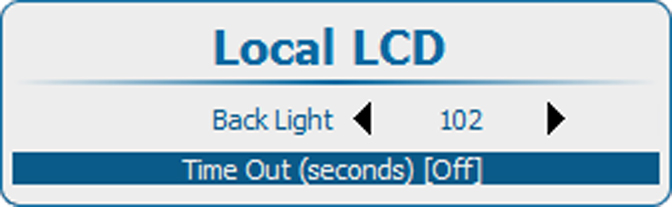
Press ENTER to toggle between [Off], [10], [30], [60] or [120].
[Off] : LCD panel remains always on.
a value : LCD shut down in x seconds.