Overview
- 1
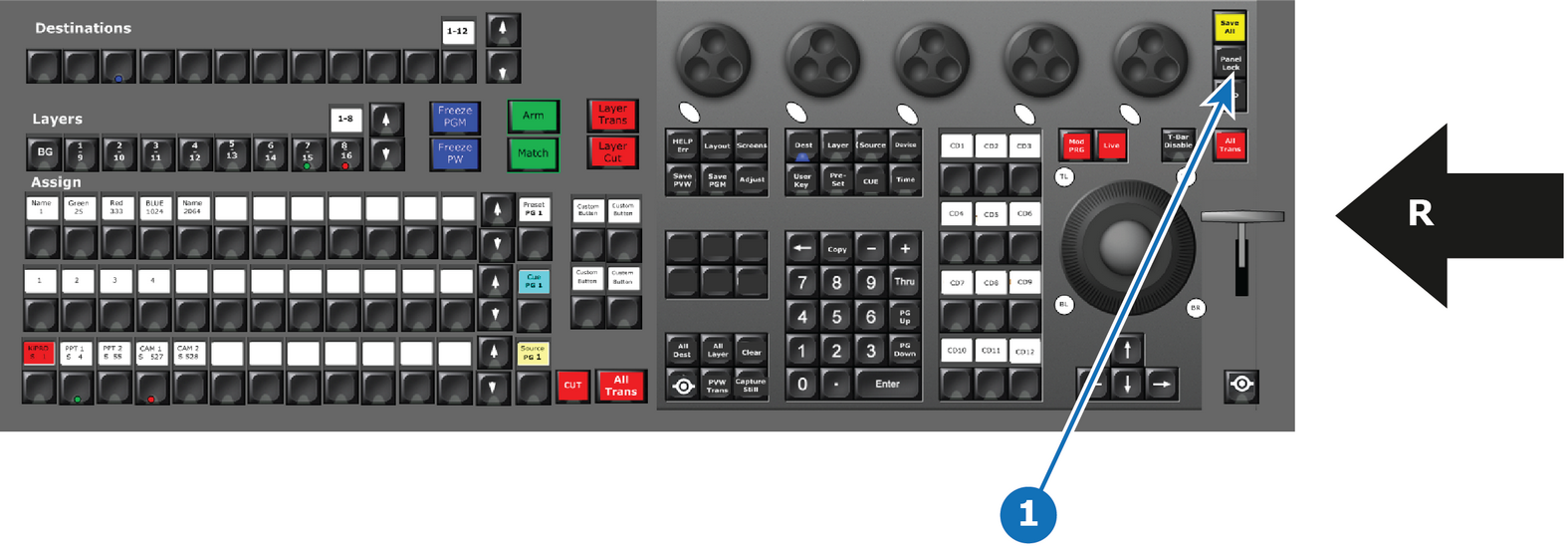
- Lock Panel Button
- R
- Right Side of the Controller

Pressing the Panel Lock button locks the console buttons and touchscreens, which prevents them from being used. To unlock the console, using the numpad, key in 4096 and press Enter.
This button is present only on the large controller.