General
Because repeated hard power cycling over time may lead to corruption of the solid-state drive (SSD), all versions of the EC-200/EC-210 Event Master Toolset, version 4.0.29026 or higher, have a power-off soft button on the touchscreen.

Because repeated hard power cycling over time may lead to corruption of the solid-state drive (SSD), all versions of the EC-200/EC-210 Event Master Toolset, version 4.0.29026 or higher, have a power-off soft button on the touchscreen.
The power-off soft button is above the save button on the Menu navigation bar. See Image 12–2 for the location of the power-off soft button.
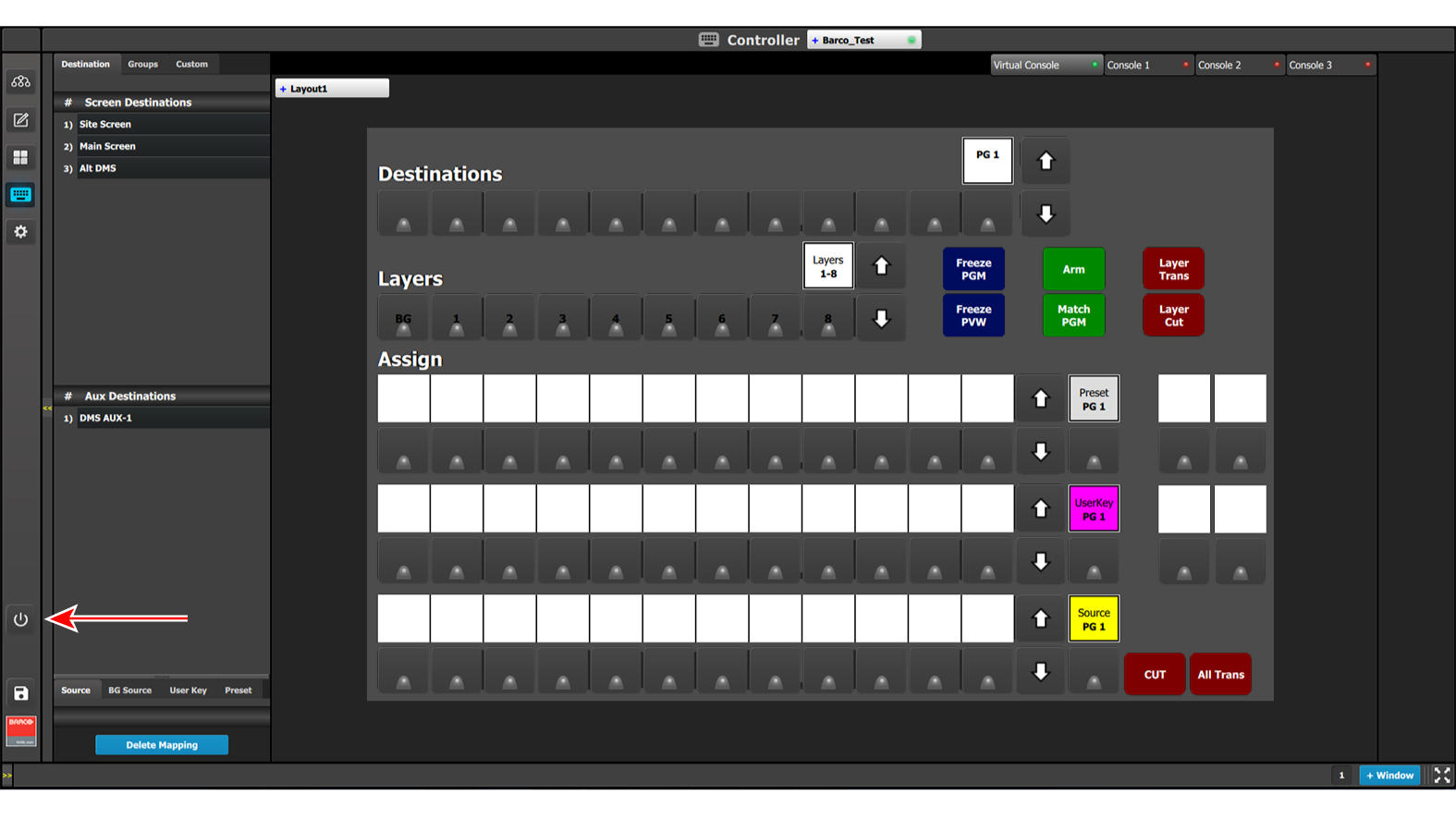
To shut down the EC-200/EC-210 console …
 in the Menu navigation bar.
The user must power cycle the main (hardware) switch to power on the console. There is no soft PowerOn button.
For more information on the power-off soft button and SSD recovery, see “InfoT-1325: SSD Recovery on the EC-200 Controller” on the Technical Downloads tab of the EC-200 Large event controller web page.
The user must use the power-off soft button on the EMTS GUI to shut down the unit. When the shutdown sequence is finished, the main power switch, on the back of the unit, may then be moved to the off position and AC power can be removed. The power supply should be de-energized for at least one minute before re-applying mains power to the console.
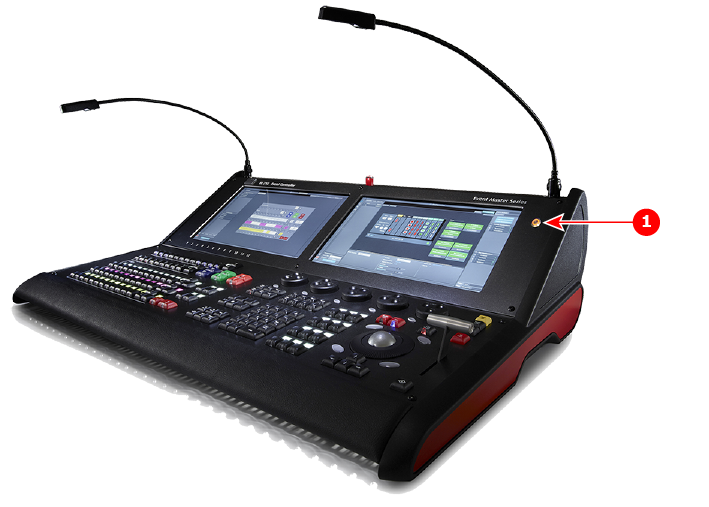
The EC-210 may be powered off in the same manner as the EC-200, however, the unit may also be powered down by use of the power button to the right of the right-hand touchscreen. When the shutdown sequence is finished, the main power switch, on the back of the unit, may then be moved to the off position and AC power can be removed. The power supply should be de-energized for at least one minute before re-applying mains power to the console.