EC-50 Overview
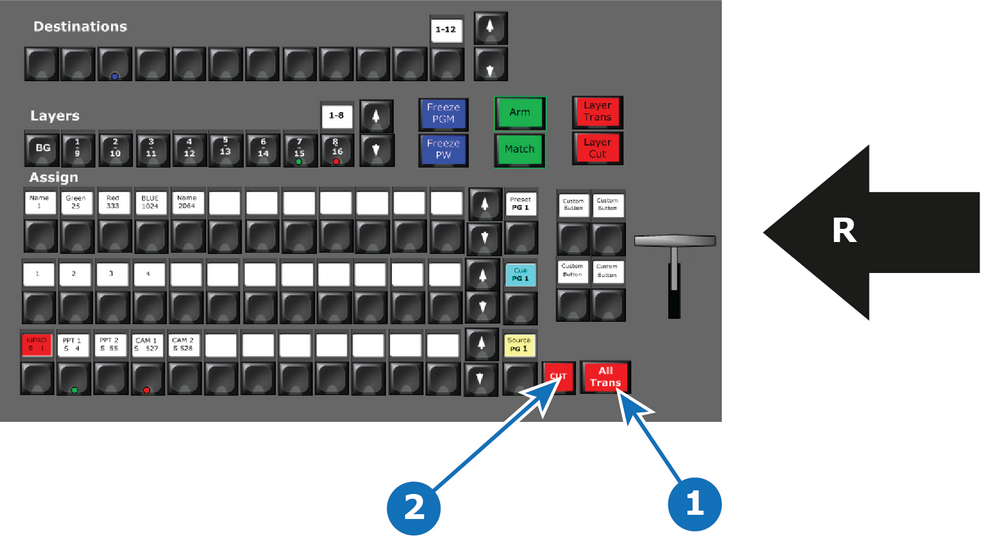
- 1
- All Trans
- 2
- Cut
- R
- Right Side of the Controller

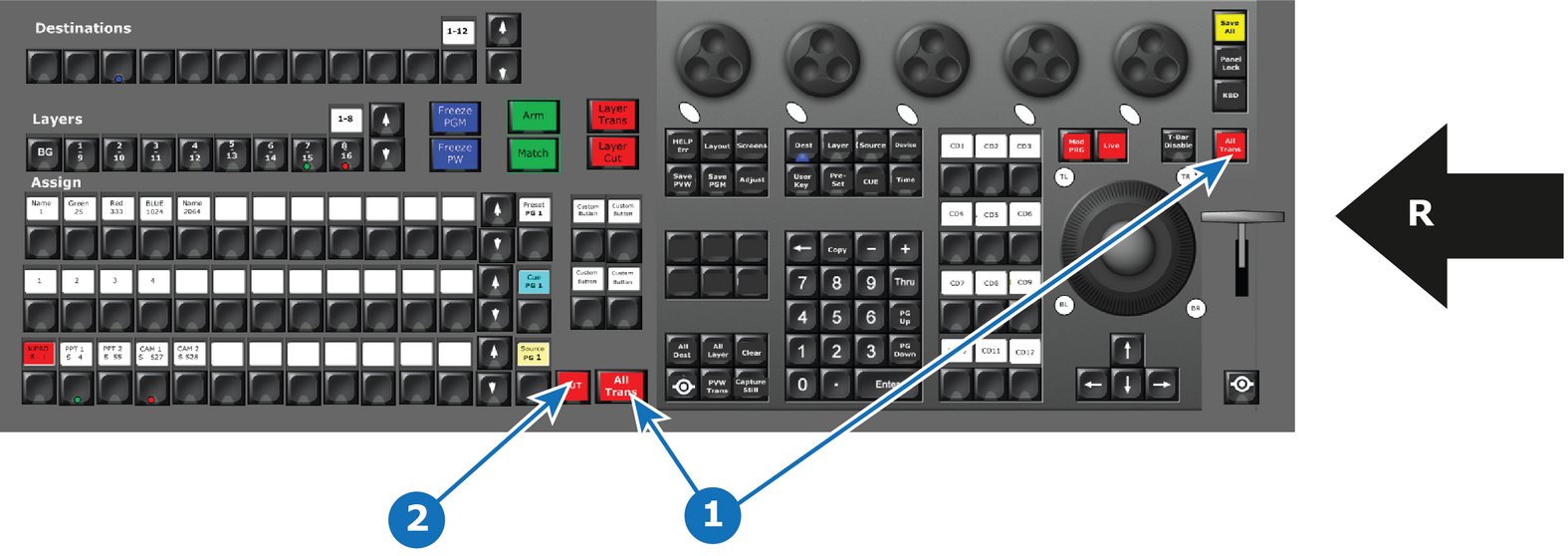
Depending the controller type, two or three buttons are provided for transitional triggering:
| Type of transition | EC-50 | EC-200/EC-210 |
| All Trans | 1 button | 2 buttons |
| Cut | 1 button | 1 button |
All Trans
Preview transitions to Program at the rate indicated in the rate box following the s-curve pattern on the Programming menu of the EMTS. The layer on Program does NOT fade in preview at the same time. The layer on Program appears in Preview when the transition is completed.
Cut
Instantly transitions the Preview to Program.