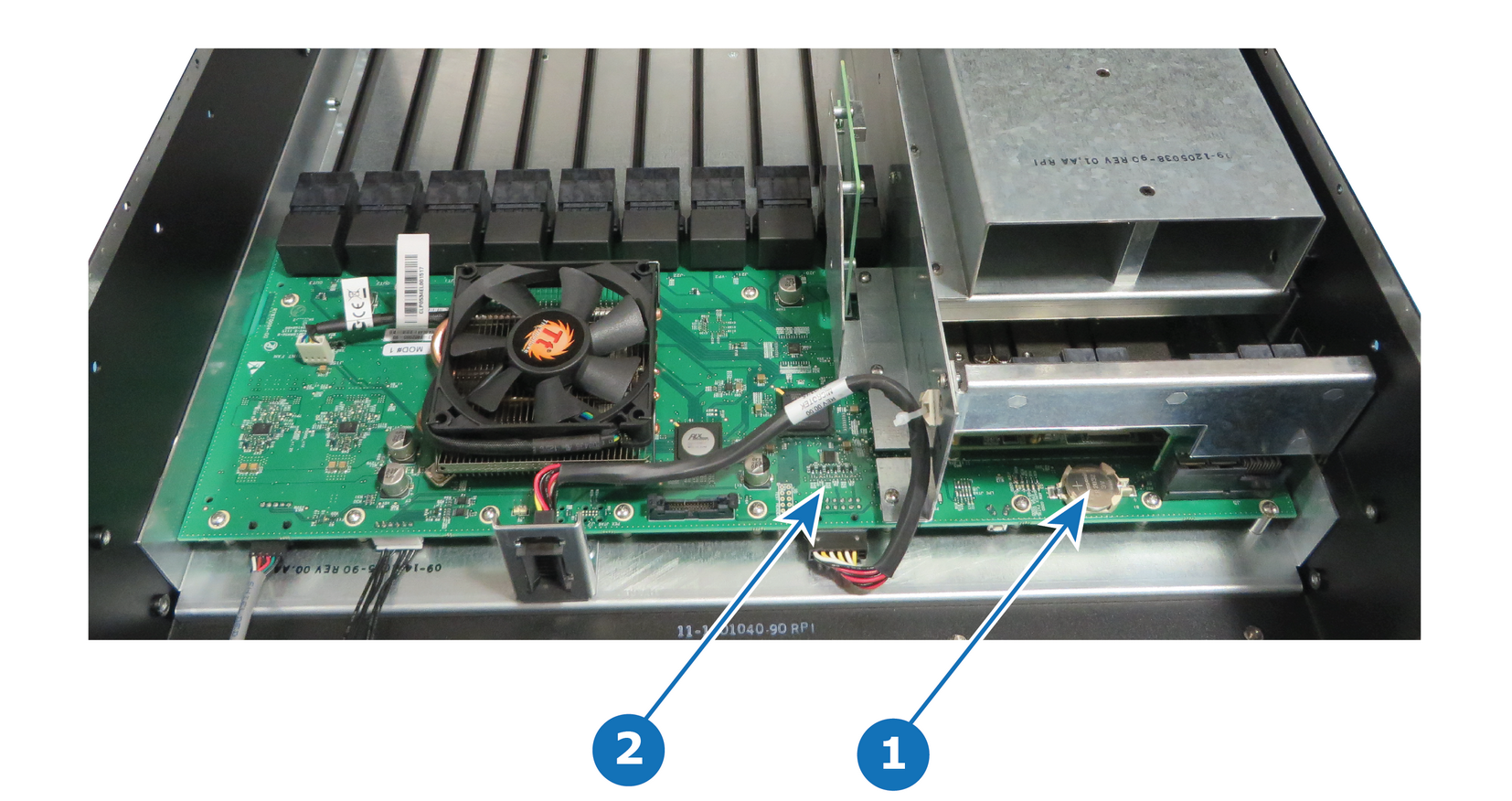
To install the System battery follow the same procedure in the reverse order.
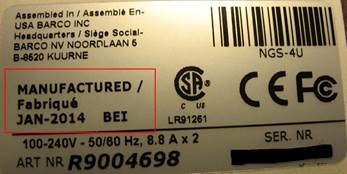
Note: When a new battery is installed, the user need to place a sticker on the motherboard mount that indicates when the battery was last replaced. The absence of sticker means the battery has never been replaced. In this case the S/N sticker can be used for the reference date.Image 15–77e.g. E2 S/N sticker — Manufacturing date