Overview
These buttons are present only on the large controllers (EC-200 and EC-210).
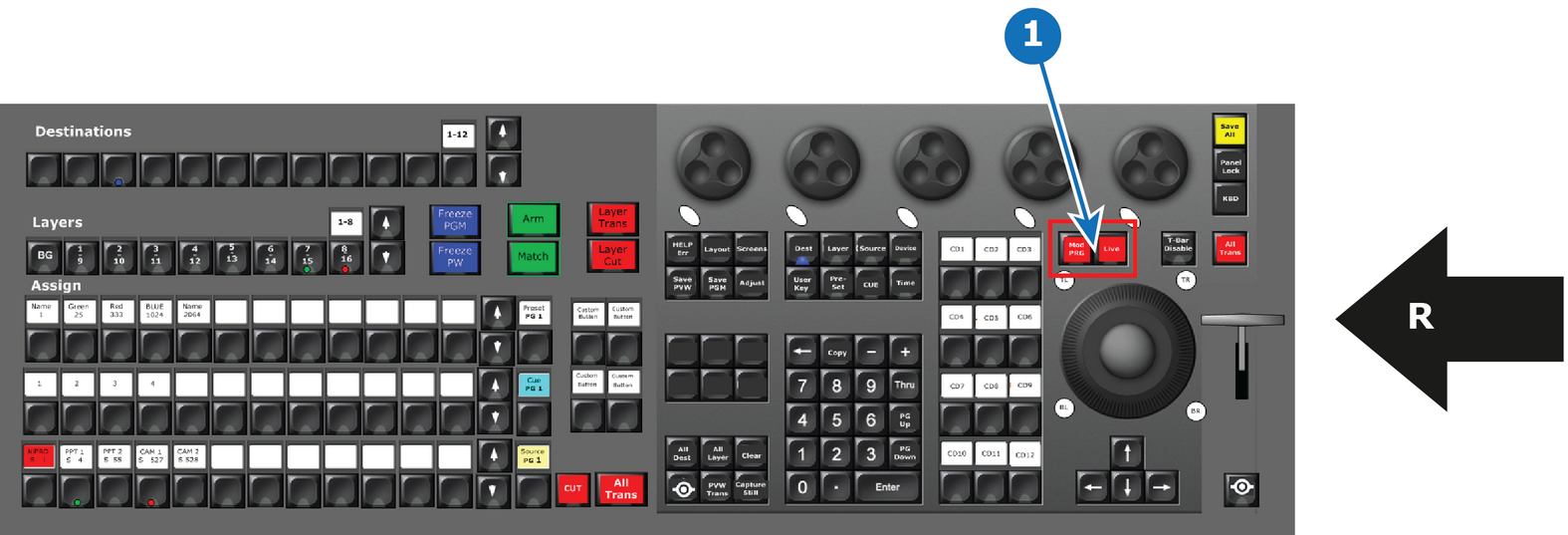
- 1
- Live Function Button Group
- R
- Right Side of the Controller

These buttons are present only on the large controllers (EC-200 and EC-210).
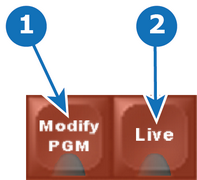
| Button Name | Description | |
| 1 | Modify PGM (Modify Program) | The red Modify PGM latching button toggles on and off the possibility to modify a destination in the Program Part of the GUI. The LED is red when active. |
| 2 | Live | The red Live latching button toggles the "Live" function for selected Destiantions, as if it were in Encore™. The LED is red when the Live mode is active. |
The functionality of each of these buttons is more closely described in “Controller Operation”.