General
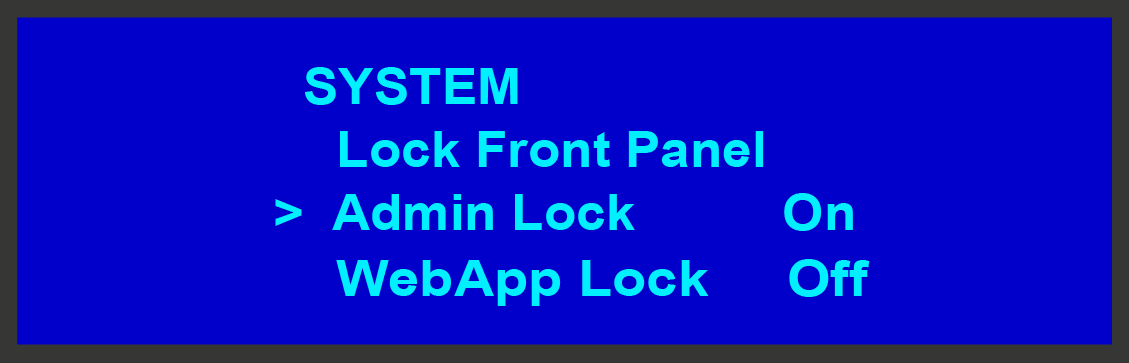
When the Admin Lock is enabled, all Event Master toolset GUI connections to the processor are not allowed to delete Inputs, Outputs, Destinations, Presets, User Keys, Cues, or External Devices. Users are allowed operator-level functionality to recall Presets and Cues and to transition.