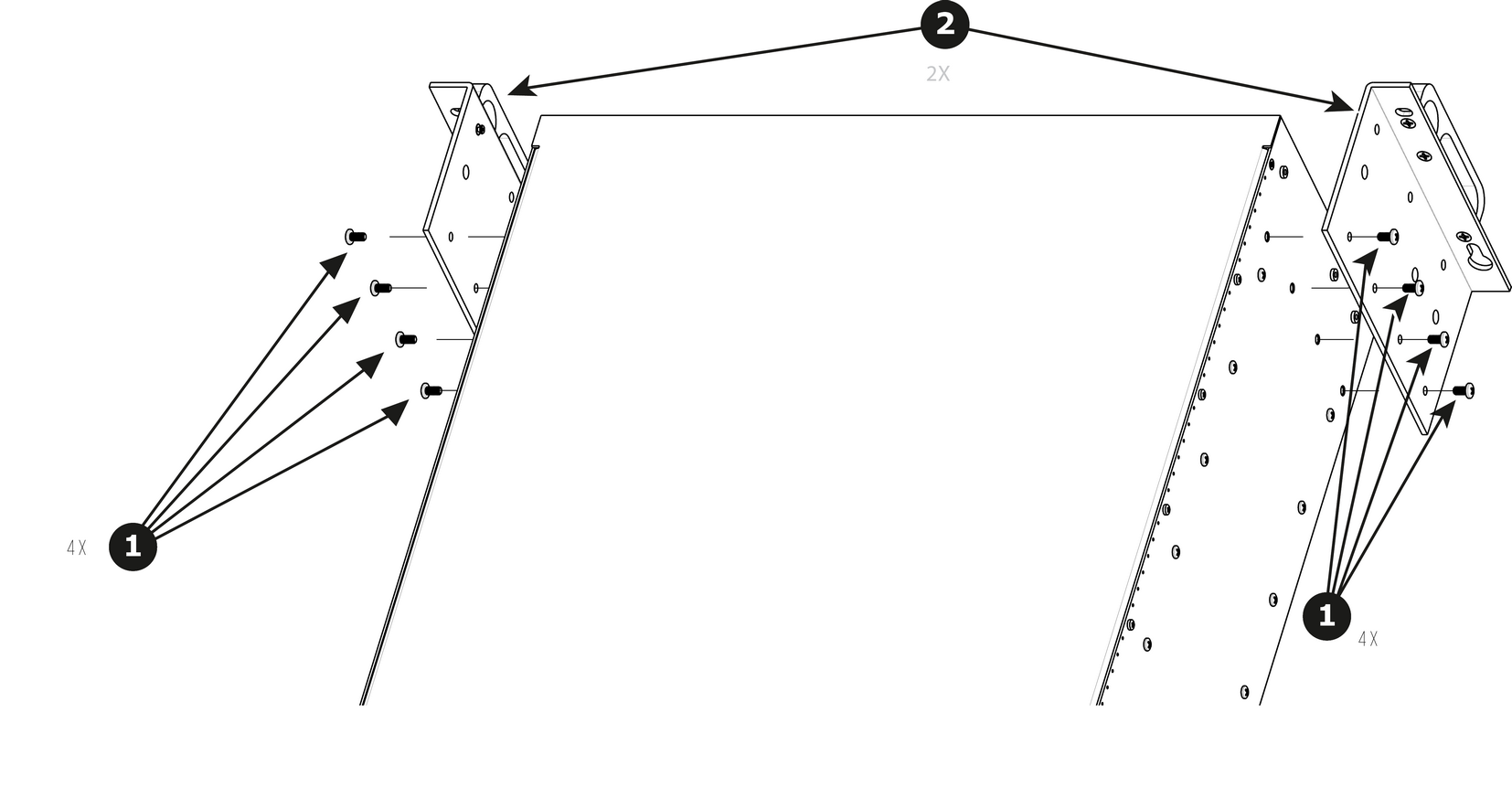
How to remove Side Rack-EarsLoosening and removing the eight (four on each side) pan head screws that secure the brackets to the chassis sides.Image 14–108 Remove the Rack-Mount Brackets from the Chassis.
How to install Side Rack-EarsTo install the Side Rack-Ears follow the same procedure in the reverse order.