EC-50 Overview
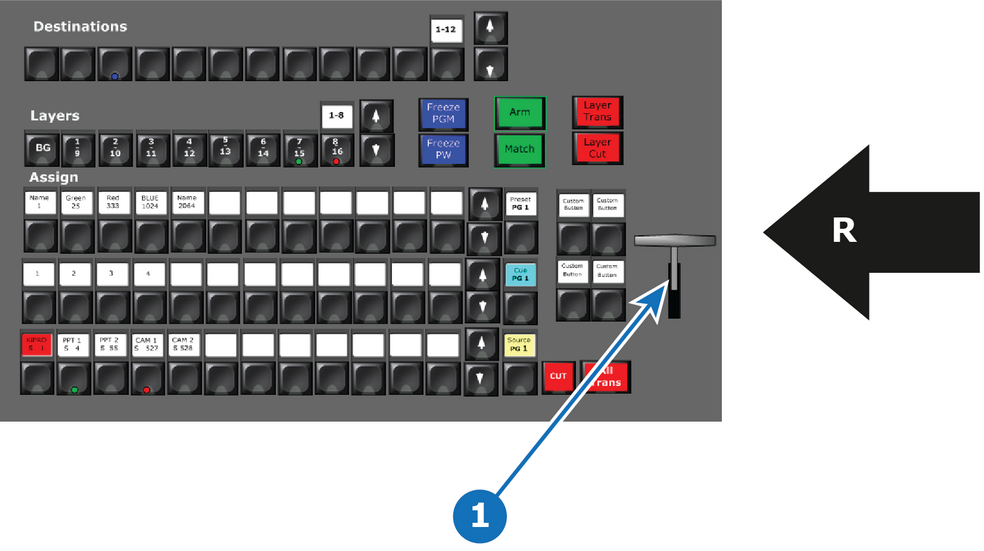
- 1
- T-Bar
- R
- Right Side of the Controller

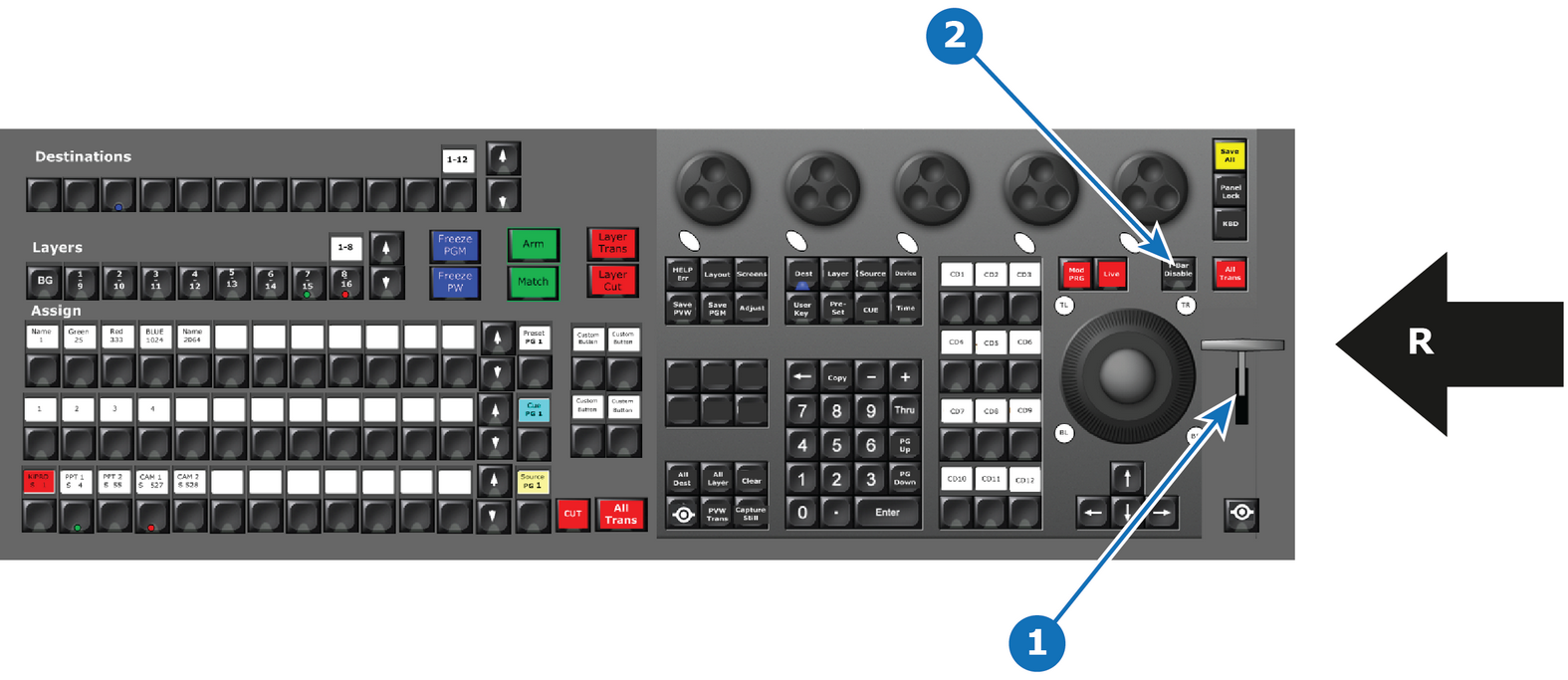
A traditional manual transition T-bar is included in the consoles. It is placed on the far right side of the console for convenience.
The EC-200/EC-210 has a T-Bar disable button above to the left. The button has a red LED indicator that stays lit when the T-Bar is disabled.
The T-Bar transitions from 0 to 100% of the transition for Destinations and cuts Auxiliary at 100%.
In the event of a unknown state, an up or down motion of the T-Bar re-aligns the T-Bar to 0%. If the unknown state was between 0 and 100%, the T-Bar continues and pushes the transition through to 100%.