General
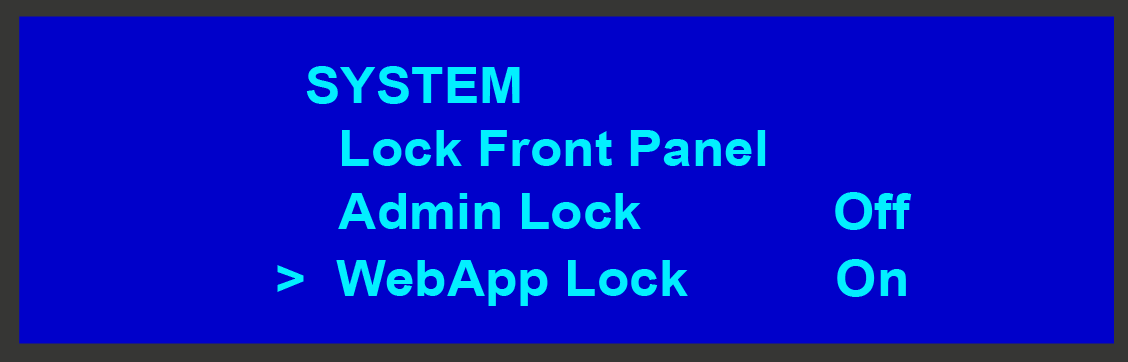
When the WebApp Lock is off (disabled), the settings page hosted in the EMP is accessible through a web browser, as well as through the Settings menu in the EMTS GUI. When the WebApp Lock is enabled, the WebApp is in read-only mode, and no settings can be changed.