General
In this menu the user can store presets, user keys and other system settings on the computer. The menu also allows the user to restore a previously stored system file.
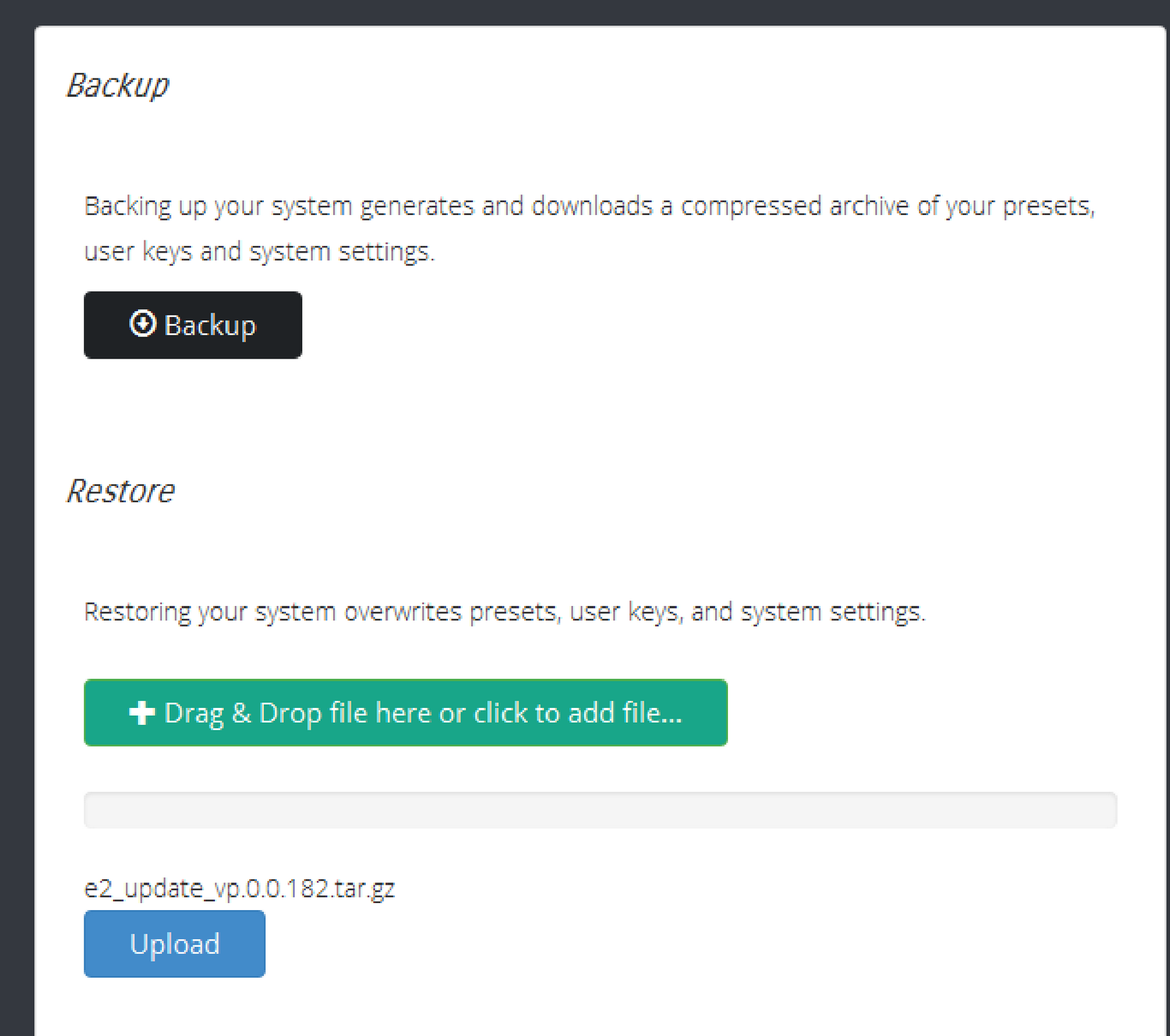


In this menu the user can store presets, user keys and other system settings on the computer. The menu also allows the user to restore a previously stored system file.
Click on the Backup button.
A dialog box opens up.
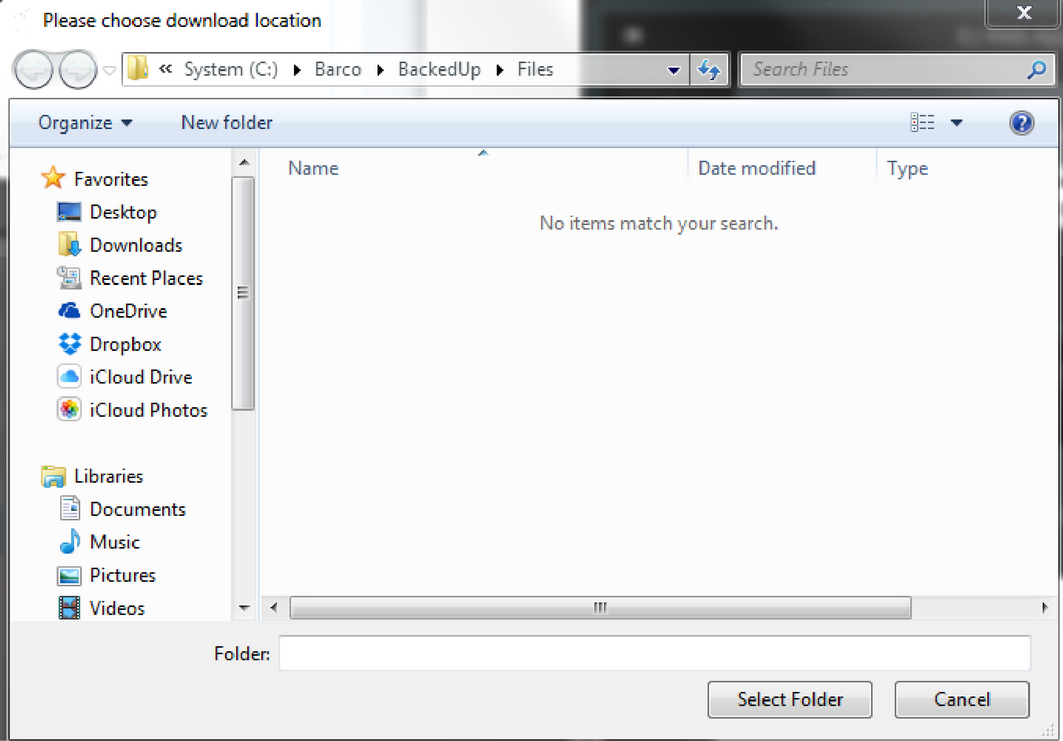
Click on Select Folder.
The Dialog box will close and a new window appears displaying the location and name of the stored compressed file.
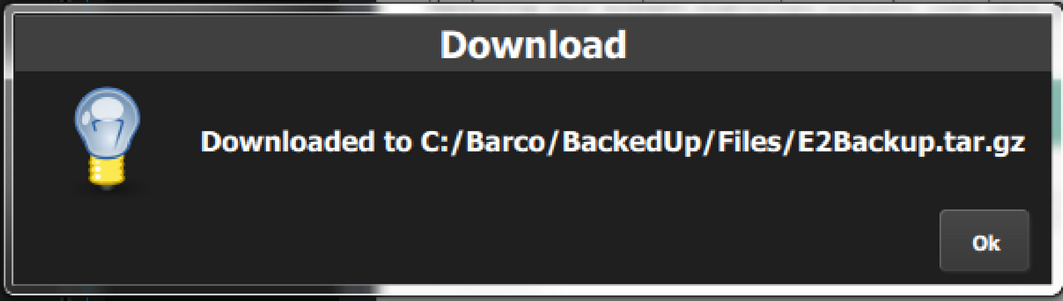
The following procedure allows the user to restore a backed up file into a Event Master series processor:
Drag and drop the file on the green restore button.
A progress bar and a blue Upload button appear.
Click on the Upload button
The progress bar indicates the status of the upload procedure.