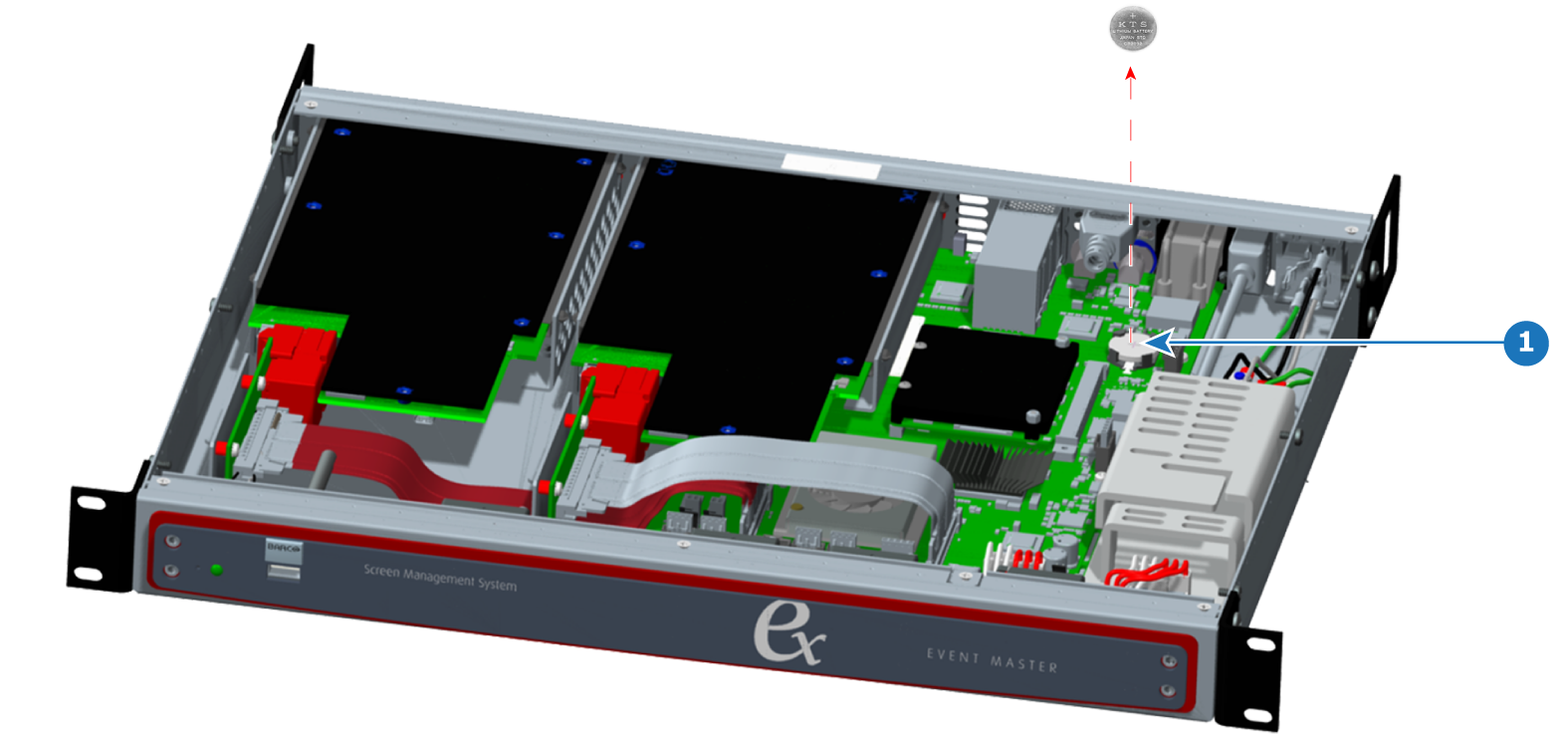
How to remove the system batteryRemove the top coverLift the system battery from its cradle, and remove it from the chassis.
How to install the system batteryTo install the system battery in the EX chassis, follow the steps of the removal procedure in reverse order.Note: The + sign, indicating the positive pole of the battery, should face up.