Concerned parts
| Rear Connector protector |

| Rear Connector protector |
1 x Phillips Screwdriver #2
Remove the eight pan head screws (8-32x.31), four from each side, to detach the rear rack ears and connector protectors from the unit.

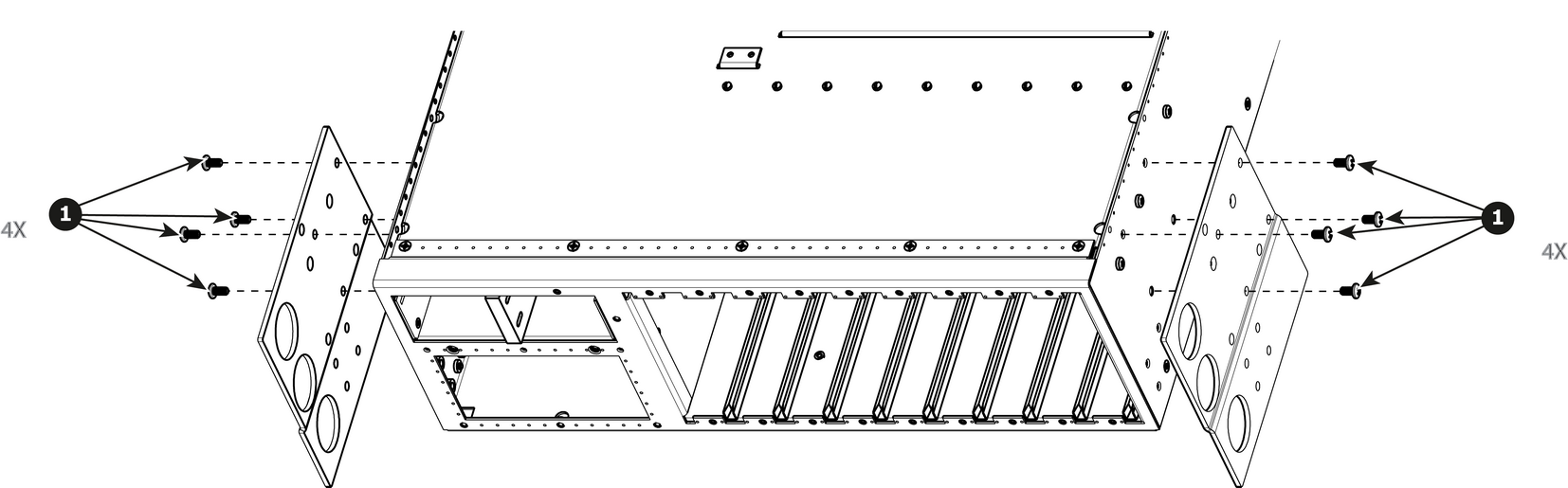
To install the Rear Rack-Ears follow the same procedure in the reverse order.