General
In the Layer menu, users can manage the destination groups and update their attributes.

In the Layer menu, users can manage the destination groups and update their attributes.
The destination group configuration menu is accessed by clicking on the Dest Groups tab.
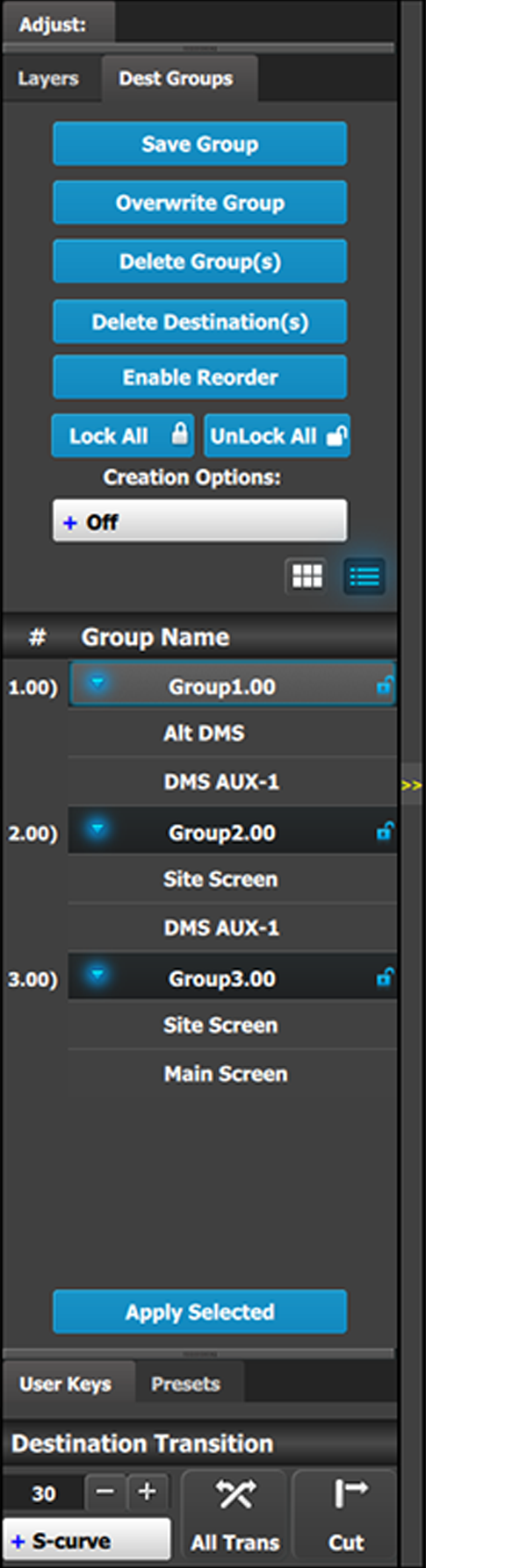 | This menu provides:
|
Go to the Adjustment area and click the Save Group button.
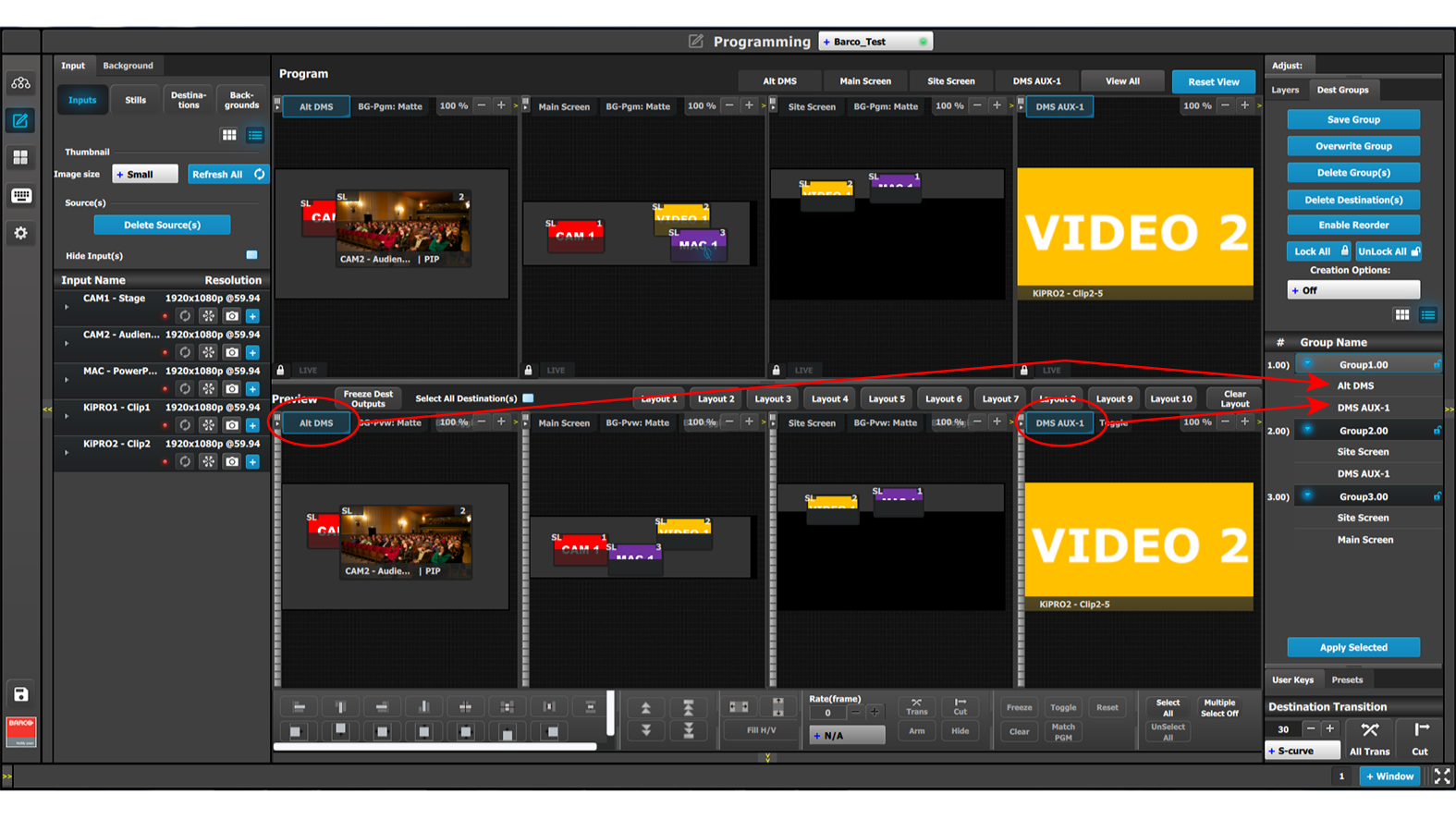
The Destinations in a Destination Group are shown in Image 6–90.
This Overwrite Group button is enabled if a Destination Group is selected. Pressing this button overwrites the Group data in the selected Destination Group, but the name of the Group is not updated.
Selecting the Delete Group(s) button places an x next to the name of each Group in the Group Name list.
Selecting the Delete Destination(s) button places an x next to the name of each Destination in the Group Name list.
This button enables the reordering of the Destination Groups in the list.
Select the Enable Reorder button.
The text of the button changes to “Disable Reorder.”
Click the Apply Selected button to recall the group.
The user can also recall a Dest Group by dragging and dropping it into the Workspace/Programming Diagram area.
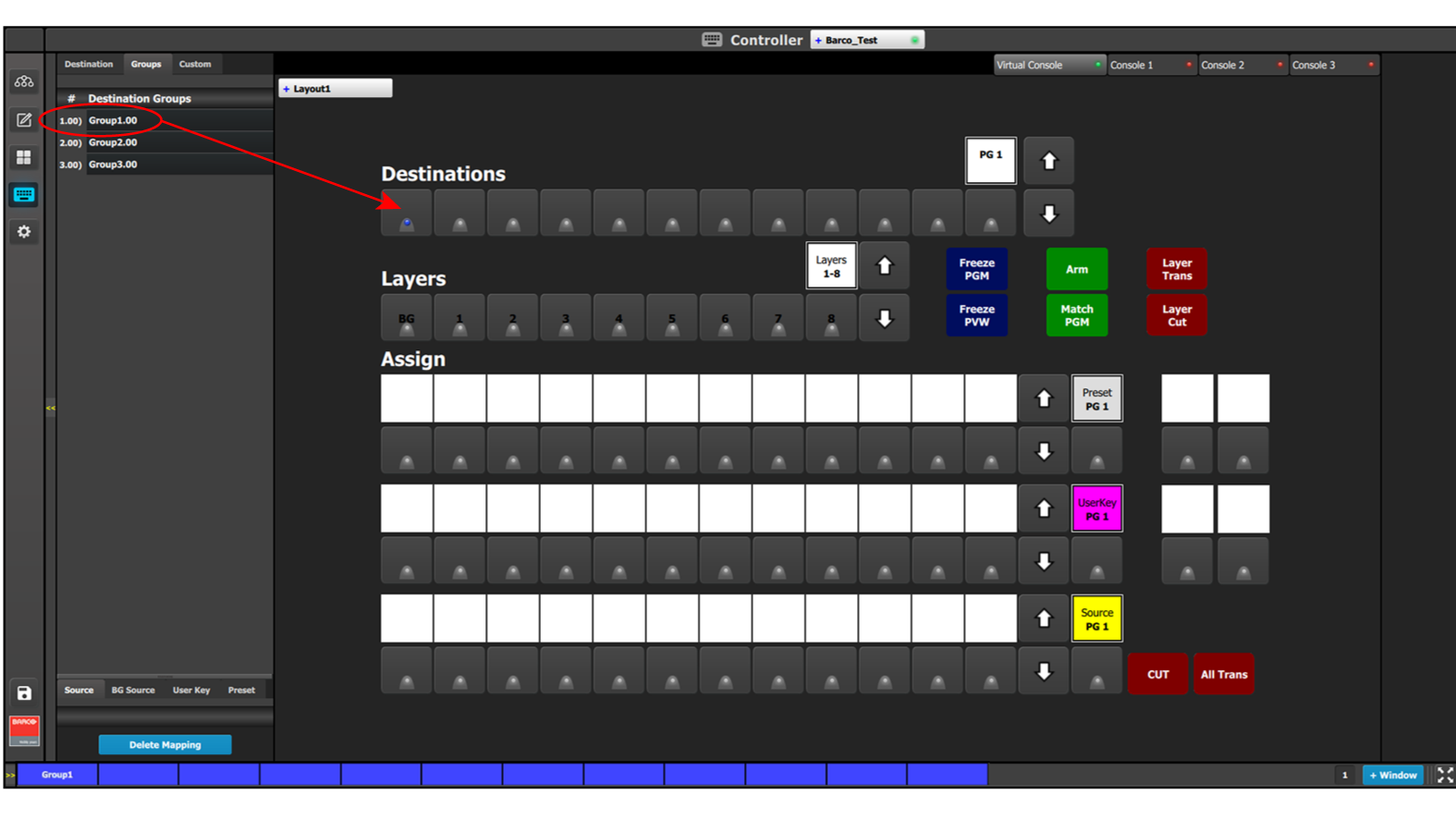
The Resources area of the Controller Menu has a Groups tab. Groups can be dragged and dropped from the Resources area to the System Diagram area and then be recalled from the controller.