General
At the bottom of the adjustment panel, is the transition rate and type buttons. These actions are executed for the selected Destinations.

At the bottom of the adjustment panel, is the transition rate and type buttons. These actions are executed for the selected Destinations.
These controls are disabled if no Destination is selected.
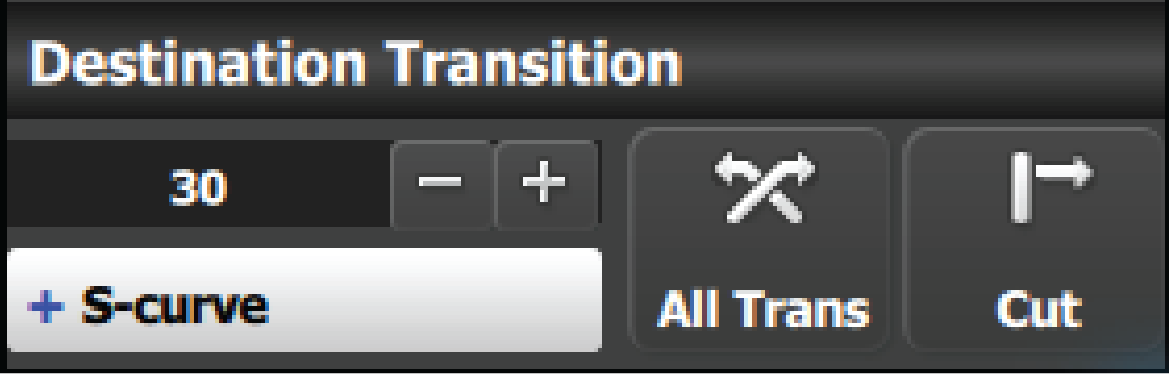
All Trans button
This button transitions selected Destinations from Preview to Program in the amount of time set in the transition rate. The transition rate is declared in frames as a compared to the System Native Rate defined on the Configuration menu. By default, the System Native Rate is set to 59.94 frames per second, so a transition rate of 30 would transition the look from Preview to Program in about ½ second.
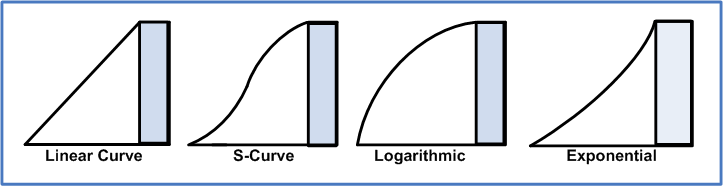
Four transition types are available: Linear, S-Curve, Logarithmic and Exponential.
CUT button
Pressing the CUT button immediately replicates the “look” on Preview to Program.