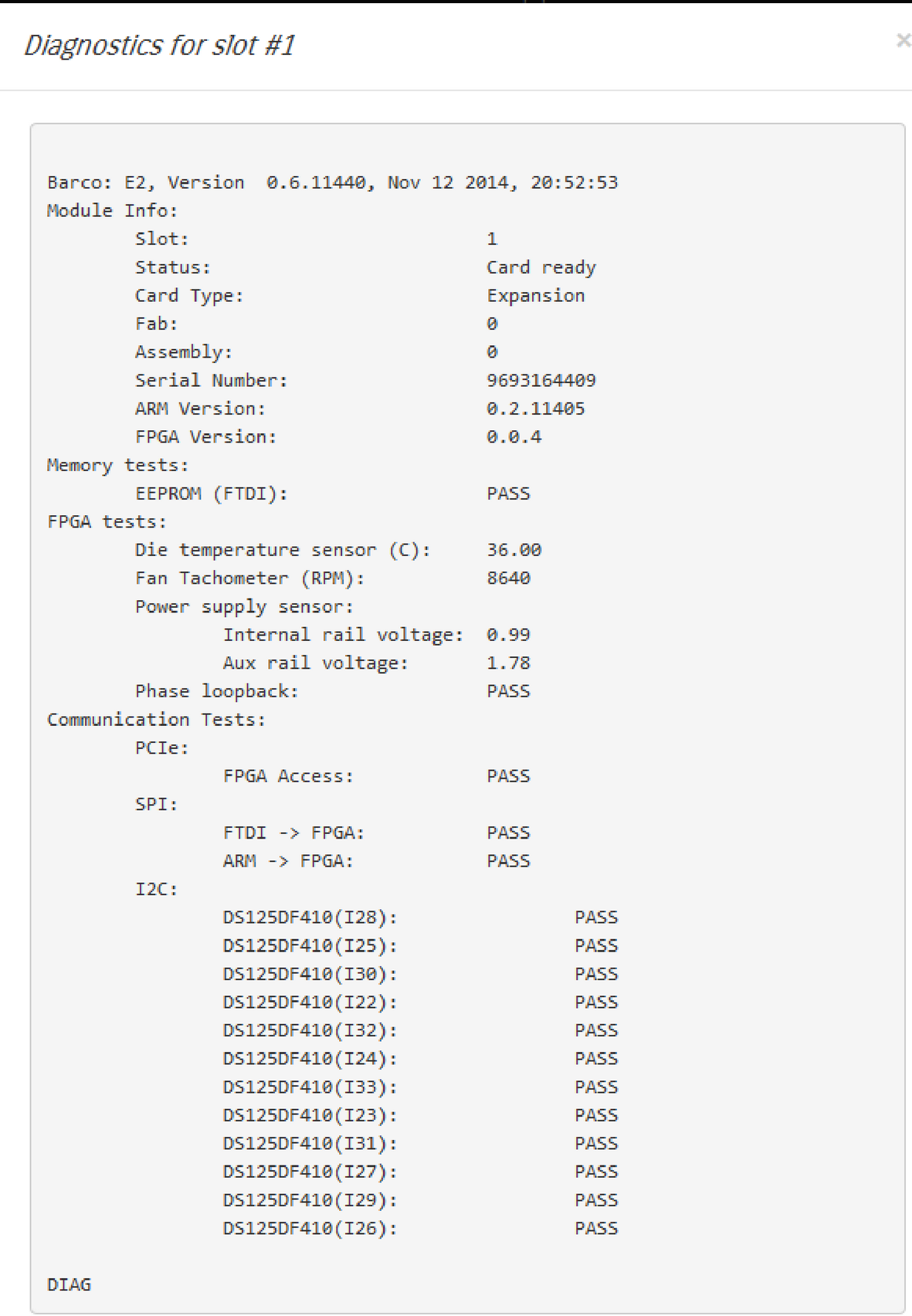
General
The four subtabs in the Dashboard window provide access to card diagnostics software:
- Inputs
- Outputs
- Expansion
- Other
The user can perform the diagnostic of each card separately, or run a full diagnostic of all unit cards.

The four subtabs in the Dashboard window provide access to card diagnostics software:
The user can perform the diagnostic of each card separately, or run a full diagnostic of all unit cards.

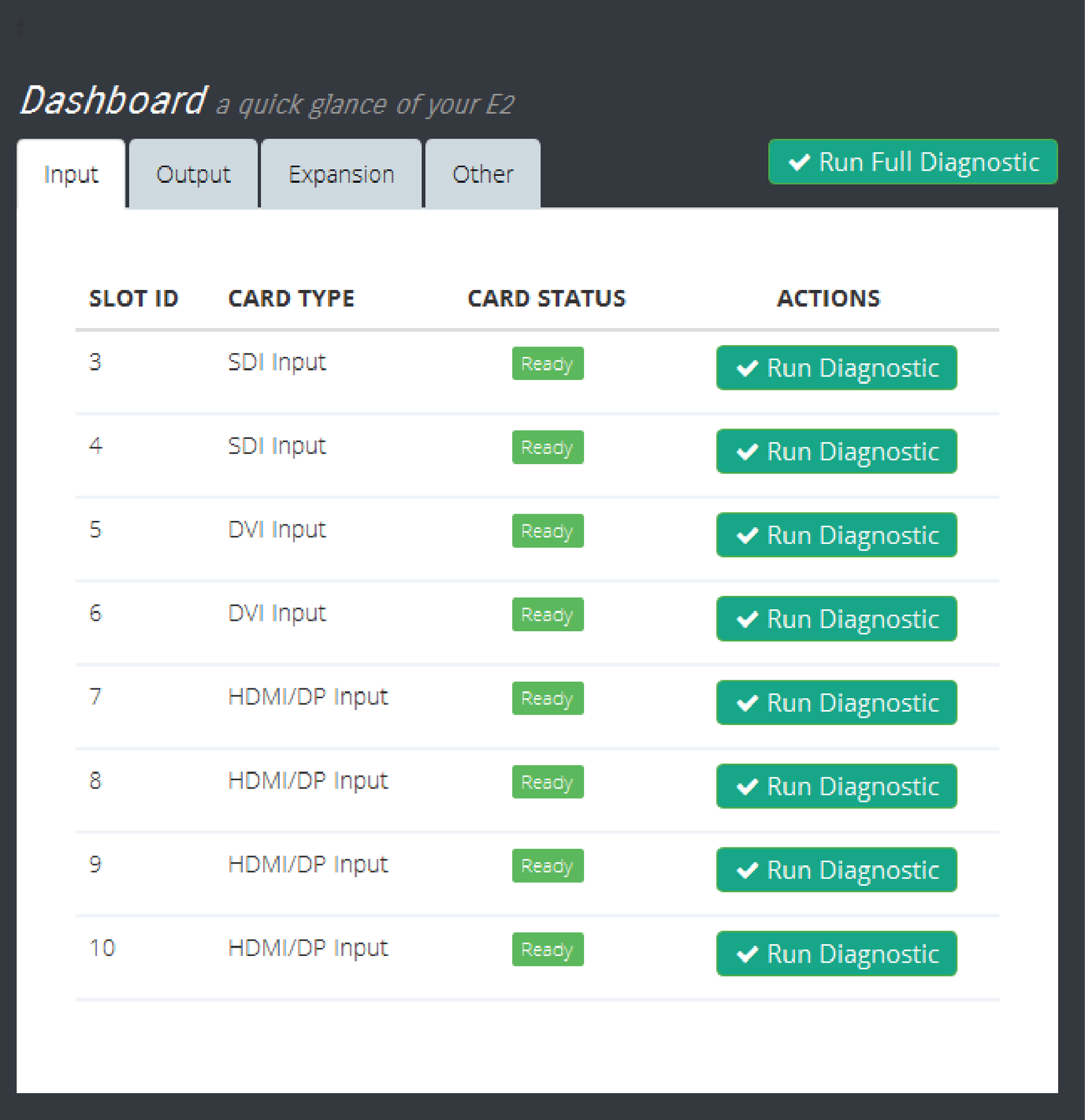
The Inputs menu presents a list of the input cards installed in the system. The status column indicates whether any errors have been detected. Detailed diagnostics tests for each card are performed by selecting the diagnostics button under the action column.
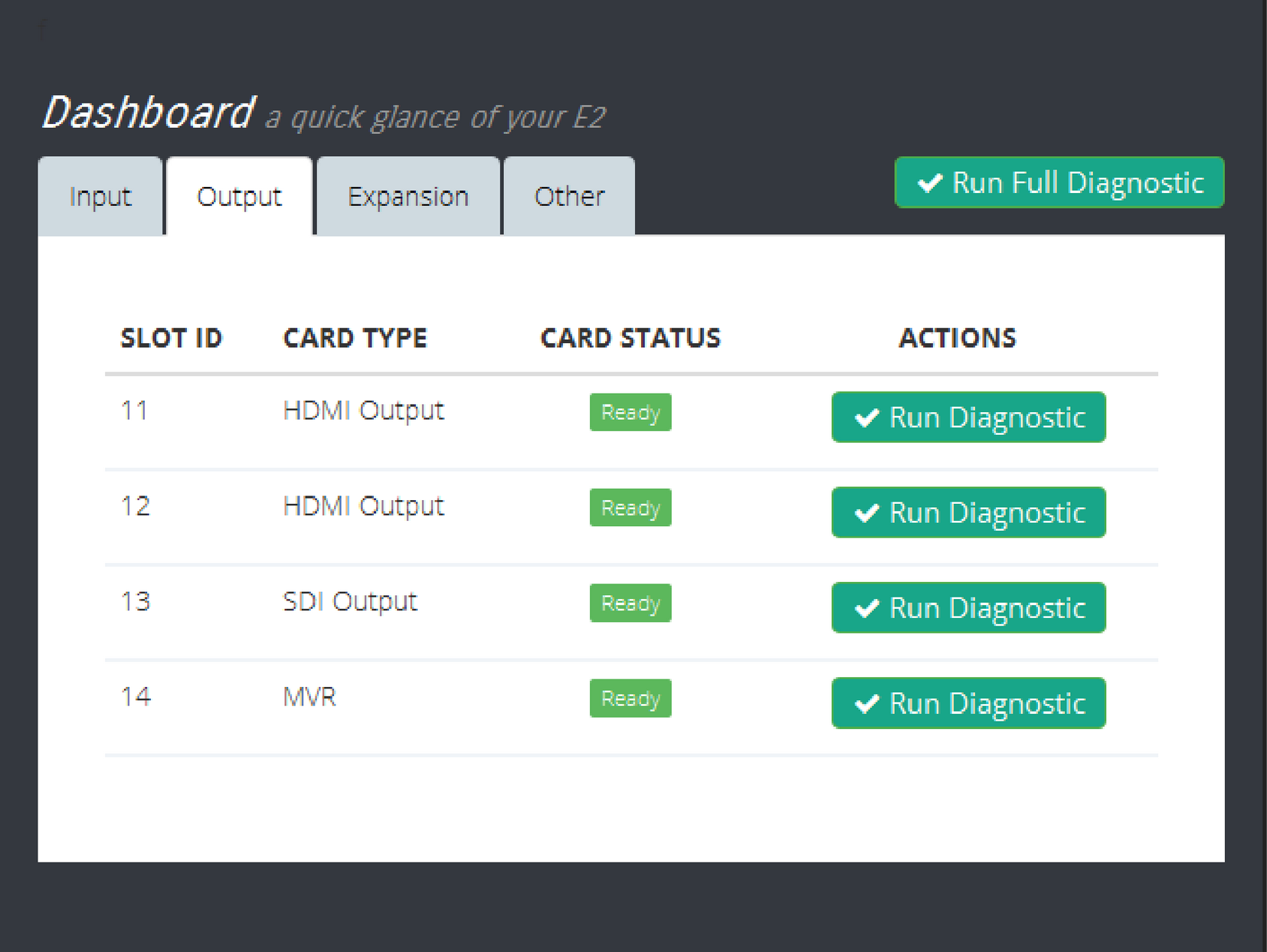
This menu presents a list of the output cards installed in the system. The status column indicates whether any errors have been detected. Detailed diagnostics tests for each card are performed by selecting the diagnostics button under the action column.
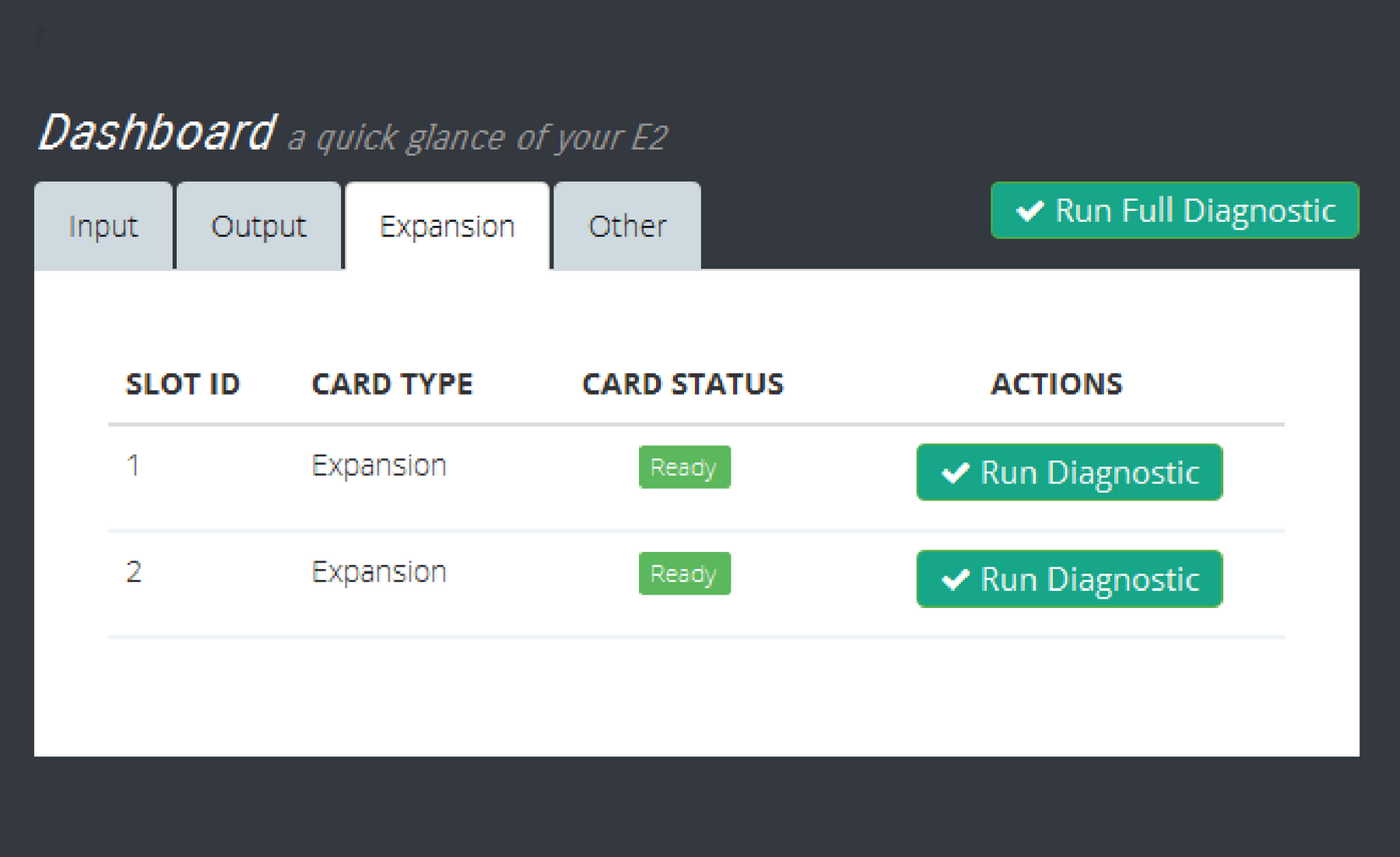
This menu presents diagnostics for the Expansion card. The status column indicates whether any errors have been detected. Detailed diagnostics tests for each card are performed by selecting the diagnostics button under the action column.
This menu presents diagnostics for the Motherboard and all VPU cards. The status column indicates whether any errors have been detected. Detailed diagnostics tests for each card are performed by selecting the diagnostics button under the action column.

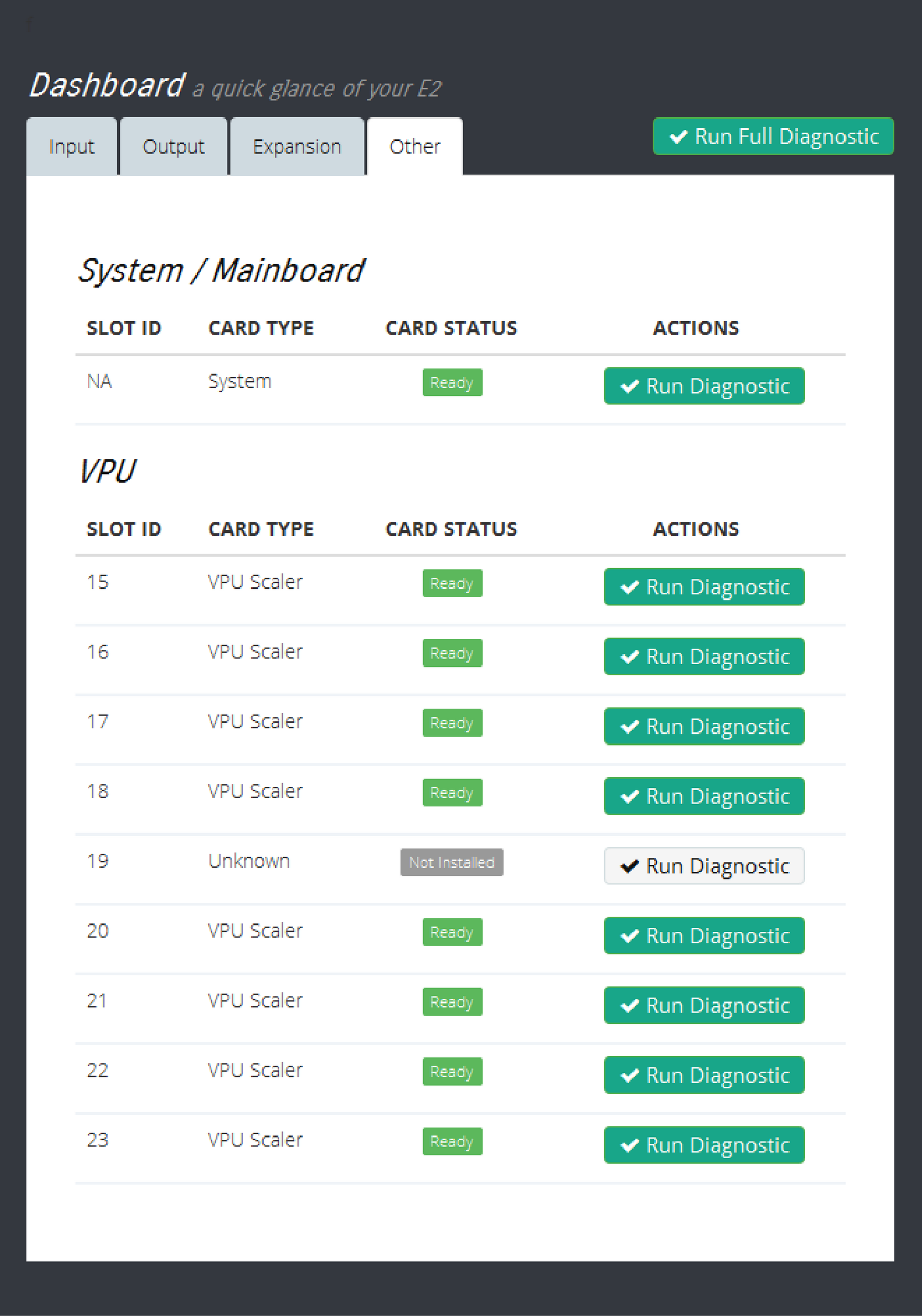
Select the Run Diagnostic button for any slot, and the unit generates a detailed report with a Pass or Fail indication.