15.16 USB Extension Cable

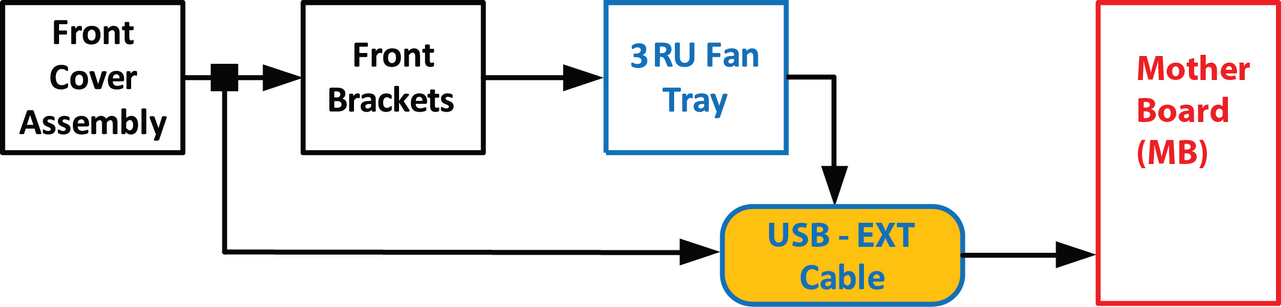
Flow chart
Image 15–34
Note: The USB Extension cable connects the USB cable to the Motherboard. This procedure provides instructions on how to disconnect the cable on both sides.
Overview
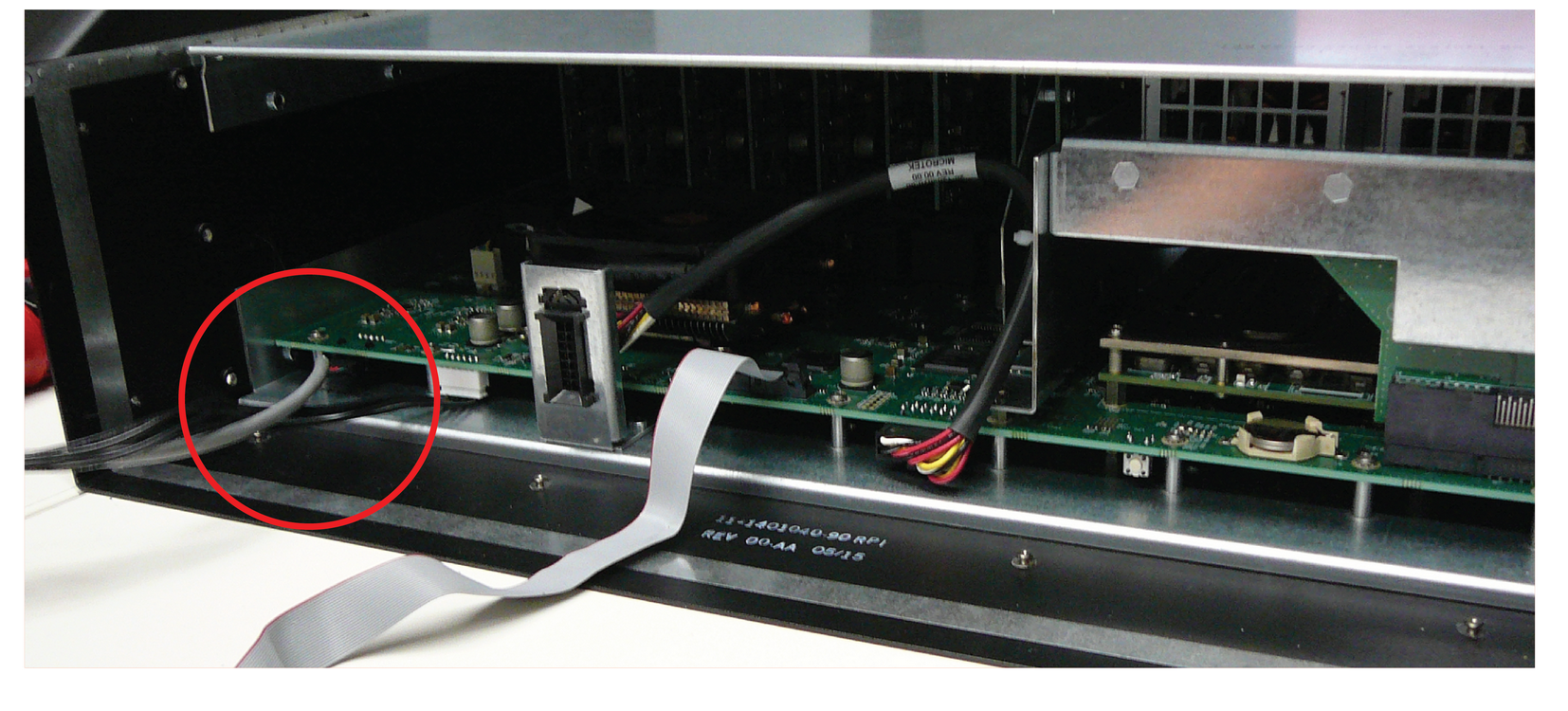
Image 15–35 USB Ext Cable connected to the Motherboard
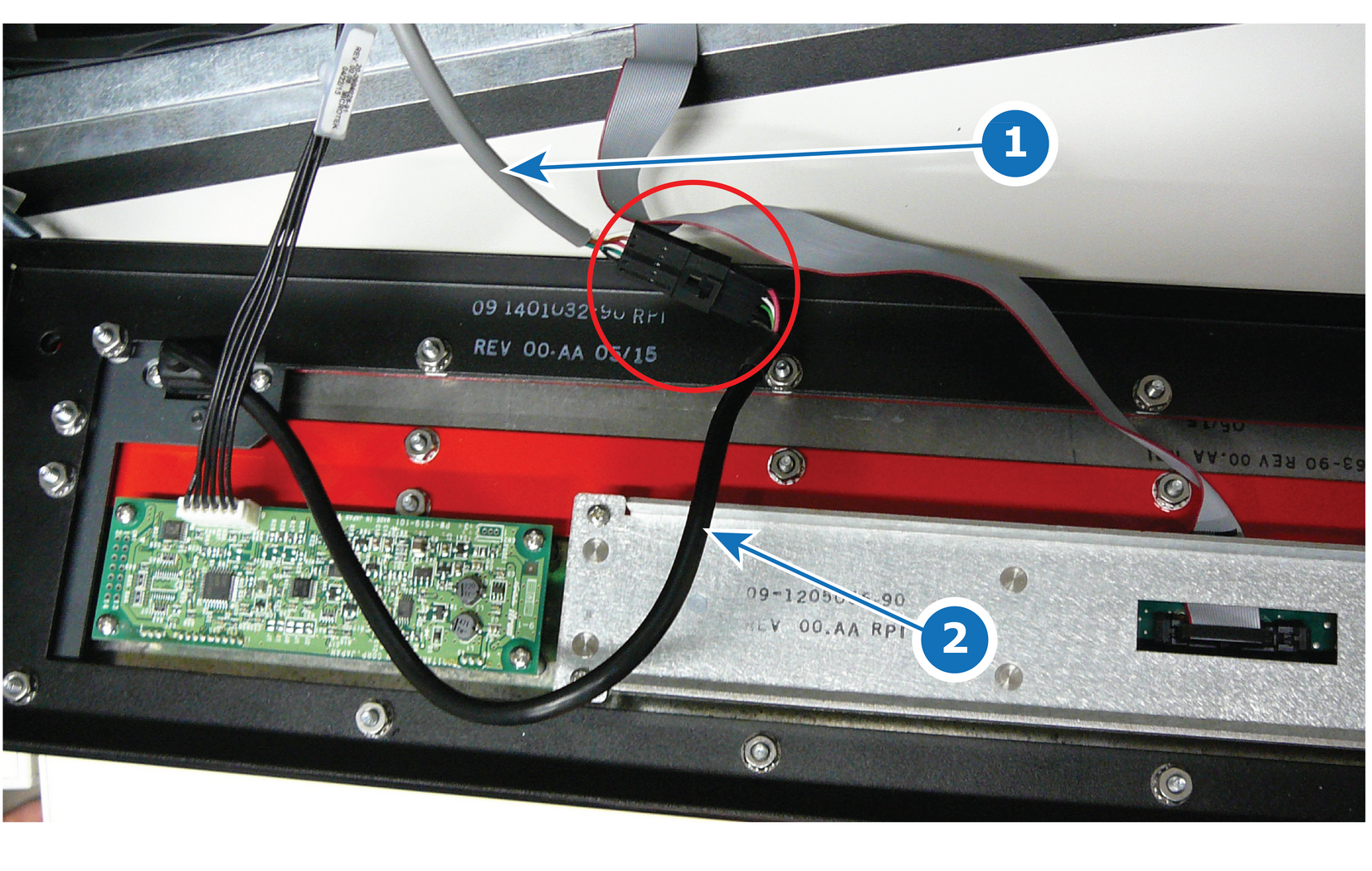
Image 15–36 USB Ext Cable connected to the USB Cable behind the front panel
1
USB Ext Cable
2
USB Cable
Concerned parts
Cable Kit Set
Necessary tools

1 x Phillips Screwdriver #2 (to remove the front panel assembly)

How to remove the USB Extension cable
  1. Partially remove the front panel assembly and pull it away to expose the cables behind it (refer to the related procedure).
  2. Disconnect the USB Extension cable from the USB cable.
  3. Gently push the cable through the grommet located in the 3RU Fan tray.
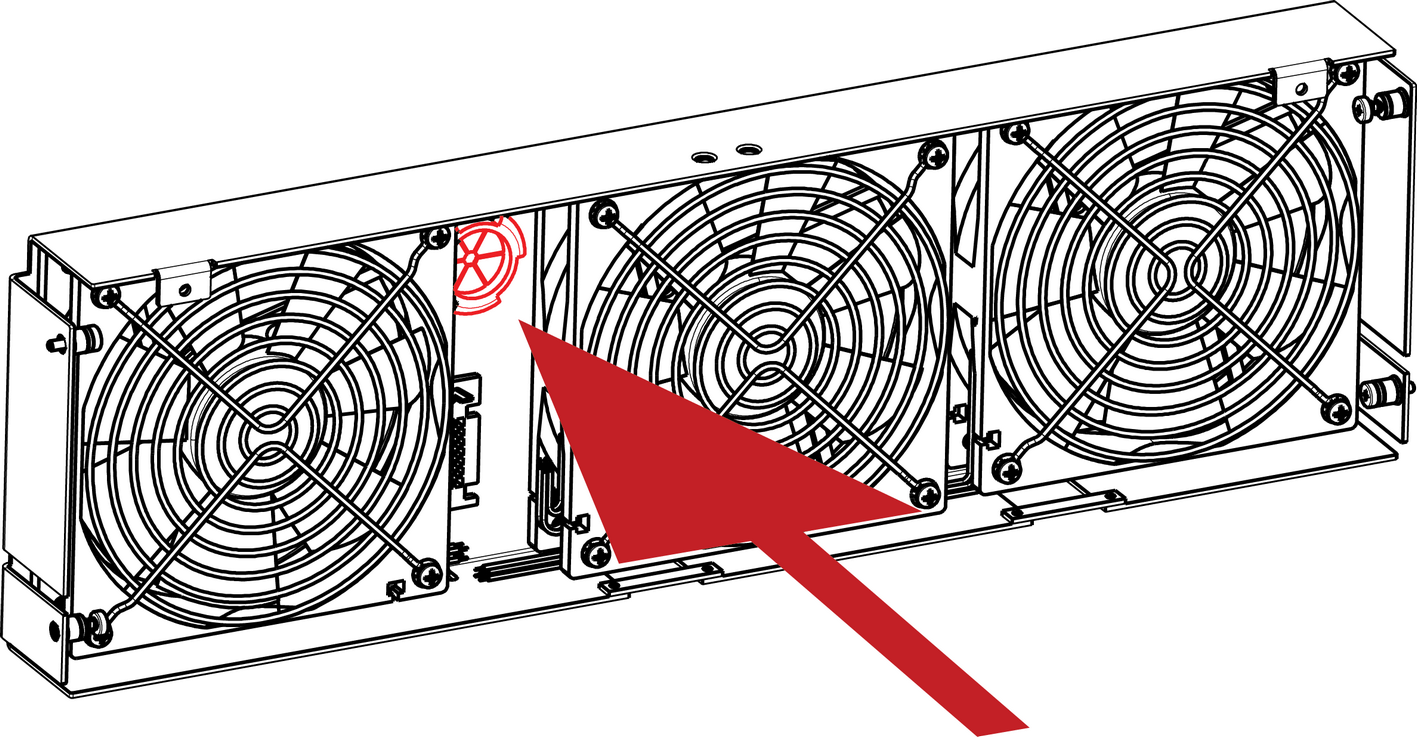
    Image 15–37
  4. Remove the 3RU Fan tray in order to access the motherboard (refer to the related procedure).
  5. Locate the USB Extension cable that is plugged on the Motherboard.
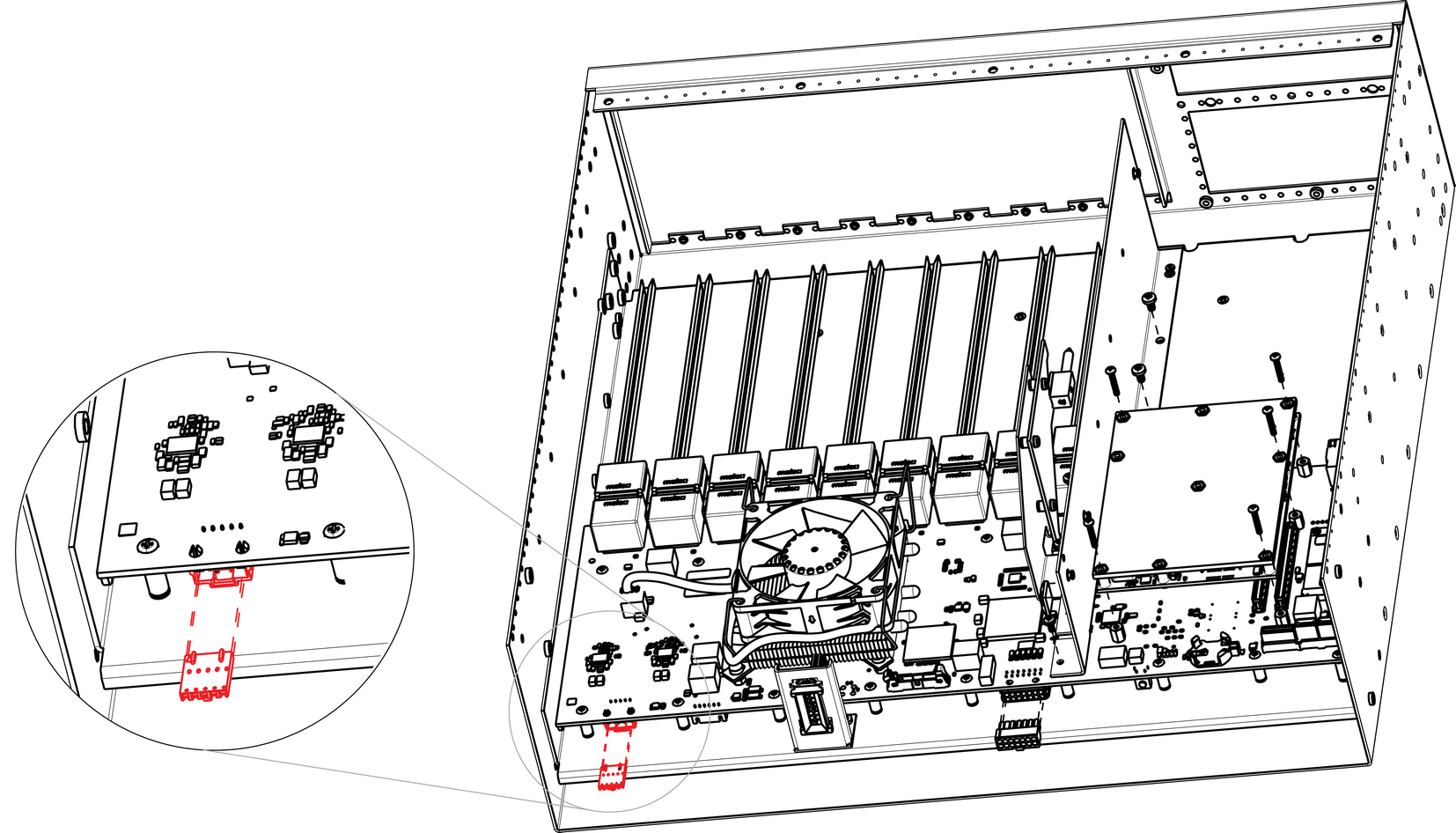
    Image 15–38
  6. Unplug the USB Extension cable by gently pushing it out.
  7. Pull the cable out of the unit.
How to install the USB Extension cable

To install the USB Extension cable follow the same procedure in the reverse order.