Quick source selection
Press the Input button on the remote control or local keypad.
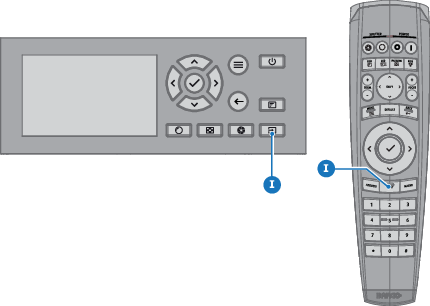
Image 6–1 The menu opens on the LCD display.
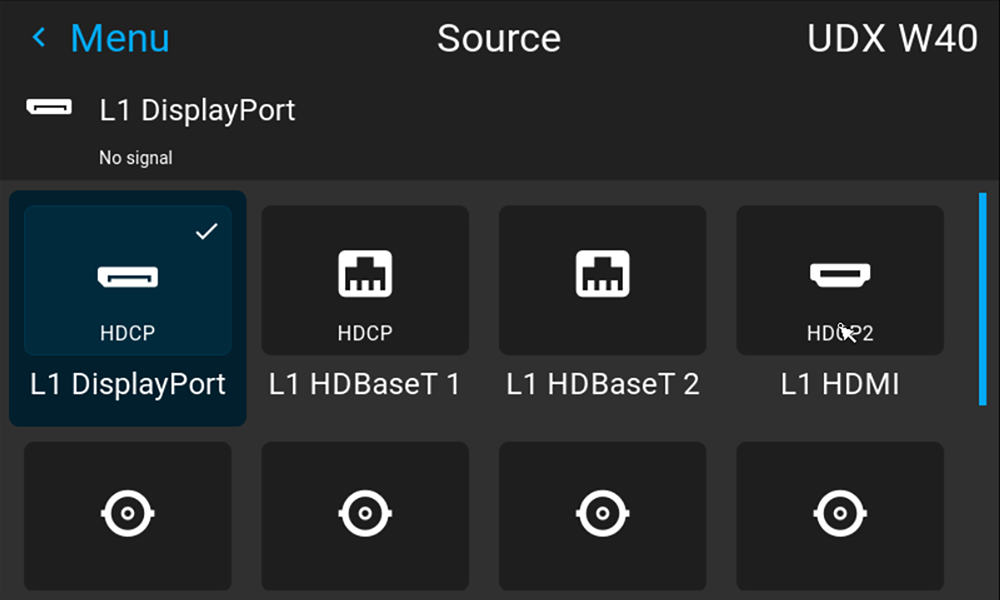
Image 6–2 Example of the input selection menu - Use the arrow keys to select the desired source.

Press the Input button on the remote control or local keypad.
The menu opens on the LCD display.
Press the Test pattern button on the remote control or local keypad.
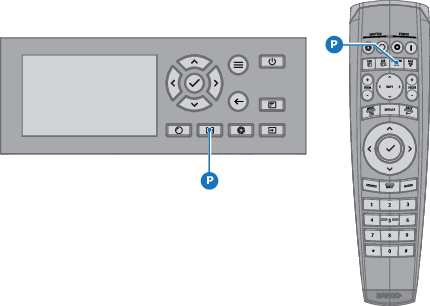
The menu opens on the LCD display.