23.6 Convergence

About convergence

Convergence alignment of the red, green and blue can drift due to multiple reasons. There are two ways to compensate for this drift:

Note: Electronic convergence can only be used to align up to two pixels in each direction in increments of one pixel. For a more refined convergence method, use the mechanical convergence instead.

For more info on the mechanical convergence, consult the service manual of the projector.

How to set convergence electronically
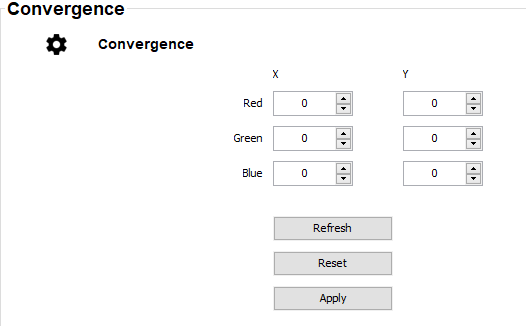
  1. While in the Service module, click Run Convergence.

    The Convergence window is displayed.

    Image 23–10
  2. Select the desired X or Y value for one of the three colors and confirm.
  3. Use the arrow keys to raise or lower the value and confirm.
  4. Confirm all changes by pressing Enter.

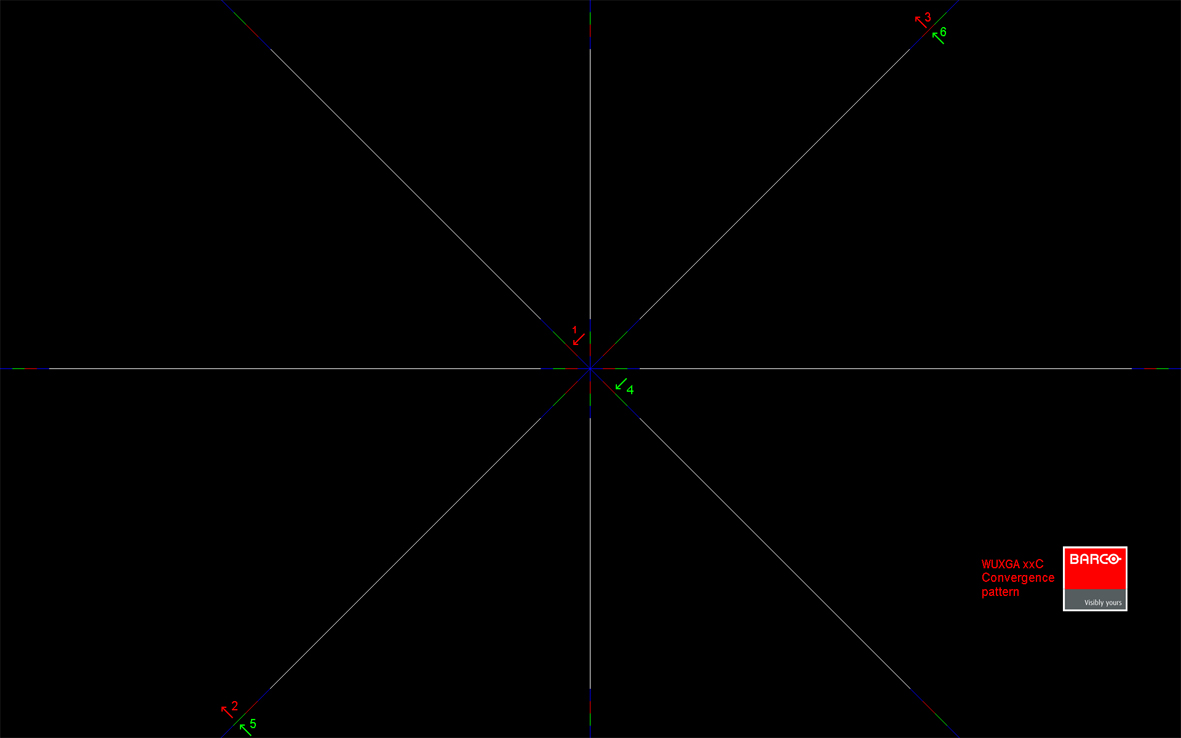
    Image 23–11
    Tip: Press the Reset icon to return all values to the factory settings.
  5. Repeat all steps until the desired alignment is achieved.