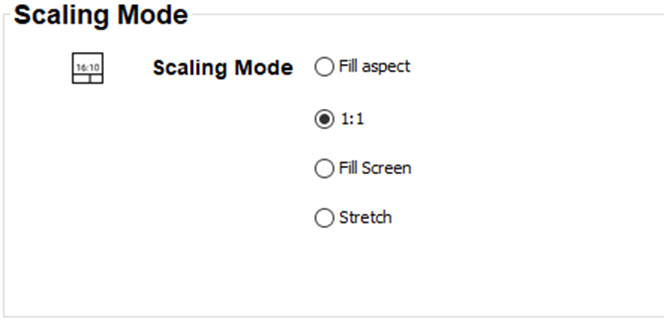
About scaling modes
While the default mode of projection is to fill the screen while respecting the aspect ratio (fill aspect), it is also possible to stretch the image in a different way. You can choose from one of the following scaling methods:
| Scaling Mode | Explanation | Example image[1] |
| Fill aspect | Default scaling mode. Stretches the image to the native resolution of the DMD, while respecting the original aspect ratio. |  |
| 1:1 | An exact rendering of the source signal, which may be smaller than the native resolution |  |
| Fill screen | Fills the screen to the screen size defined in the Screen Size menu, while respecting the original aspect ratio. | 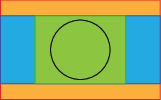 |
| Stretch | This mode stretches the image to the screen size defined in the Screen Size menu, while ignoring the original aspect ratio. | 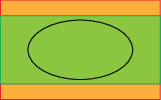 |