Start up
While in the Preferences menu:
Click on Logging.
The window is displayed.
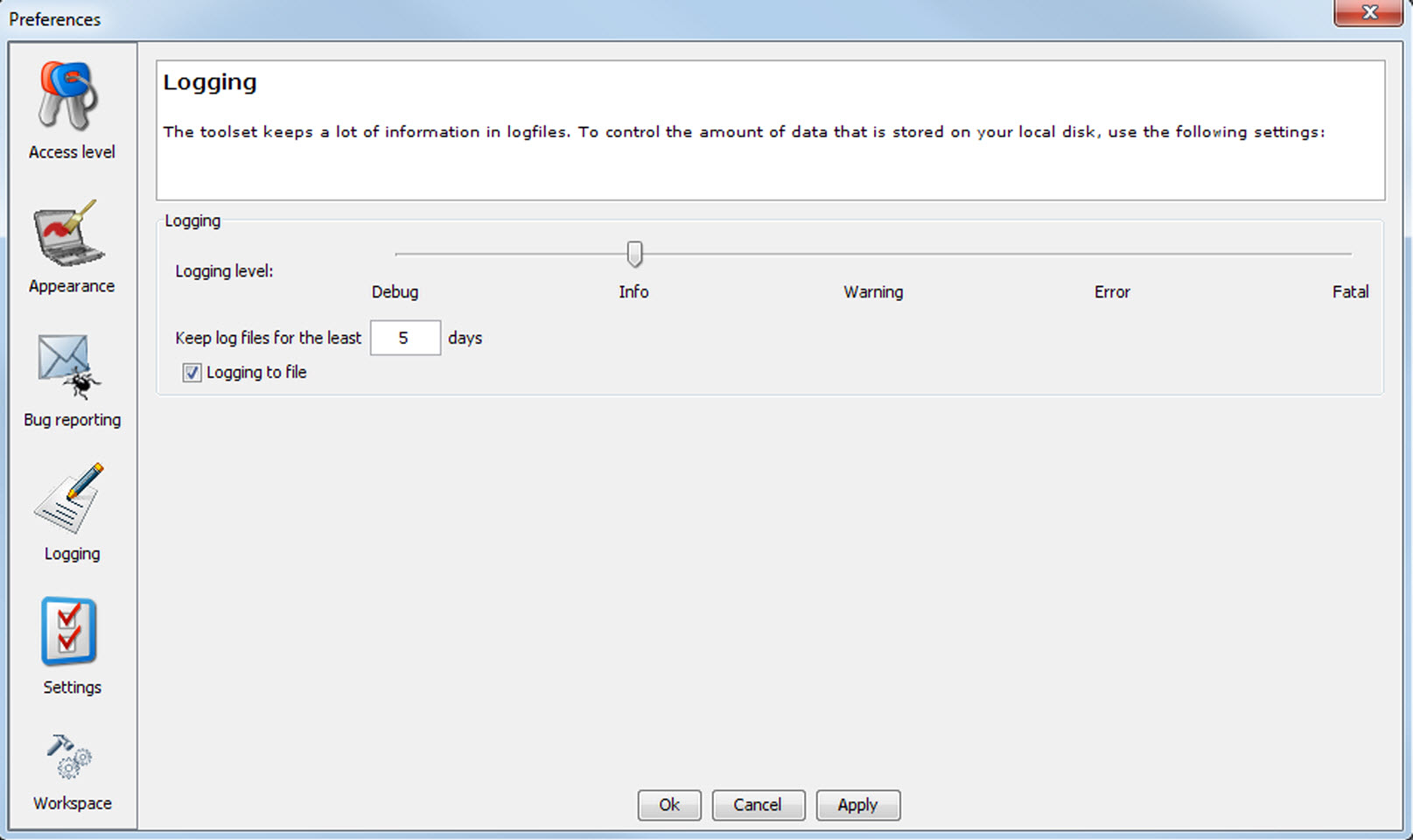
Image 4–11 Logging preferences

While in the Preferences menu:
Click on Logging.
The window is displayed.
Click on the slider bar to set the desired logging level.
The following levels are possible:
The logging about the behavior of the program can be logged in a file. Each time the program is started a new log file is created. The file is saved in a subdirectory of the Projector Toolset install directory. The file name contains the date and the sequence of start up at that date.
The logging level can be set to limit the number of data. By default, level is setup. Other levels are , , and .
Check the check box in front of if you want to activate the logging. This is a preferred setting.
The period a logging must be saved on disk can be set. Default set to 20 days. All logging older than 20 days will be removed.
When the period is set to “0”, only the last created logging will remain on the disk.
To clear the complete logging directory, click once on Clear all.